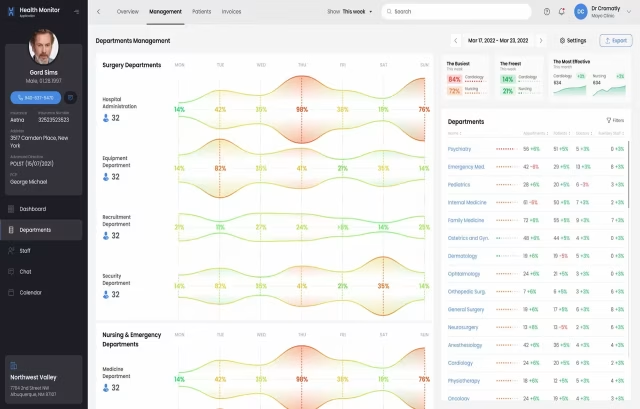
Our medical device UI/UX design services cover device screens, SaMD, and companion apps, plus the UI specs and formative test records your IEC 62366 file asks for.
What we design
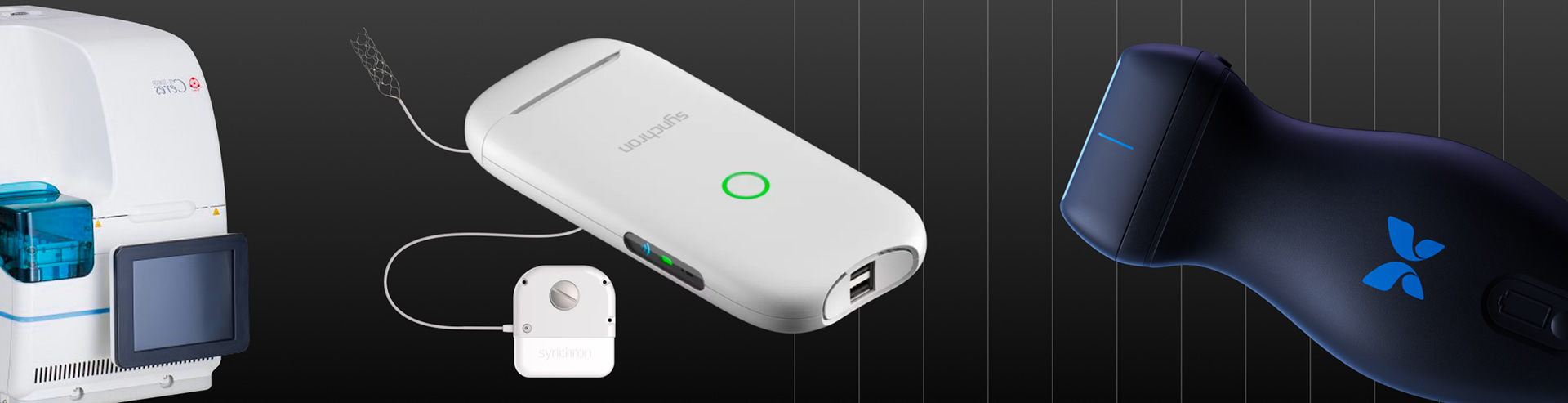
Our medical device interface design services cover four kinds of products, from the screen on the device to the dashboards clinicians read afterward.
Each one starts from the device's intended use and the people who touch it: clinicians, technicians, or patients at home.

Device touchscreens and embedded displays
Medical device GUI design for bedside, handheld, and lab instrument screens, with clear alarm priority and device states people can read at a glance.

SaMD and clinical web apps
SaMD UI design for software that is itself the medical device: results, decision support, and reports a clinician can check before acting.

Companion apps for home-use devices
Setup, step-by-step use, and clear next steps when a reading is out of range, written for lay users, not clinicians.

Clinician dashboards for device data
Trends, flags, and reports built from device readings, like the results platform we designed for Vasolabs.
What your IEC 62366 usability file gets from us
We deliver the design inputs and records your IEC 62366-1 usability engineering file needs from the UI team, each one traced to your critical tasks and use-related risks.
If your team already has a use specification or a risk file, we start from it. If not, we build the UI inputs with you during discovery.
- Use specification inputs. User groups, use environments, and critical tasks, documented during discovery.
- Task analysis and UI requirements. Every UI requirement traces back to the task it supports.
- A user interface specification. Every screen, state, alarm, and message, written so engineering builds exactly what was tested.
- UI risk controls. Confirmations, lockouts, alarm priority, and error recovery for the use-related risks in your ISO 14971 file, each with its design rationale.
- Formative usability test records. What we tested, the use errors and difficulties we found, and what we changed.
Summative validation is run by your human factors team or an independent lab. We deliver the final UI and the specification, and we support the validation protocol.
Our process follows the structure in FDA’s guidance, Applying Human Factors and Usability Engineering to Medical Devices, and draws on ANSI/AAMI HE75 design practice.

Vasolabs
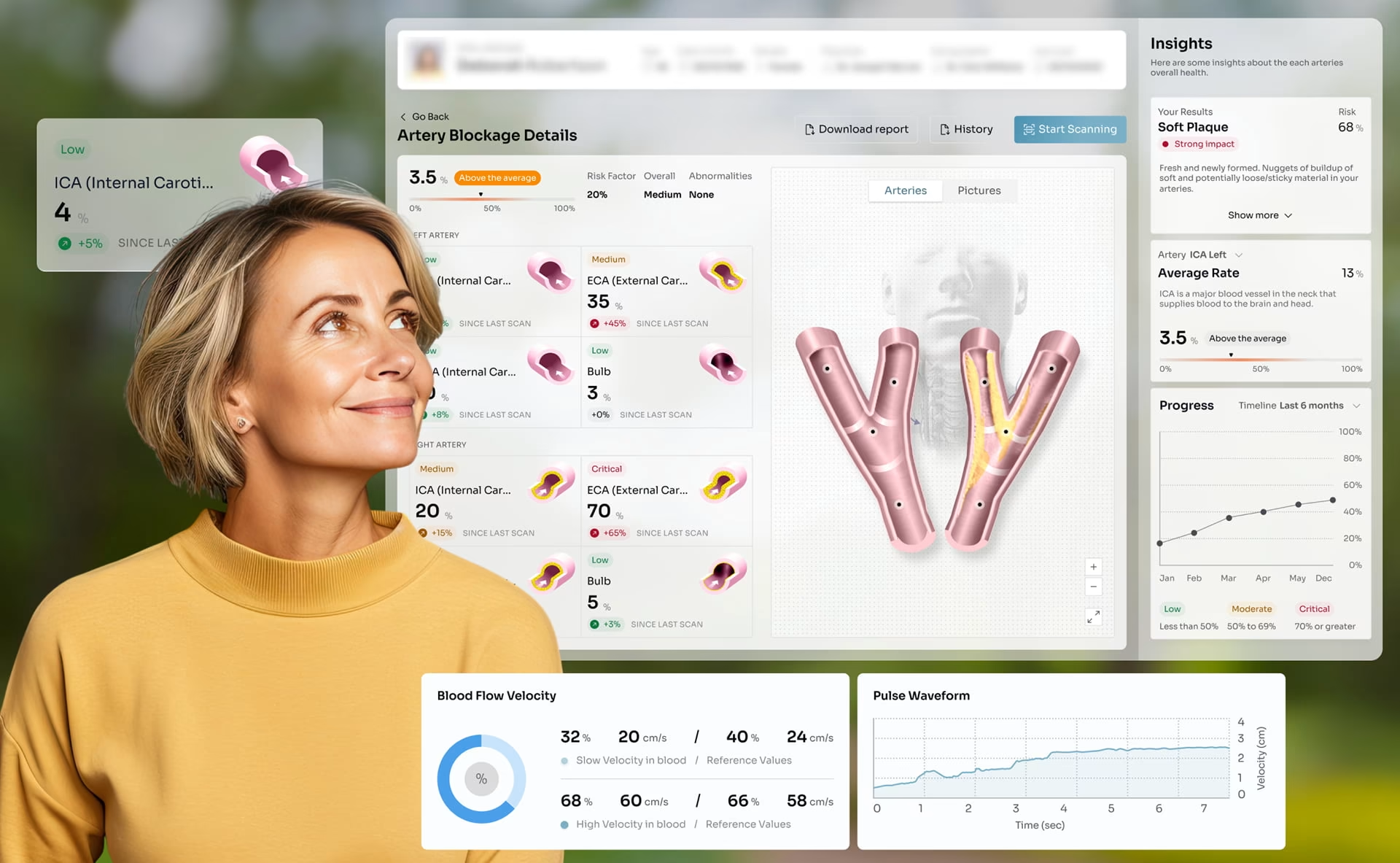
We designed the interface for Vasolabs’ ultrasound artery scanning platform, used by technicians during the scan and by providers and patients reviewing the results. See the Vasolabs case study.

Live scanning screen
Technicians follow live scan images and real-time measurements as the scan happens. Remote technicians can view the same live images to guide the scan.

Results platform
Vascular age against actual age, color-coded artery blockage illustrations, C-IMT details, and progress across follow-up scans. It works on touchscreens and with a mouse.
Digest Scanner
(lab analyzer)
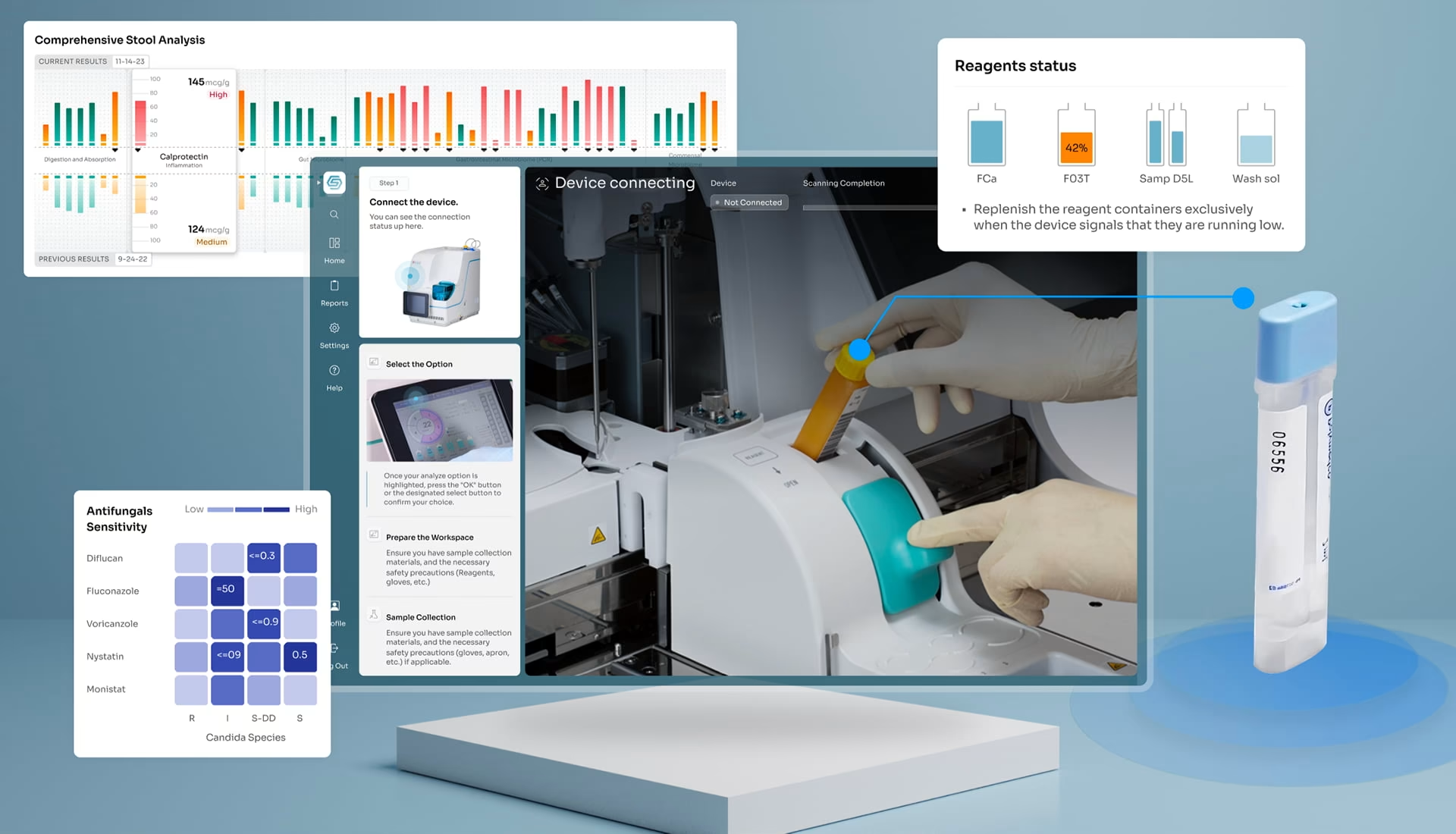
For a lab analyzer, we designed the touchscreen interface lab technicians use and the results dashboards providers read. Each view is shaped for the person reading it.

Results dashboard
Abnormal results come first, because that’s what providers act on. Results and microbiome timelines fit a compact view built for the analyzer’s screen.

Technician touchscreen
Touchscreen navigation and animated overlays guide technicians through each workflow, showing which steps are done, which come next, and which data needs attention.
BrainMed+
(concept study)
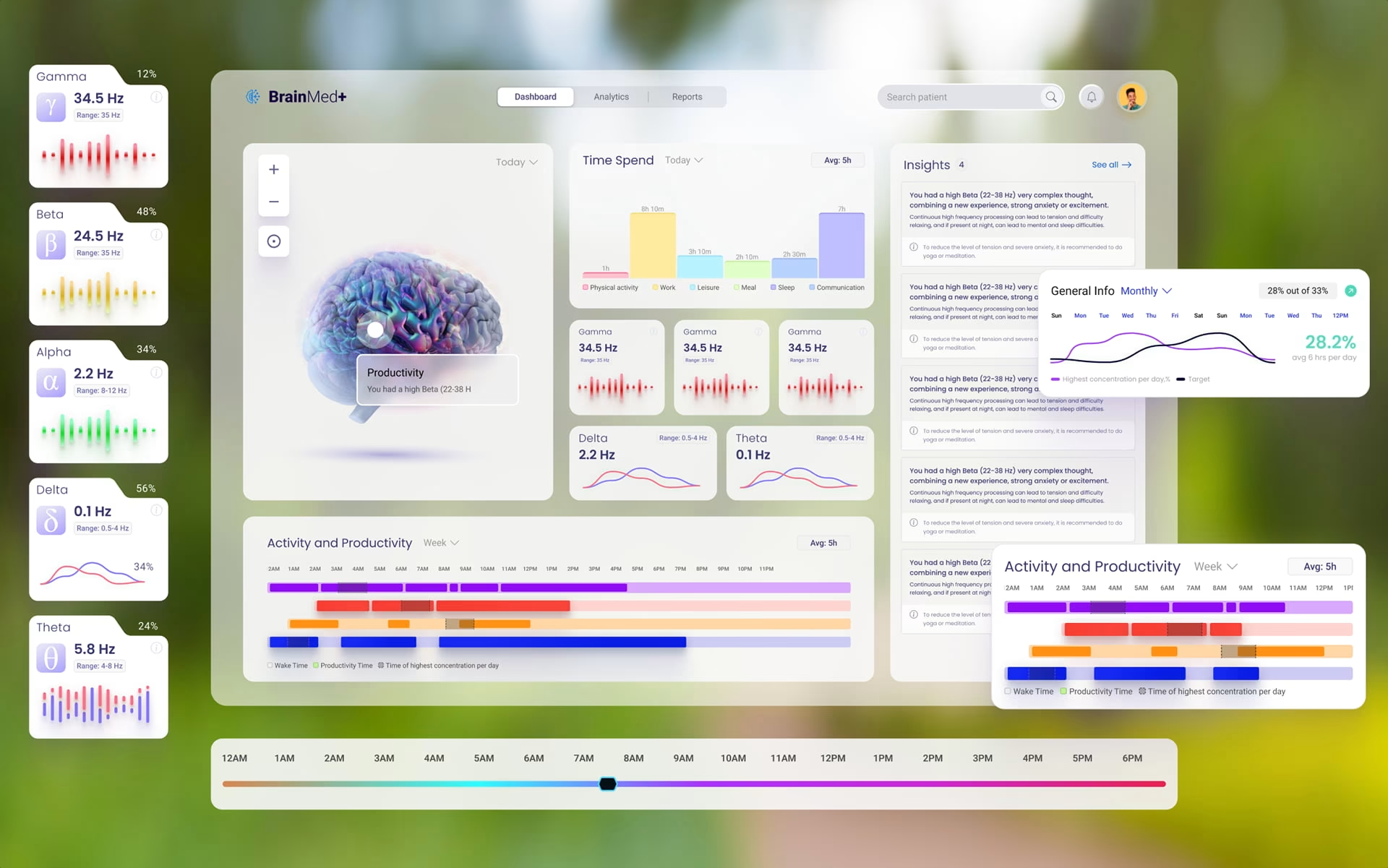
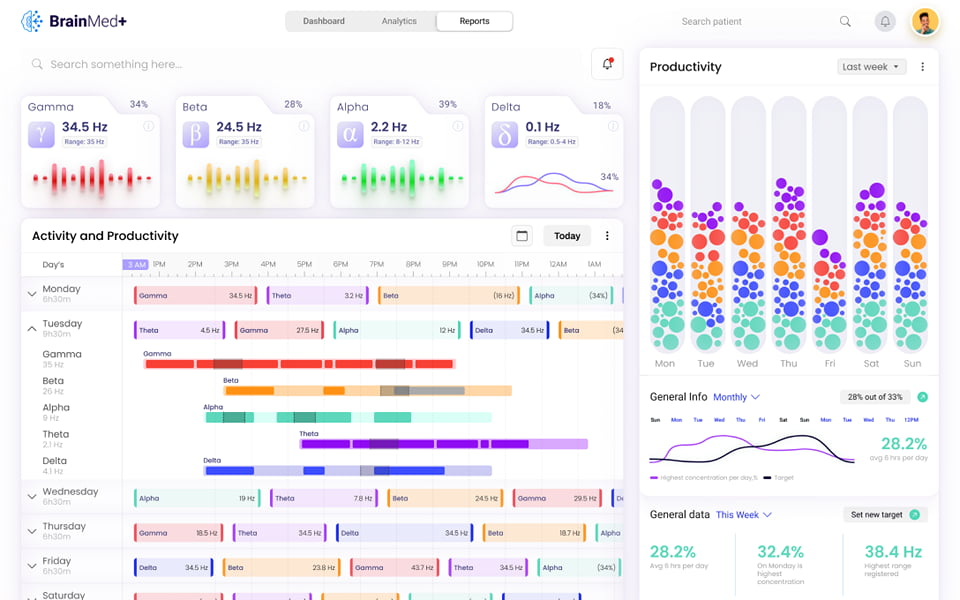
A concept study our team ran on real-time brain activity data: live monitoring, time-based playback, and trend reports for medical providers.

Live monitoring and playback
Providers can watch brain activity live, then move back and forth through the logged session to compare readings over time.

Brainwave breakdown
Gamma, Beta, Alpha, and Delta activity broken down by time, with live graphics visually set apart from logged data.

How an engagement runs
Device work follows the same research-first process as our healthcare UX design agency work, with the IEC 62366 deliverables built in.
Every step ends with something your team can file or build from: a requirement list, a prototype, a specification, or a test record.
- Discovery. We define intended use, user groups, and use environments with your team.
- Task analysis and UI requirements. We break down critical tasks and write UI requirements traced to them.
- Prototypes and the user interface specification. We build clickable prototypes and document every screen, state, and alarm.
- Formative testing rounds. We test with representative users and change the design based on what we find.
- Handoff. You get the final UI, the specification, a design system, and inputs for your usability file.

Frequently asked questions
What do medical device UI/UX design services include?
Medical device UI/UX design services cover research, task analysis, prototypes, final screens, and a user interface specification. Ours also include formative usability testing and the design inputs your IEC 62366 file needs.
What does IEC 62366 require from the UI design team?
IEC 62366-1 sets out a usability engineering process: use specification, use-related risk analysis, UI specification, formative evaluation, and summative validation. The UI team delivers the design, the specification, and formative records.
Do you run summative usability validation?
No. Summative validation is run by your human factors team or an independent lab. We deliver the final UI and the specification, and we support the protocol. This keeps validation independent from the team that designed the UI.
How much does medical device UI/UX design cost?
Project budgets run from $25,000 for a focused engagement to $250,000 or more for a multi-platform design system. Scope depends on the number of screens, platforms, and testing rounds.
How long does it take?
Discovery through design system handoff typically takes 12 to 24 weeks. Discovery and research alone usually take 3 to 6 weeks. Formative testing rounds run inside that window, not after it.
Related Services and Solutions


Contact Us
Send your device's intended use and current screens. We reply within one business day with a scope outline.
Medical User Interface Design Blogs
User interface design for the medical community is unlike, and possibly one of the most difficult challenges for any UX/UI team to take on.