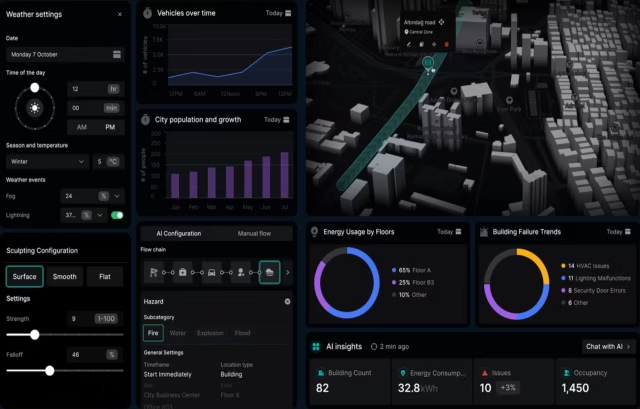
UI/UX design services cover the full arc of designing how people use a digital product, from user research and information architecture through wireframing, interactive prototyping, and a documented design handoff that engineering builds from. For enterprise and regulated-industry products, that work runs under real constraints, including multi-role permissions, live data, HIPAA, and Section 508, which shape the design from the first wireframe.
Built for complex and regulated products
We design clinical workflows, government services, financial dashboards, and data-heavy enterprise tools. Our UX design services combine research, interaction architecture, and validated design into build-ready specifications your engineering team can implement directly, with accessibility and compliance designed in from the start. Not to mention, a pixel-perfect, incredibly detailed design system that set dev team up with everything they need and every function documented.









What our UX design services include
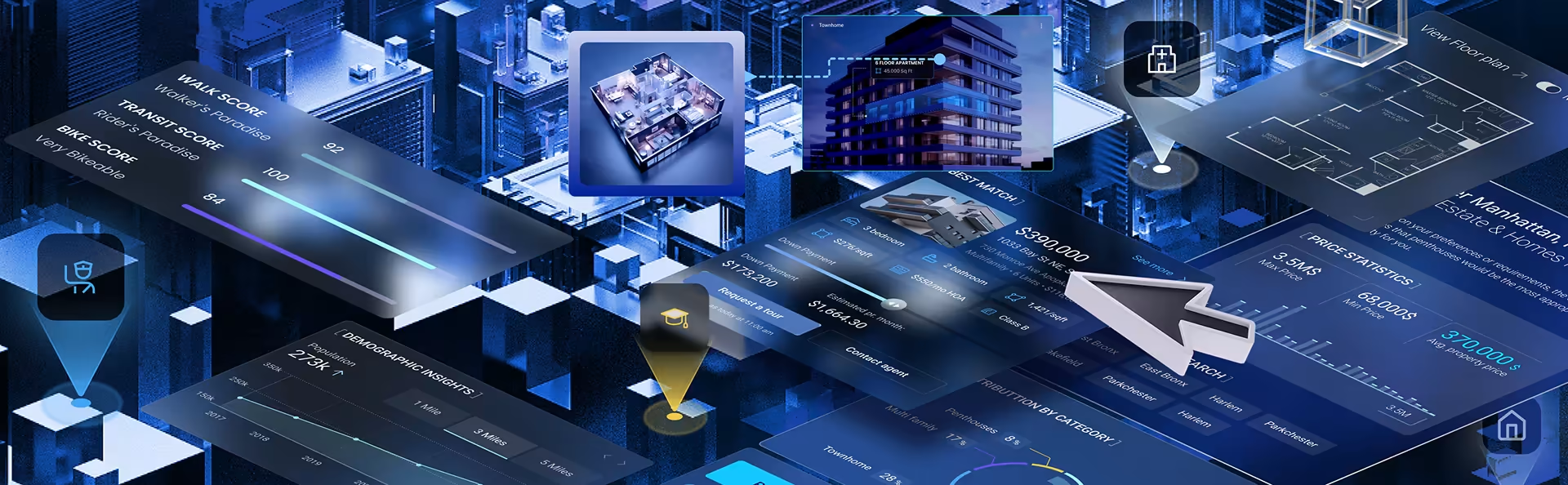
Our UX design services bring together the disciplines that decide whether a complex product works: user research, information architecture, interface and visual design, accessibility, and prototyping with real users. Each one produces something concrete, from a research synthesis that defines users and constraints to a tested design your engineering team can build with confidence.

We begin every engagement with user research, because a complex product usually serves several user populations whose goals do not line up. We run stakeholder interviews, moderated user sessions, surveys where the sample is large enough to be meaningful, and a review of the analytics and support data from the current product. The output is a synthesis document that names the distinct user roles, the tasks each one has to complete, and the constraints the interface has to respect. On regulated products, your product and engineering leads approve that synthesis before design begins.

With the research settled, we set the product’s structure: the information architecture, the navigation model, and a user flow for each role the product serves. We map these as sitemaps and wireframes and review them with your team before any visual design begins. We do this early for a practical reason: changing the structure at the wireframe stage costs an afternoon, while changing it after the prototype is built can cost a release. Getting the architecture right at this point is what keeps a complex product usable as it grows.

Visual design turns the wireframes into the interface your users actually see. We build it on a Figma design system with reusable components, so a product with dozens of screens stays consistent and your team can extend it without redrawing every state. Color, typography, and hierarchy are decisions about clarity here, not styling: they direct attention to what matters in a dense interface and keep secondary information from competing with it. The visual layer works because the interaction model underneath it has been thoroughly tested with real users.

We design for accessibility from the first wireframe rather than auditing for it at the end, because retrofitting an interface for compliance after launch is slow and expensive. That means designing to WCAG with the color contrast, keyboard navigation, screen-reader support, and alternative text the product needs to pass a real audit. For government and healthcare clients, it also means Section 508 conformance, which is a contractual requirement on federal work, not an enhancement. We bake the contrast ratios and focus states into the design system itself, so accessibility holds as the product grows instead of degrading screen by screen.

Before engineering commits resources, we build interactive prototypes and put them in front of real users, so the expensive decisions get tested on a prototype instead of discovered in production. We run usability sessions at the fidelity the question needs, document what we find, and prioritize the changes by the friction they remove. The design that reaches your engineers has already been challenged by the people who will use it, which is what keeps usability problems from surfacing as change requests after launch. By far, the most costly issue with any project.
Design challenges we specialize in
Complex products raise design problems simpler projects never do: high-density data, many user roles, AI output people must oversee, and legacy systems that cannot break mid-redesign. Our UX design services are built for them.

Data-dense dashboards and visualization
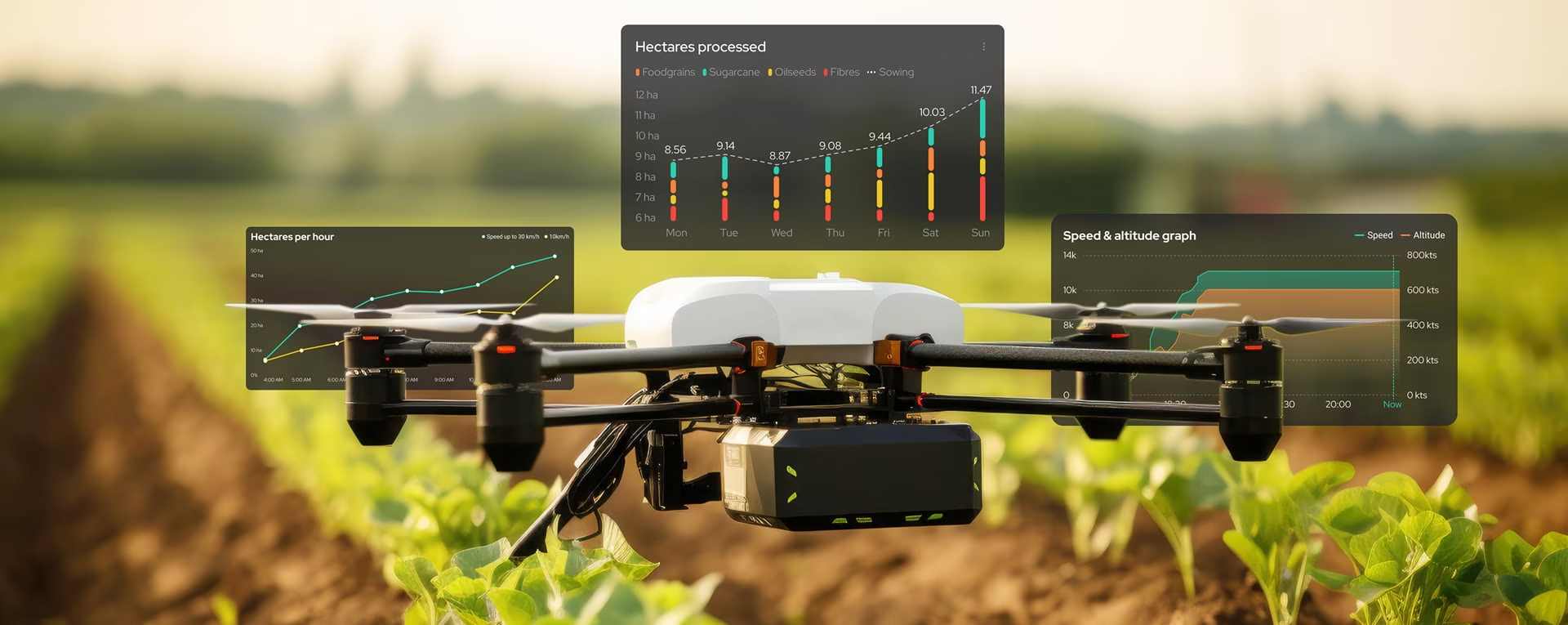
We design interfaces that have to show a lot at once: live metrics, alerts, and records that change while someone is reading them. The real work is deciding what earns space on the primary view and what moves a layer down, so the screen answers the question the user arrived with instead of displaying everything the system can produce. Done well, a dense screen still reads at a glance; done poorly, it becomes a wall of numbers nobody trusts.

Multi-role, permission-based products
Enterprise products almost never serve one kind of user. An administrator, a manager, and a frontline operator open the same system and need different views, different controls, and different levels of access. We define the role model alongside the interface, so each person sees a product that fits their job rather than one screen with half its buttons disabled. Getting permissions right early prevents the redesign that usually follows when a single-role design meets a multi-role reality.

AI and intelligent interfaces
As products add AI, the interface has to do something new: show people how far to trust a result and give them a clear way to override it. We build the interaction around the model, including how confidence is shown, what happens when the system is unsure, and how a person stays in control of the final decision. On regulated work that last point is not optional, because a person has to be accountable for the outcome, not the model.

Complex data entry and workflows
A large part of enterprise UX is forms: long records, conditional fields, validation, and the recovery path when something is entered wrong. We structure these flows so they match how the work actually happens, errors surface in context rather than at submission, and a person can fix a mistake without losing what they already entered. In clinical and government systems, a well-designed entry flow is the difference between clean data and a backlog of corrections.
Modernizing legacy systems
Some of the hardest work is redesigning a product people already use every day. The interface may be dated, but the workflows built around it are load-bearing, and breaking them to chase a cleaner design does more damage than the old screens ever did. We map how the current system is actually used, then modernize in a sequence that improves the experience without forcing everyone to relearn their job overnight.

Reducing the learning curve on expert tools
Powerful products tend to overwhelm new users while feeling slow to the experts who live in them all day. We resolve that tension with progressive disclosure: the common path stays simple and obvious, and advanced controls are present but out of the way until someone needs them. Get this right and the product no longer needs a week of training before anyone can do real work in it.
UX consulting and design audits
Many of our clients start with a UX audit rather than a full redesign. Our UX consulting services evaluate an existing product against how its users actually work, then hand back a prioritized set of findings and the design changes that resolve them, scoped so your team can act on the highest-impact fixes first.

User experience analysis
We start an audit by tracing how users move through the product, following the journeys they complete most often across the devices and roles that matter and measuring what we find against established UX heuristics. The result names the specific friction points, where each one sits in the flow, and what it costs the user, so the findings are ranked by impact rather than handed over as a flat list of issues.

Information architecture review
Next we map the product’s current information architecture and test whether people can actually find what they need: how content is grouped, how navigation behaves, and where users hit dead ends or have to back out and start over. On products that have grown feature by feature, the structure is usually where the worst usability problems hide, long before anyone blames the visual design.

Accessibility and compliance audit
When a product already exists, we audit it for accessibility conformance: WCAG levels, color contrast, keyboard navigation, screen-reader behavior, and focus order, using both automated scans and manual testing, because automated tools miss most of the real barriers. For government and healthcare clients we measure against Section 508 specifically, and the report states what passes, what fails, and what each fix requires.

Usability testing
Where the stakes justify it, we sit with the people who use the product day to day and watch where tasks stall, get abandoned, or get completed the wrong way. Watching someone fail a task they expected to be easy is more convincing than any heuristic score, and it points directly to the fixes that will change how the product performs in use.

Design system and consistency audit
On a product with hundreds of screens, inconsistency is its own usability problem: the same action looks different in three places, and users relearn the interface every time they move between sections. We audit the product against its design system, or build the inventory if none exists, and flag where components, patterns, and states have drifted apart so the interface can be made consistent without a full redesign.

UX benchmarking
We also benchmark the product’s experience against the competitors your customers already use, comparing the flows people complete most often rather than feature lists. Where a competitor makes a frequent task faster or clearer, we document exactly how, so the gap becomes a specific design change your team can act on rather than a vague sense that the product feels behind.
Our Projects
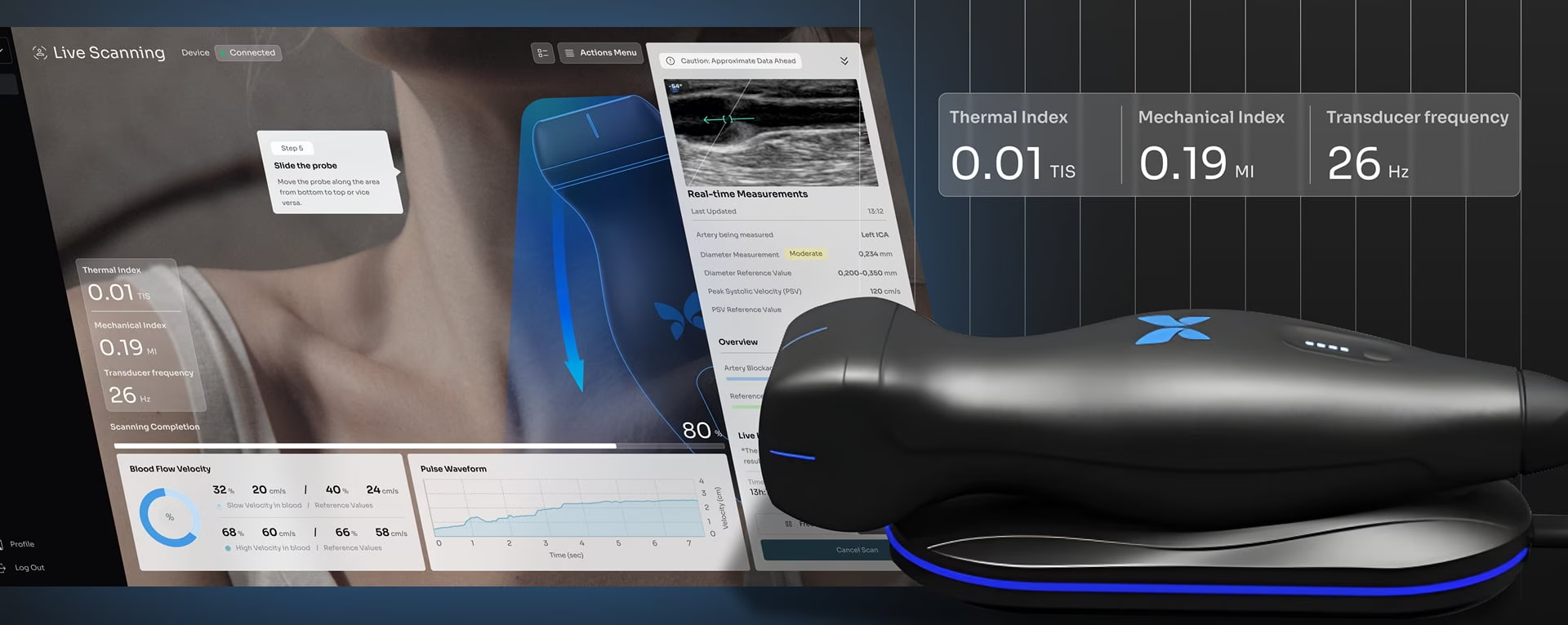
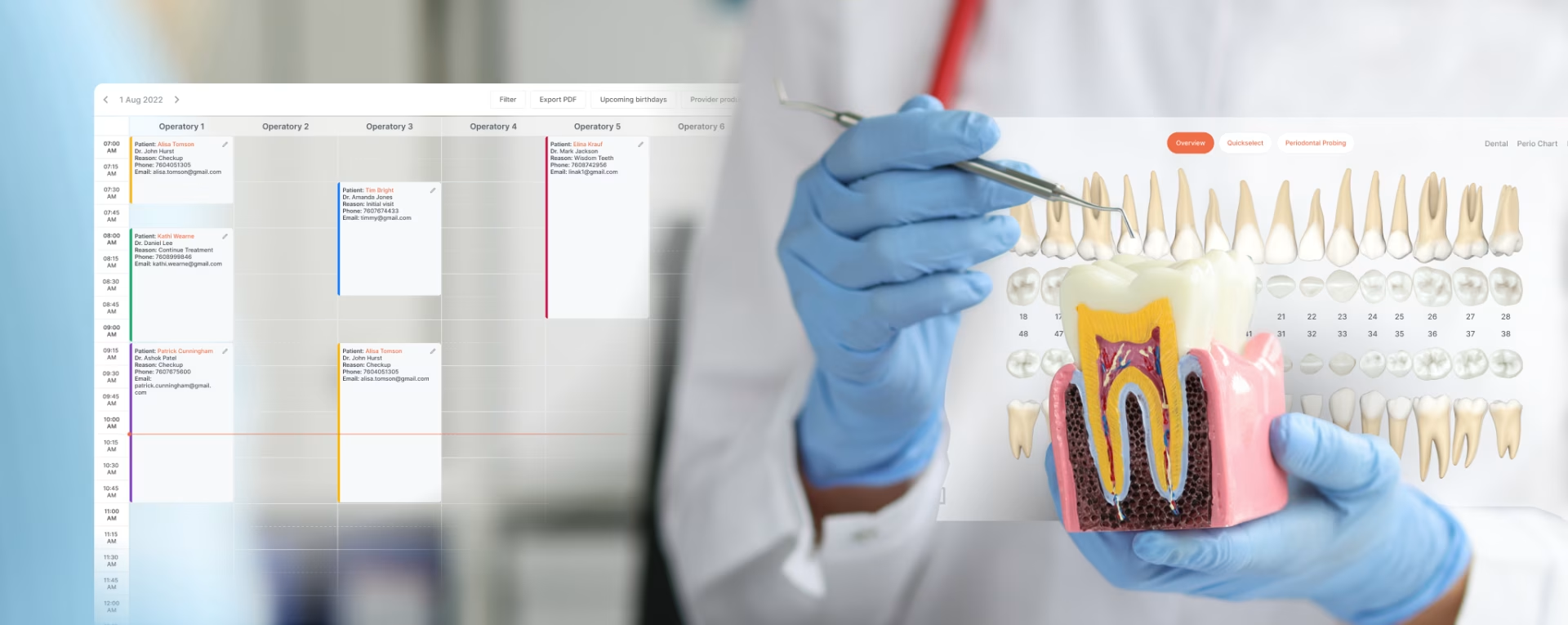
Complex products we've designed across enterprise and regulated industries.









Related Services and
Solutions


Industries We Love
To Design UX For Industry Expertise

Stakes here go beyond usability: a missed alert or a confusing medication field has clinical consequences, not just design ones. Reducing alarm fatigue, surfacing the right patient information at the moment a clinician needs it, and meeting HIPAA and Section 508 without making the interface slower are the real constraints. The same record also gets read very differently by a nurse, a radiologist, and a pharmacist, so one screen has to serve several expert readers at once.

A dispatcher watching a fleet needs to see a disruption forming and reroute around it before it cascades down the line. Most of that is triage in the interface: what belongs on the main view, what fires as an alert, and what sits a layer down until someone goes looking. The same product usually has a driver-facing side too, where the rule flips to information glanceable enough to never compete with the road.

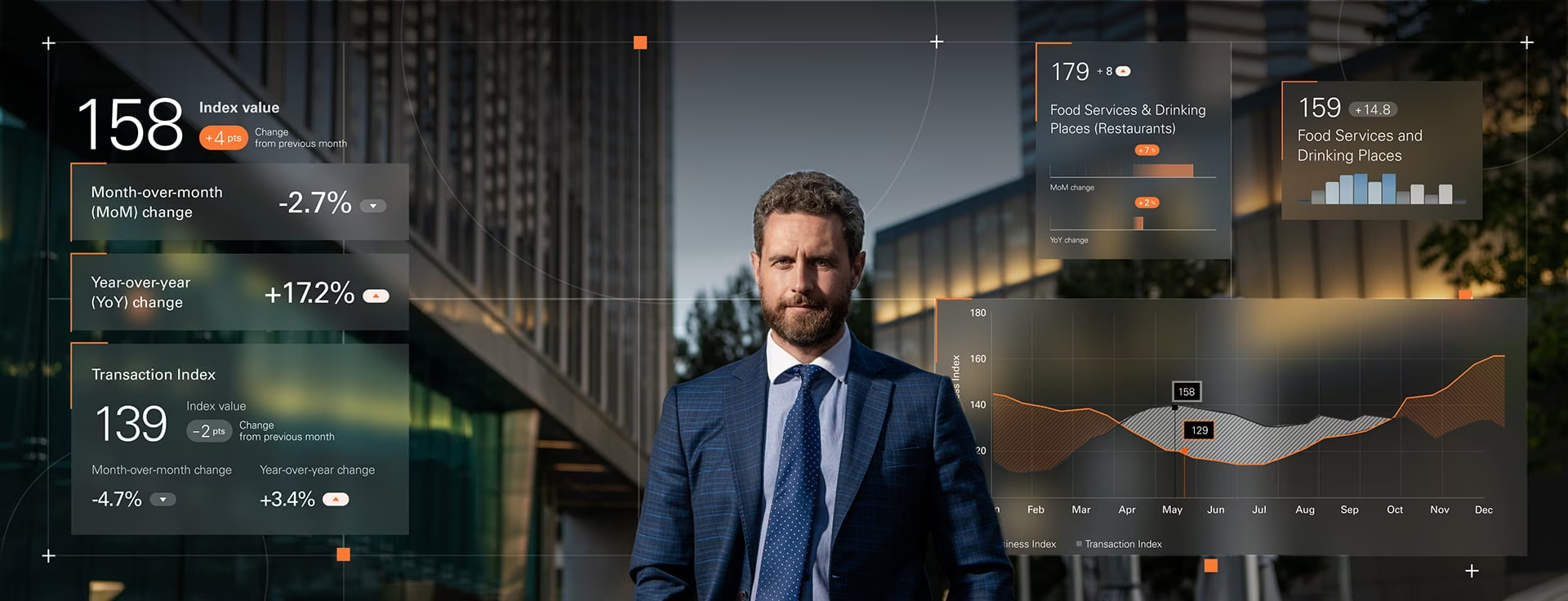
Money products live or die on trust and clarity: an ambiguous number or a transaction flow that feels uncertain costs you the user. The work is presenting dense financial data, balances, transactions, risk, forecasts, so it reads at a glance, while meeting the security and compliance expectations the sector runs on. Get the clarity wrong and users hesitate at exactly the moment you need them to act with confidence.

The design problem most software never faces is that the system can be wrong, so the interface has to communicate uncertainty instead of hiding it. Across this work, the constant is making an algorithmic system understandable to whoever is using it, a specialist tuning a model or a first-timer who just wants a reliable answer. Both have to know where it is solid and where it is guessing.

On a factory floor the user is rarely at a desk: they are standing at a machine, often in gloves, glancing at a screen between tasks in a loud, bright room. That changes the design from the ground up, bigger targets, higher contrast, and a hierarchy built so a fault is visible from across the line. And when the same interface controls physical equipment, a misread machine state can stop a line or put someone at risk.

Public-sector products have to serve everyone who shows up, which is harder than it sounds: a benefits portal handles claimants, caseworkers, and auditors, each needing a different path through the same data. Accessibility is a legal floor here, with Section 508 conformance contractual on federal work, not an enhancement. The constraints are heavier than in commercial work, and learning to design within them is most of the expertise.
Frequently Asked
Questions
What do UX design services include?
UX design services cover the full path from research to a buildable design: user research and discovery, information architecture and user flows, interface and visual design, accessibility, and prototyping tested with real users. The work ends in a documented handoff your engineering team can build from, not a set of static screens. For regulated products, accessibility and compliance are designed in from the first wireframe rather than audited at the end.
How long does a UX design project take?
A focused UX engagement like discovery or an audit usually takes two to four weeks. A full UX design project, from research through a tested, handoff-ready design, typically runs ten to sixteen weeks depending on the number of user roles and the complexity of the data. Regulated products take longer, because accessibility conformance and stakeholder sign-off add time that is not optional.
How do I choose a UX design agency?
Choosing a UX design agency comes down to evidence, not pitch: look for named projects in your domain, a documented process rather than a claimed one, and proof they have shipped under the constraints you face, whether that is HIPAA, Section 508, or live enterprise data. Ask to see how a past design handed off to engineering. An agency that cannot show a real handoff has not finished the job.
Should we hire a UX agency or build an in-house team?
Hire a UX agency when you need specialized or regulated experience quickly, or when the work is a defined project rather than continuous product design. Build in-house when UX is a permanent, daily part of how your product evolves and you can keep designers fully occupied. Many teams do both: an agency for the initial system and the hard problems, in-house designers to maintain and extend it.
Do you design for regulated industries like healthcare and government?
Fuselab designs for regulated industries as a core focus, including healthcare, government, and financial products. That means HIPAA-aware clinical interfaces, Section 508 conformance on federal work, and the audit trails and role-based access these systems require. The firm is also a GSA contract holder, so government teams can engage directly without a competitive bid.
Can you work with our existing engineering team, or only do full redesigns?
Engagements run at whatever scope fits, from a standalone UX audit of an existing product to a full redesign, and we regularly design alongside your in-house engineering team. Many start with an audit that returns a prioritized set of fixes rather than a rebuild. Every design ships with build-ready specs, whether your engineers are on our team or yours.
How do you make sure a design will work before it is built?
Usability testing is how we confirm a design works before it is built: we put interactive prototypes in front of the people who will actually use the product and watch where tasks succeed, stall, or get done the wrong way. That turns the expensive decisions into something measured rather than assumed, so problems surface on a prototype instead of in production. For complex products, it is the difference between a design that demos well and one that holds up once real data and real users hit it.
Contact Us
Fill out the form!
UI UX Design
Blogs
Fuselab UI/UX Expert Insights