Voice User Interface Design: Guide to VUI Design Best Practices in 2026
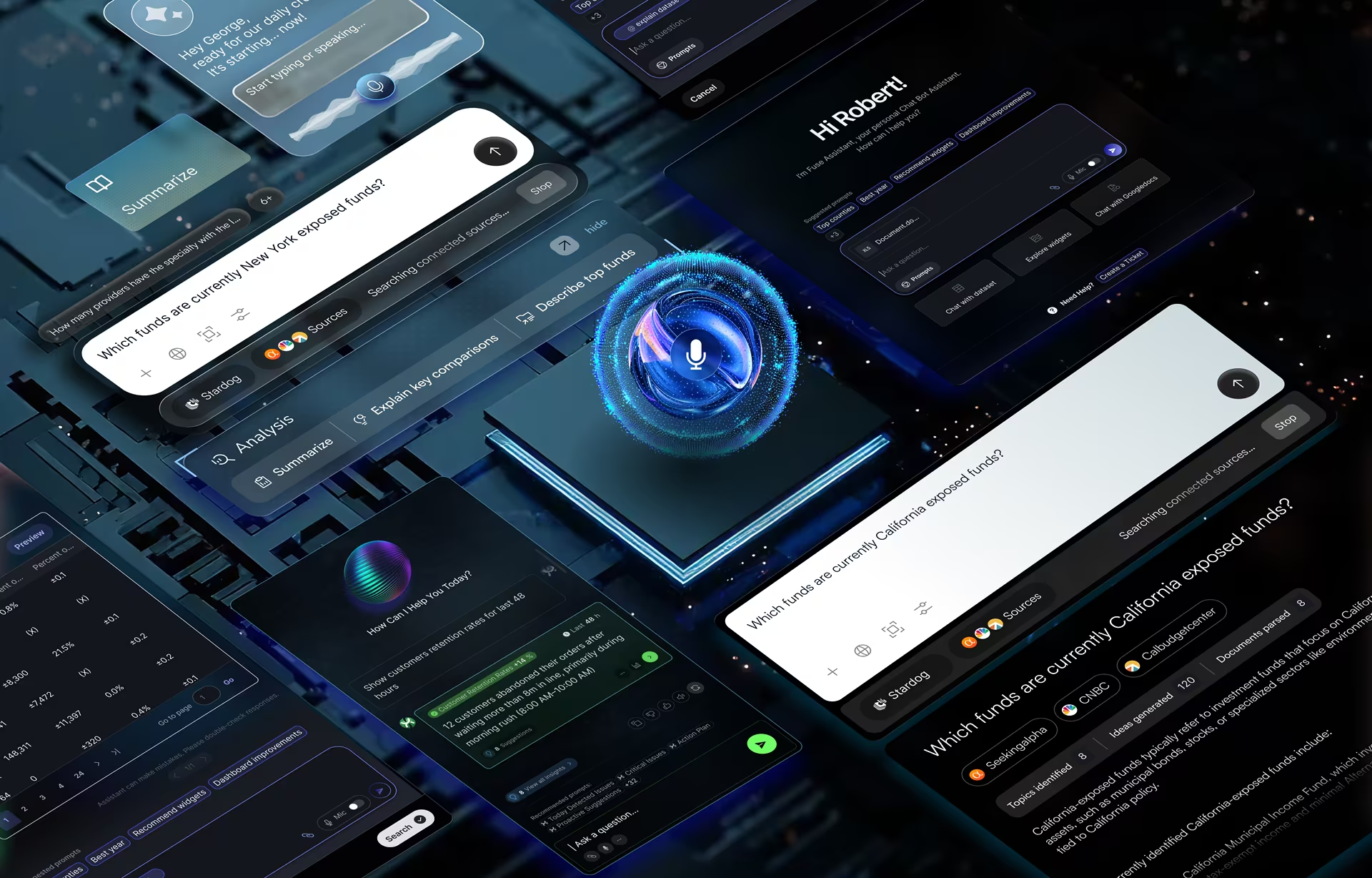
Voice user interface design is the practice of designing products people operate by speaking, covering how the system listens, works out what the user means, answers in audio, and recovers when it mishears. In 2026 most voice products run on large language models and sit beside a screen, so the hard design work has moved from recognizing words to handling answers that are slightly wrong and cannot be scrolled back.
What is VUI?
A voice user interface (VUI) is a system people operate through speech: the software listens, works out the intent behind the words, and answers in audio. Siri, Alexa, in-car assistants, and warehouse pick-by-voice headsets are all VUIs. The difference from a screen is who adapts. A VUI has to handle how people talk, instead of teaching them where to tap.
Graphical interfaces ask the user to learn the system: where the settings icon lives, which menu holds the export button. A VUI reverses that arrangement. The system absorbs the variation in phrasing, accent, and context that real speech carries, and the user simply asks. That transfer of effort is why voice products feel effortless when they work and maddening when they fail.
For a business, the shift changes where the investment goes. A hands-free dashboard for a truck driver, a voice-controlled surgical tool, and a phone assistant booking a meeting all remove the physical step of pressing and scrolling. In voice user interface design, the effort that would have gone into onboarding screens goes into a conversation that copes with how people actually speak.
Voice User Interface vs Graphical User Interface
A graphical user interface makes the right action visible, while a voice user interface has to make it audible at the right moment. Everything else follows from that difference: how errors are recovered, how much the user is asked to remember, when the system confirms an action, and when a screen has to come back into the picture.
Recovery shows the gap most clearly. On a screen, a misread instruction costs little because the user scans back and corrects course. In voice, a sentence is gone the moment it ends, so a misunderstanding costs the user a full turn: interrupt, restate, and trust the system to get the second attempt right. Most voice products that fail in production fail at exactly this step.
The craft differs too. A graphical interface is laid out in space, and the designer works in composition and visual hierarchy. Voice exists only in time, so the designer works in pacing, turn-taking, and the order in which information arrives. Both disciplines share research methods and accessibility standards, but above that shared layer the skills and deliverables have little in common.
Context usually settles which interface fits. Voice is the right choice when the user’s hands are busy, as in driving, warehouse work, or sterile clinical settings, or when typing is a barrier. A screen wins for dense information, comparisons, and anything the user must check line by line, such as a payment or a contract. It also wins anywhere too loud or too public to speak comfortably.
Voice User Interface vs Conversational AI
Voice UI and conversational AI describe different layers of the same product. Voice UI is the input and output: the user speaks and the system speaks back. Conversational AI is the engine: a language model that interprets the request and writes the reply. A product can have either layer without the other, though most products shipping in 2026 combine both.
The edge cases make the split clear. An IVR phone menu from 2015 is voice without conversational AI, because rule-based menus decide every reply. A typed assistant is conversational AI without voice. The two are converging because rule-based menus cannot cope with real speech, and AI products increasingly accept voice as one input next to text and images.
Both sides share the same design problems: calibrating how far users should trust a generated answer, falling back openly when the system cannot answer, and marking confidence without alarming anyone. Our work on the Stardog Voicebox interface shows the pattern. Financial analysts type questions against a knowledge graph and read AI answers beside the source data.
Voicebox is typed, so it is a conversational AI product rather than a voice one. Its trust architecture still carries over directly. Putting the generated answer and its evidence in the same view is exactly what a multimodal voice product needs when it reads an answer aloud and shows the supporting data on screen, because the listener has no other way to check what they heard.
Brief History of Voice User Interfaces
Voice interfaces moved from single-speaker digit recognition in the 1950s to language model assistants in the 2020s. Each step widened what a person could say: ten digits, then a constrained vocabulary, then dictation that needed training, then open questions to Siri and Alexa, and now spoken requests that an AI agent carries out across several apps.
In 1952 Bell Labs built Audrey, the Automatic Digit Recognizer, which identified the spoken digits zero to nine from a single speaker and was about the size of a refrigerator. In the 1970s DARPA funded speech understanding research with a goal of a 1,000-word vocabulary, and Carnegie Mellon’s Harpy system met it using a search method that became known as beam search.
Through the 1990s and 2000s, speech recognition built on hidden Markov models grew steadily more accurate but still needed user training and manual correction. Deep learning changed the curve around 2010. Apple put Siri on the iPhone in 2011, and Amazon’s Echo arrived in 2014, moving voice from a phone feature to a device that sat in the kitchen and listened.
The bigger break came in 2023 and 2024, when large language models turned voice from command and control into open conversation. In 2026 the frontier is agentic voice: assistants that book appointments, fill in forms, and act across apps instead of only answering. That raises the stakes for design, because a misheard request can now trigger an action, where it once produced a wrong answer.

Key Components of VUI (Voice User Interface) Technology
A voice user interface runs on four components: speech recognition turns audio into text, natural language understanding extracts the intent, dialog management tracks the conversation and decides the next turn, and text-to-speech speaks the reply. Most projects fail in the handoff between understanding and dialog management, where a request without a clean intent match gets dropped.
Recognition and speech output get most of the attention because users hear them. The harder design work sits in the middle layers: intent extraction, conversation state, and the rules for what happens when the user says something the system did not plan for. The decision about which components to build and which to license also shapes both project cost and the experience users get.
Speech Recognition Engine
Automatic speech recognition (ASR) is the listening layer. It converts the audio signal into text the rest of the stack can read. Modern engines handle accents, dialects, and background noise far better than earlier systems, but recognition is never perfect, so the design has to assume some words will arrive wrong or missing and plan the recovery around that.
Natural Language Processing (NLP)
Natural language processing (NLP) interprets the text and works out what the user wants. Early systems needed exact phrases. Current models map “turn up the heat,” “it’s freezing,” and “make it warmer” to the same intent, and can tell a polite request from a frustrated one. That flexibility is what lets people speak naturally instead of memorizing commands.
Dialog Management
Dialog management is the memory and logic of the system. Real conversations loop and backtrack: a user says “Book a flight to New York,” the system asks when, and the user answers “Actually, make that Boston.” A weak dialog manager starts over. A strong one updates the destination, keeps the booking context, and asks for the date again without losing the thread.
Text-to-Speech (TTS)
Text-to-speech (TTS) is the voice the user hears. Neural TTS produces speech close to a human recording and can carry intonation and emotion, which lets a brand give its product a recognizable voice. The next step, already appearing in customer service and healthcare products, is speech output that adjusts its tone to cues such as stress in the user’s voice.
Core Principles of VUI Design
VUI design rests on two principles: design for voice first, and design for natural conversation. Voice-first means building for short-term memory, divided attention, and the place the user will be when they speak. Natural conversation means accepting the hesitations, corrections, and loose phrasing of real speech instead of training users to say the right command.
Three constraints make these principles necessary. Spoken input is misrecognized more often than typed input. It is also looser, with less structure and more ambiguity. And the user is usually doing something else at the same time, driving, cooking, or walking a warehouse aisle, so little attention is left for the interaction. Divided attention is the default case, and the design should start there.
Voice-First Thinking
Adding voice to an existing mobile app rarely works, because the app’s structure assumes the user can see and scan. Voice-first design starts from short-term memory. A list of five spoken options is too many to hold, so flows are built around requests that fit in one breath, completed hands-free and eyes-free, with the next step offered only once the current one is done.
Environment shapes a voice interface more than any other input mode. Each workflow is mapped against where the user will actually be when they speak: a kitchen, a car, a warehouse, a hospital ward, a train. Noise levels, privacy, and the attention a user can spare differ completely between them, and the dialog design should wait until that map exists.
Natural Conversation
People search in keywords but rarely speak in them. Real speech is fragmented and full of hesitations and self-corrections, and the interface has to handle it without making the user feel managed. A poor banking VUI accepts only “balance” or “transfer.” A well-designed one opens with “What can I help you with?” and treats “I’m broke, how much do I have?” as a balance check.
How to Design a Voice User Interface: A Step-by-Step Guide
Designing a voice user interface takes three steps before any code: map the context where people will speak, write the conversation as sample dialogs covering the ideal, repair, and ambiguous paths, then test those dialogs with real users in Wizard of Oz sessions. Each step is cheap compared with finding the same problems after development.
Voice is deceptively simple to attempt. Adding speech recognition to an existing product looks straightforward, but without a structured method the experience quickly turns into a loop of “I didn’t quite catch that.” The method below is the one our team uses on voice and multimodal projects. It deliberately delays engineering until the conversation itself has been tested with the people who will use it.
Step 1: User Research & Context Mapping
Start with where the user will be when they speak. Are they driving, cooking with messy hands, sitting in a private office, standing on a crowded train, or working under pressure in an operating room? Each answer changes the microphone requirements, the length of a prompt, how private a response can be, and what happens when the system mishears a request.
One logistics project made the point for us. In a quiet conference room the prototype worked perfectly. On the warehouse floor, forklifts and conveyor belts drowned out the voice engine. The fix meant a noise-canceling microphone array and error handling rewritten to tolerate missed words. A voice interface tested only in quiet conditions has not really been tested at all.
Step 2: Conversation Design and Dialog Flow
The work starts with a script rather than a flowchart. The team writes sample dialogs between the user and the system persona and covers three paths. The happy path is the ideal exchange. The repair path is what happens when the system mishears or the user stumbles. The ambiguity path handles vague requests, such as “Play music,” answered with “Sure, what are you in the mood for?”
Then the team reads the dialogs aloud, one person as the user and one as the system. It sounds informal, and it is the fastest quality check available. A line that feels awkward to say to a colleague will feel worse to say to a machine, and a prompt that runs too long becomes obvious the moment someone has to speak it.
Step 3: Prototyping and Testing
Wizard of Oz testing puts the dialogs in front of real users before development begins. A designer sits out of sight, often on a muted video call, and triggers the system’s responses by hand while the participant speaks to what looks like a working product. The method exposes the vocabulary gap between what the team expected users to say and what they actually say.
On one inventory project, the team expected users to say “check inventory status.” In sessions, they asked “Do we have any cans left?” Catching that variation before development means the right phrases map to the right intents from the start, and developers build against a tested intent map and prompt library instead of the design team’s assumptions.
VUI (Voice User Interface) Design Best Practices
The core VUI design best practices are to keep each turn short enough to say in one breath, confirm every state change with a sound or short phrase, and recover from errors by asking only for the missing piece. A user who cannot scroll back depends on the system for pacing, feedback, and a way out of a failed exchange.
On a screen, users can scan past clutter to the header they need. Voice removes that option. Speech is linear and temporary, the user cannot re-read a sentence or see what comes next, and everything said lands on short-term memory. The difference between a frustrating bot and a useful assistant usually comes down to these small interaction decisions rather than the model behind them.
Keep Interactions Simple (The “One Breath” Rule)
Avoid compound questions such as “Do you want to save this, email it, or print it?” Break the task into single steps and offer the next one only after the first is done: “Saved. Want me to email it to you?” Each turn should leave the user certain about what just happened and what the system expects from them next.
Provide Clear Feedback
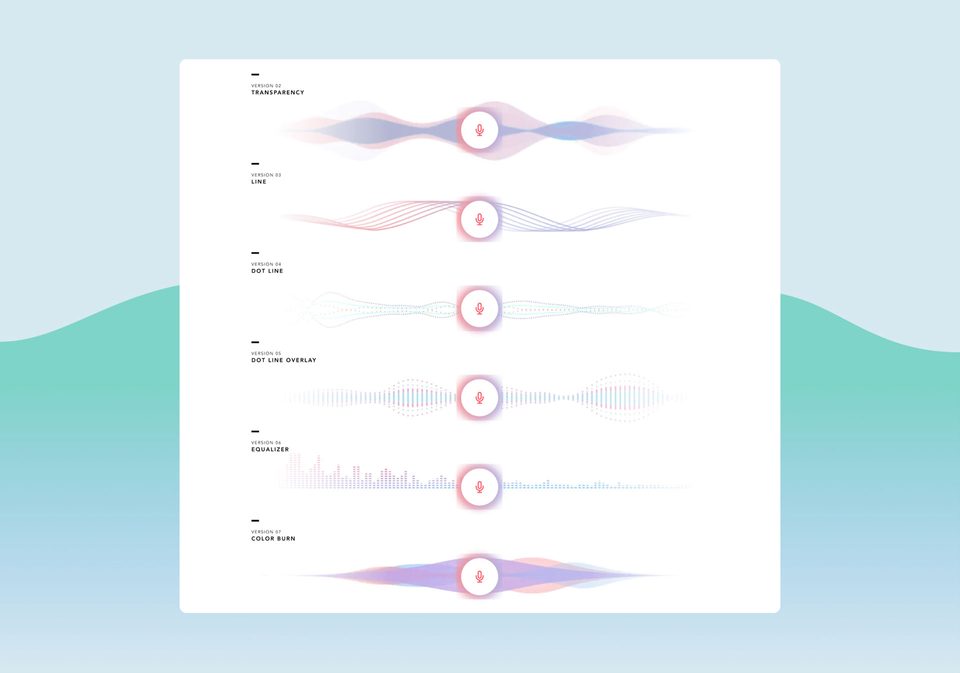
On a screen, a button press confirms that an action started. Voice has no equivalent signal, which is why earcons exist: short sounds that mark each state change. A soft tone plays when the system starts listening, a different one while it processes, a chime on completion, and a lower tone on failure. Without them, a pause of a few seconds reads to the user as a crash.
Handle Errors Gracefully
Error handling is where most voice products fall apart, and the pattern is consistent. In NN/g’s usability study of Alexa, Google Assistant, and Siri, the assistants worked only for simple queries with short answers, and users learned to phrase requests carefully to avoid failure. The generic fallback, “Sorry, I didn’t get that,” makes it worse. The fix is contextual re-prompting: ask only for the missing piece.
Never trap the user in a loop. After two failed attempts to understand, the third turn has to offer a way out: a handoff to a human agent, or a screen fallback such as “I’m having trouble hearing. I’ve sent a list of options to your phone.” Any exit beats a third “Sorry, I didn’t get that,” which is usually the point where users give up.
Visual Design for Voice Interfaces (Multimodal VUI)
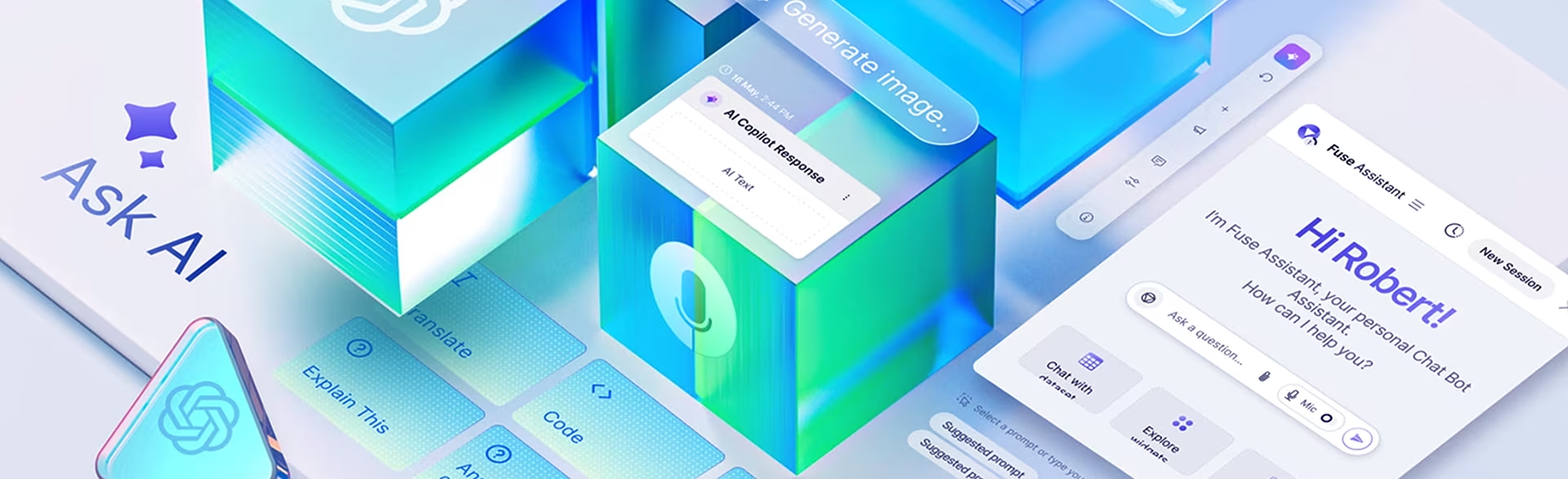
Multimodal VUI pairs a voice flow with a screen, such as a smart display, phone, car dashboard, or watch, and it is the default for voice design in 2026. The screen carries what speech handles poorly, such as maps, lists, and comparisons, while the voice flow is designed to work on its own whenever the screen is out of sight.
That means designing two layers at once. The voice flow is built as if no screen existed, so a driver or a cook can finish the task by ear. The visual layer is then designed to support it: confirming what was heard, showing detail that would take too long to read aloud, and highlighting the field the system is currently asking about.
Screen Design Best Practices
Smart displays and car screens are usually read from a few feet away, so type has to be large, high-contrast, and readable at a glance. The screen adds detail without repeating the voice. When a user asks for Italian restaurants, the voice says “I found three nearby” and the screen shows photos, ratings, and distances. When the dialog asks “What day?”, the date picker lights up.
Accessibility in Voice User Interface Design
Voice opens products to people with motor impairments, arthritis, or low vision, for whom a touchscreen is a barrier. It can also shut people out. Users who are deaf or hard of hearing need a text version of every spoken response, and users with speech impairments need more time and another way to give input. Designing for both groups makes voice easier for everyone.
The W3C’s Natural Language Interface Accessibility User Requirements draft sets out these needs in detail. It calls for a synchronized text transcript of spoken output, no fixed limit on how long a user has to respond, and the option to switch input methods at any point in a dialog. For neurodiverse users, literal language without idioms helps just as much.
Real-World Examples of Successful VUI Design
Two of the clearest voice interface examples are Nike Run Club’s Audio-Guided Runs, which coach runners by voice mid-workout, and DHL’s pick-by-voice system, which directs warehouse workers through a headset. Both succeed for the same reason: the user’s eyes and hands are busy, so voice is the only channel that leaves the task uninterrupted.
Nike Run Club (NRC)
Nike’s Audio-Guided Runs deliver coaching inside the Nike Run Club app while the user is running. Looking at a phone or a watch at speed is distracting and can be unsafe, so voice is the natural channel. The coaching is short and timed to distance and pace, and it asks nothing of the runner except to keep going and listen.
DHL’s Lydia Voice Picking
DHL replaced handheld scanners with a pick-by-voice system built on EPG’s Lydia Voice. The old scan-and-drop routine meant picking up a box, finding the barcode, scanning it, putting the scanner down, and moving the box. With a headset, the system names the location, the worker picks the item and says “Confirm,” and the next instruction follows immediately.
Voice User Interface Applications Across Industries
Voice UI design varies sharply by industry because each sector imposes a different constraint. Healthcare is shaped by HIPAA and sterile workflows, logistics by noise and constant motion, automotive by driver attention, banking by confirmation and trust, customer service by the human handoff, and smart home products by the limits of voice for anything that needs a screen.
Voice UI in Healthcare
Healthcare voice interfaces support clinical documentation, patient data entry, and hands-free work in sterile settings where touching a screen breaks protocol. HIPAA treats recordings that contain clinical information as protected health information, so retention, transmission, and consent rules have to be settled before the first dialog is written. In federal health products, Section 508 also makes voice part of accessibility compliance.
Voice UI in Logistics and Warehousing
Warehousing was the earliest enterprise success for voice because the work matches voice’s strengths: hands full, eyes on shelves, decisions made on the move. The design challenges are environmental rather than conversational. Forklifts, conveyors, and announcements demand noise-canceling microphones, dialogs that tolerate missed words, and error recovery that never asks the worker to stop moving or put something down.
Voice UI in Automotive
In a car, visual attention belongs on the road, so every exchange has to fit within the attention a driver can spare. In-car systems are moving from fixed commands such as “Call John Smith” to open requests such as “Find coffee that won’t make me late for my nine o’clock,” which demands far more context awareness. Our article on voice navigation for UX and UI designers covers the specifics.
Voice UI in Banking and Financial Services
Banking voice interfaces handle balances, transaction history, fraud alerts, and voice biometrics for identity checks. The constraint is trust. Moving money needs more confirmation than checking the weather, so destructive actions get explicit confirmation: “Transfer two hundred dollars to John Smith. Say yes to confirm or cancel to stop.” Voice biometrics then removes repeated password prompts for low-risk queries.
Voice UI in Customer Service
Customer service is where most people first met voice design, through phone menus that frustrated callers for two decades. Modern systems replace the menu tree with intent-based routing: the caller describes the problem and is sent to the right place. The make-or-break moment is the handoff to a human. Systems that trap callers in error loops end up creating more support tickets.
Voice UI in Consumer Smart Home Products
Alexa, Google Home, and Siri set the consumer baseline, and the category has matured as users learned where voice falls short for tasks that need precision or visual confirmation. Current smart home design treats voice as the entry point. Voice handles quick commands such as lights, music, and timers, and a paired screen takes over for browsing, comparing, or confirming.
Testing and Iterating VUI Designs
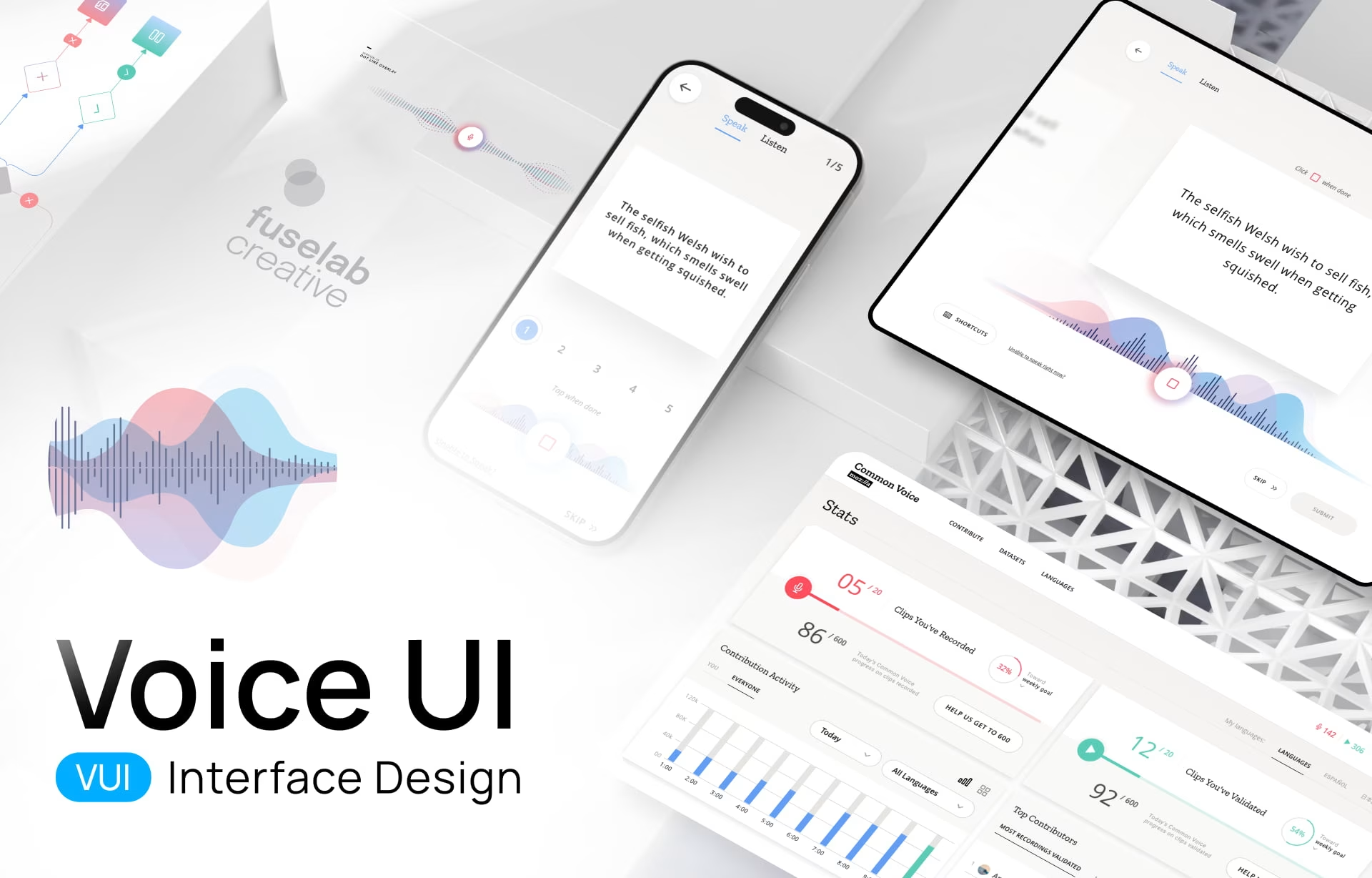
Voice interfaces need testing after launch as well as before, because real users always say things the design team did not anticipate. Conversation logs, fallout analysis showing where users abandon a dialog, and reviews of failed intents reveal the gap between the dialogs designers wrote and the language people use. Each review cycle updates the intent map and the prompts.
Persona testing belongs in the same cycle. The accent, gender, pace, and tone of the system voice can change how readily people use it, and preference rarely matches what the team expected. The reliable approach is to test two or three persona options with real users, compare completion rates, and make the strongest one the default. Revisit that choice as the user base grows.
The Future of Voice User Interface Design
The biggest shift in voice user interface design over the next two years is proactive voice: systems that read context such as location, calendar, and recent behavior, then offer an action before the user asks. Done well, it turns voice into a partner that anticipates. Done badly, it becomes an interruption pattern people learn to ignore.
A typical example is the morning routine: “Your nine o’clock moved and traffic is heavy. Want me to book a car earlier?” Two related shifts will arrive alongside it. Emotion detection will adjust responses to stress or frustration in a user’s voice, likely first in healthcare and customer service. Licensed brand voices will spread too, while consent rules for synthetic speech are still being written.
Where to start with voice user interface design
Voice UI rewards teams that design for failure first: the misheard word, the user who cannot scroll back, the moment a screen has to take over. Pick one narrow flow, such as reorders or password recovery, and test the dialog with real users before a full build. To scope one, see how our voice UI design services engagements run.
Frequently asked questions
What is voice user interface design?
Voice user interface design is the practice of building products people operate through speech and audio responses instead of menus, taps, or clicks. It covers speech recognition behavior, dialog flow, prompt writing, error recovery, and the screen fallback for when voice fails.
What is the difference between a voice user interface and a voice assistant?
A voice user interface is any product feature people operate by speech, while a voice assistant is a branded consumer product such as Alexa, Siri, or Google Assistant built on those principles. Most enterprise voice work is for embedded features inside dashboards, clinical tools, vehicles, and accessibility tools.
How is VUI design different from chatbot UX design?
VUI design handles spoken input and audio output, so it has to manage interruptions, background noise, and the lack of visual confirmation. Chatbot UX works with typed text and visual elements such as quick-reply buttons and cards. The two share dialog design methods but differ in feedback, error recovery, and the memory load they place on users.
How does a voice interface differ from a graphical interface?
A voice interface arranges an interaction in time and sound, while a graphical interface arranges it in space and sight. A screen holds information so the user can re-read it. A voice interface has to manage the user’s short-term memory, because a spoken sentence is gone once it ends.
When should a product use voice instead of a screen?
Voice is the better choice when the user’s hands or eyes are busy, as in driving, warehouse picking, or sterile clinical work, or when typing is a barrier. A screen wins for dense information, comparing options, and anything the user must verify line by line, such as a payment or a contract.
How do you test a voice interface before development starts?
Voice interface testing starts before any code with Wizard of Oz sessions, where a designer triggers the system’s responses by hand while a test user speaks to what looks like a working product. The sessions expose the gap between the phrases the team expected and the ones users actually say, and produce a corrected intent map for development.
What should a voice UI design brief include?
A voice UI design brief should name the moment voice will serve, where the user will be when they speak, the tasks the flow must complete, and what happens when recognition fails. It should also state whether a screen is present, which data the system can access, and any recording or consent rules, such as HIPAA in healthcare.