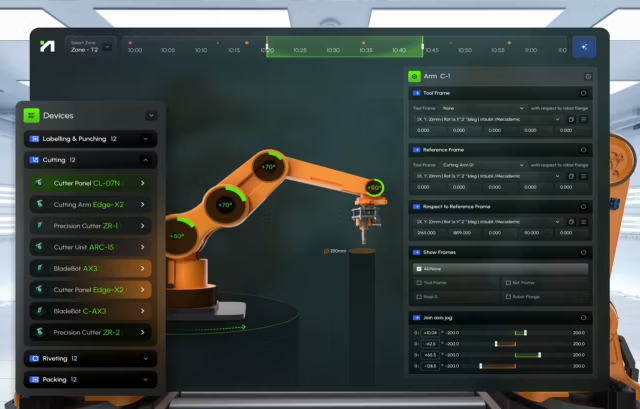
A robot fleet management interface that shows operators which robot needs them, why it stopped and what to do next, across the vendors on your floor.
Robot fleet management interface design gets hard when a pilot of 5 robots becomes a floor of 40 from 3 vendors, each with its own console and error codes. We design one layer on top of the fleet software you already run, so operators clear a stuck robot remotely before anyone walks over.
What robot fleet management interface design covers
Six parts of one operator console, from the first screen each role sees at shift start to the command log your safety team reviews.
Role-based views for AMR fleet management
Operators, supervisors, technicians and engineers each start on their own screen. Supervisors get a robot monitoring dashboard of throughput and blocked missions by zone.
Exception queue ranked by what is at risk
Robots that need a person are ranked by the order or carrier cutoff they put at risk. Low-priority warnings are grouped and logged, and each item opens with the two likeliest fixes.
Remote assistance for a stuck robot
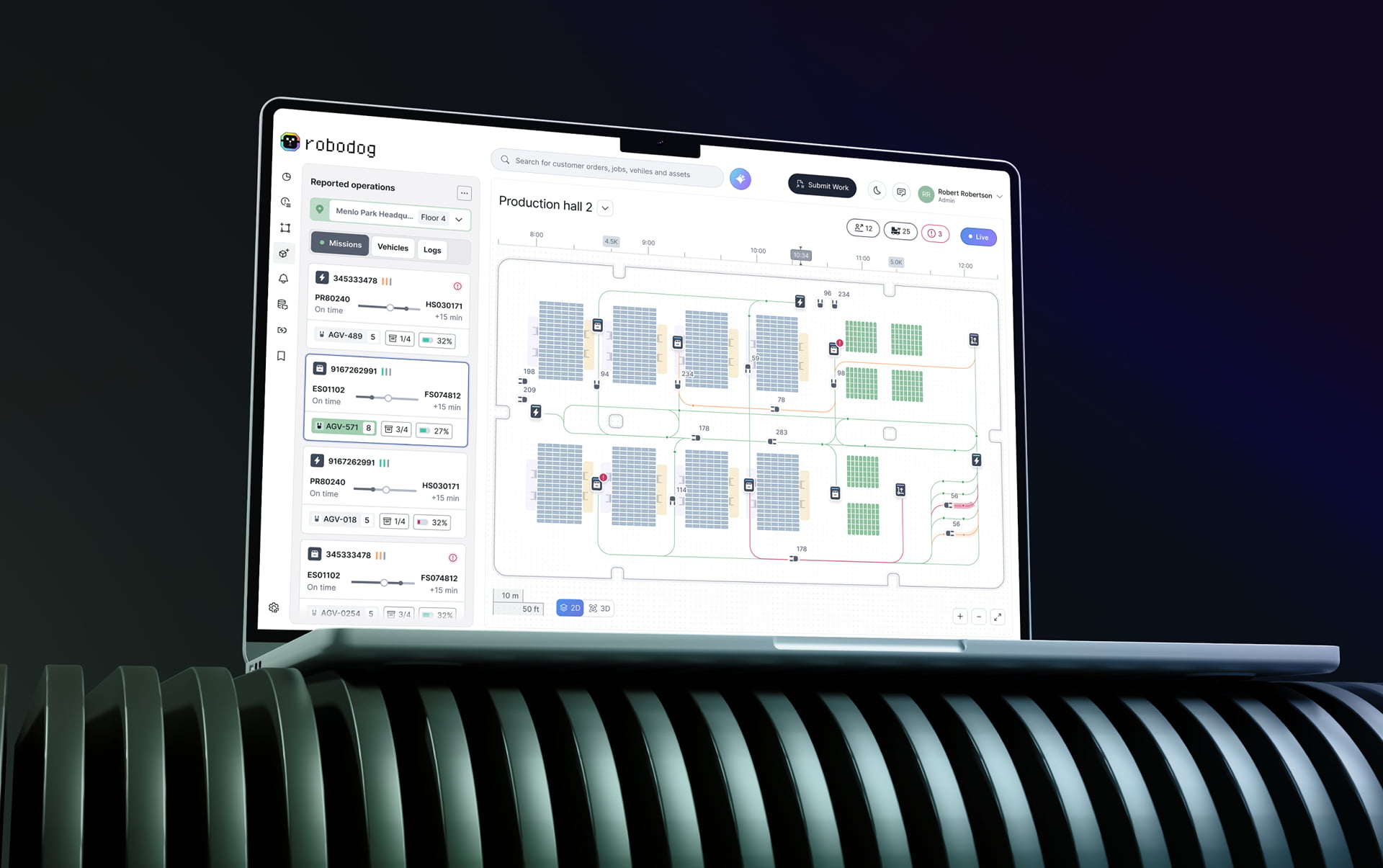
Live camera, last path and the robot’s own diagnosis sit on one card. Link latency shows before anyone takes control, and every command shows that the robot received it.
Seven robot states, one vocabulary
Active, Idle, Charging, Manual control, Needs assistance, Fault and Offline. Each color has an icon and a label, and normal states stay quiet so problems stand out.
One fleet model across your vendors
Works on top of your AMR software, AGV software or in-house stack. VDA 5050, ROS 2, OPC UA and vendor APIs map to the same seven states, and missions link to WMS orders.
Safety rules and one command log
Who may move a robot is set per role and per site, following ISO 10218, ANSI/A3 R15.08 and ISO 3691-4. Every command lands in one log for your safety review.
Robot fleet management use cases we design for
Multi-robot fleet management looks different on every floor. These three show where the operator screen decides whether the robots earn their keep.

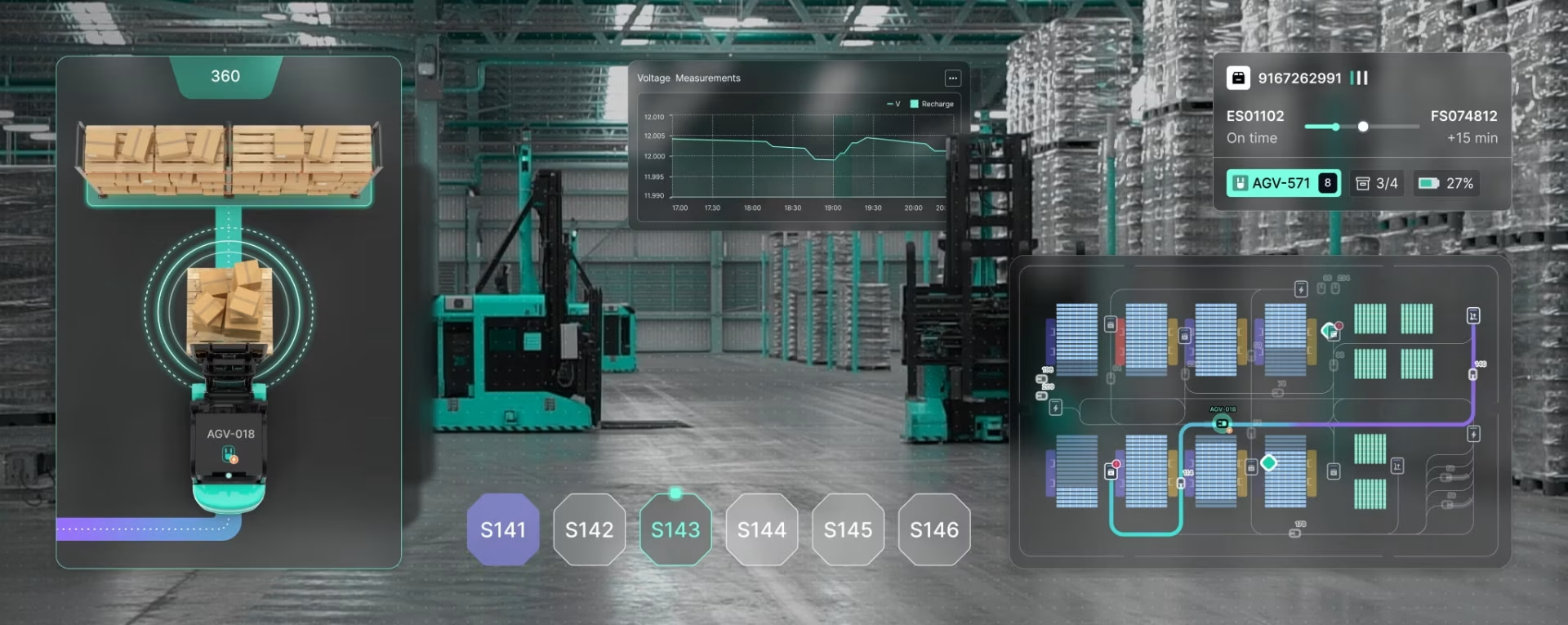
AGVs share aisles with people, forklifts, and pallets. The map shows each route and what is blocking it, so an operator can clear the path or reroute the robot.

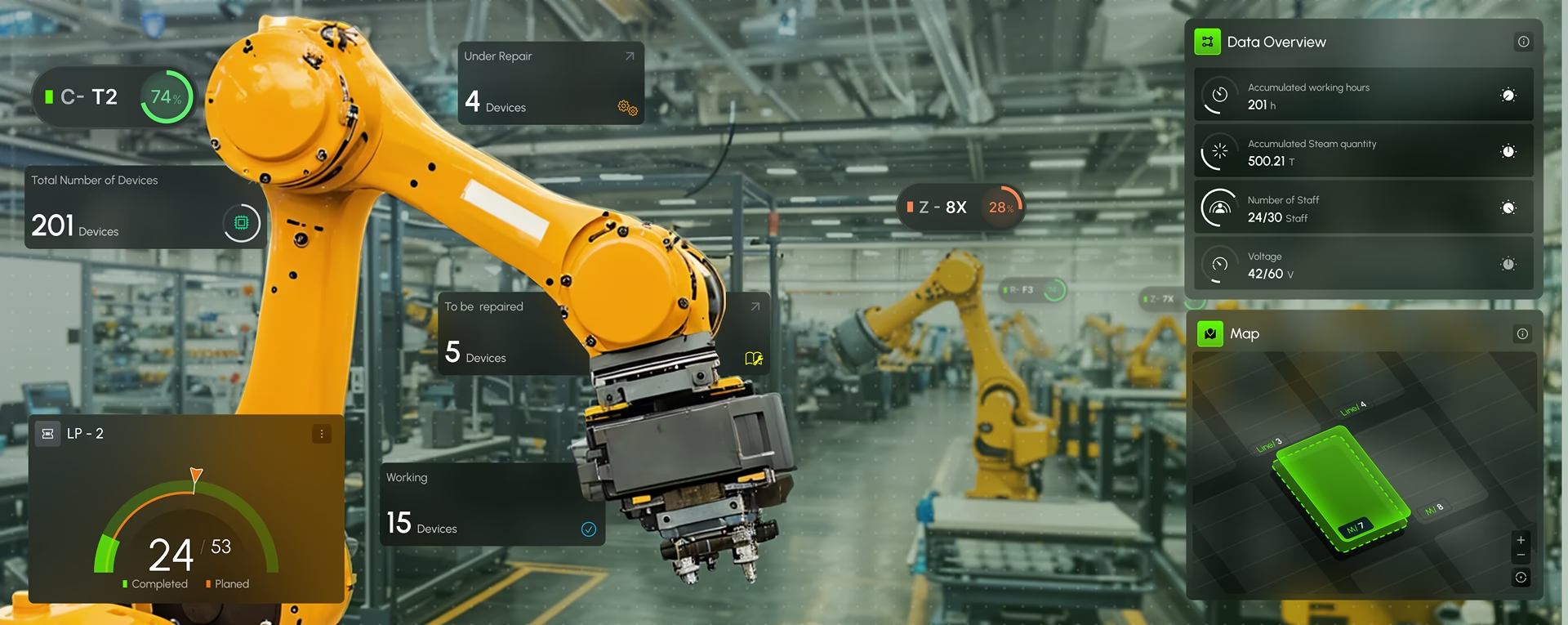
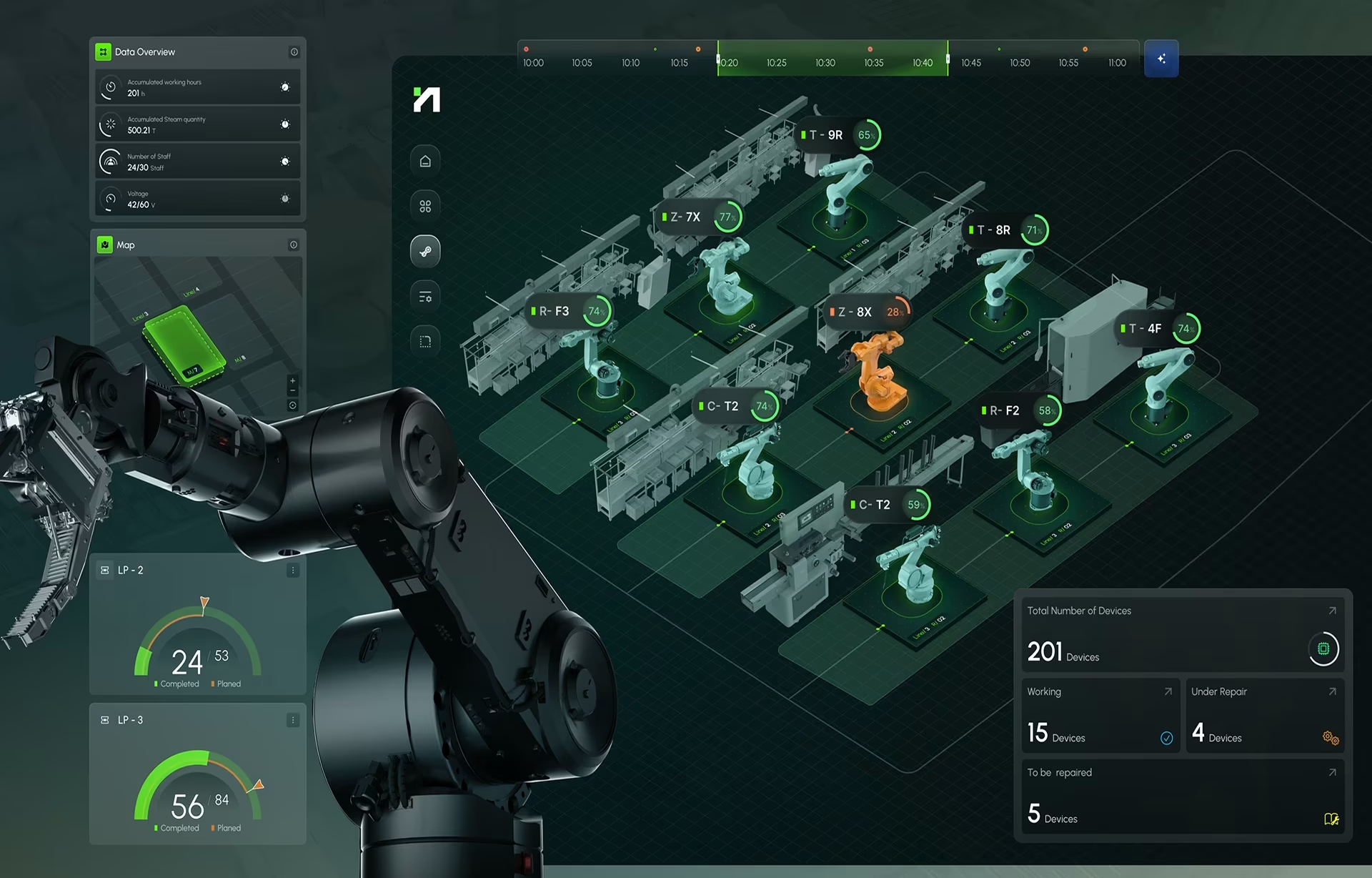
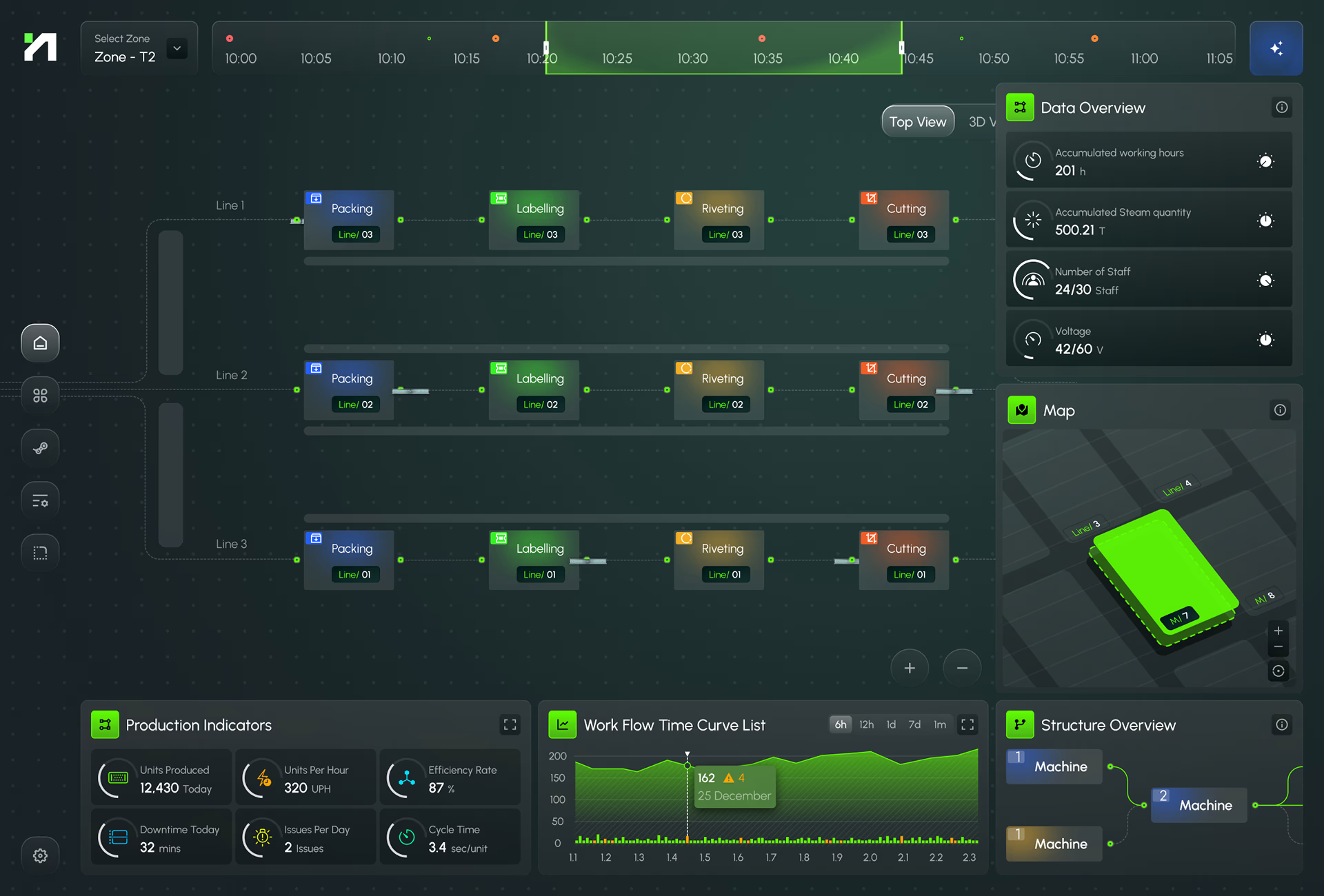
Crews work next to cutting, riveting, and labeling robots. Each unit’s status and its Free Run, Pause, and Stop controls appear on the desktop and in AR goggles.

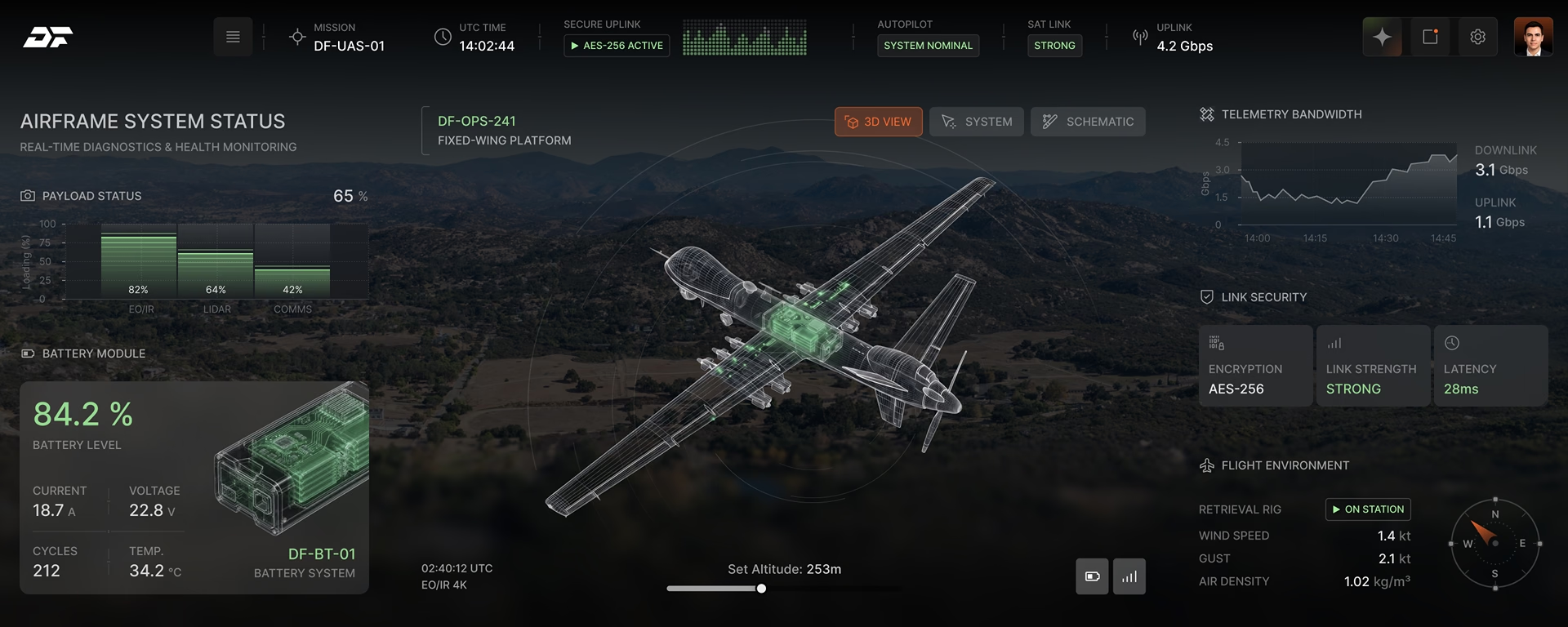
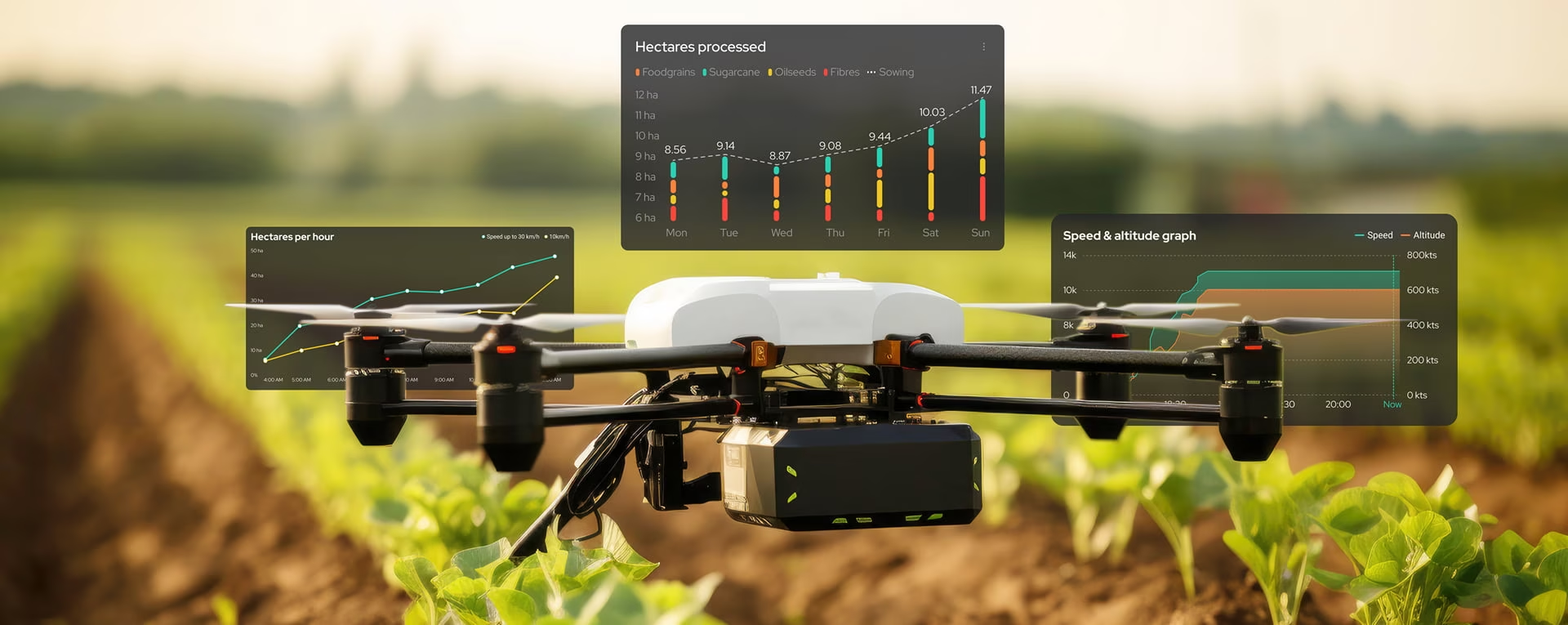
Drones fly far beyond the operator’s line of sight. A single map shows every drone, its patrol area, and its status, and any unit can open a live feed or take manual control.

How a robot fleet management interface works

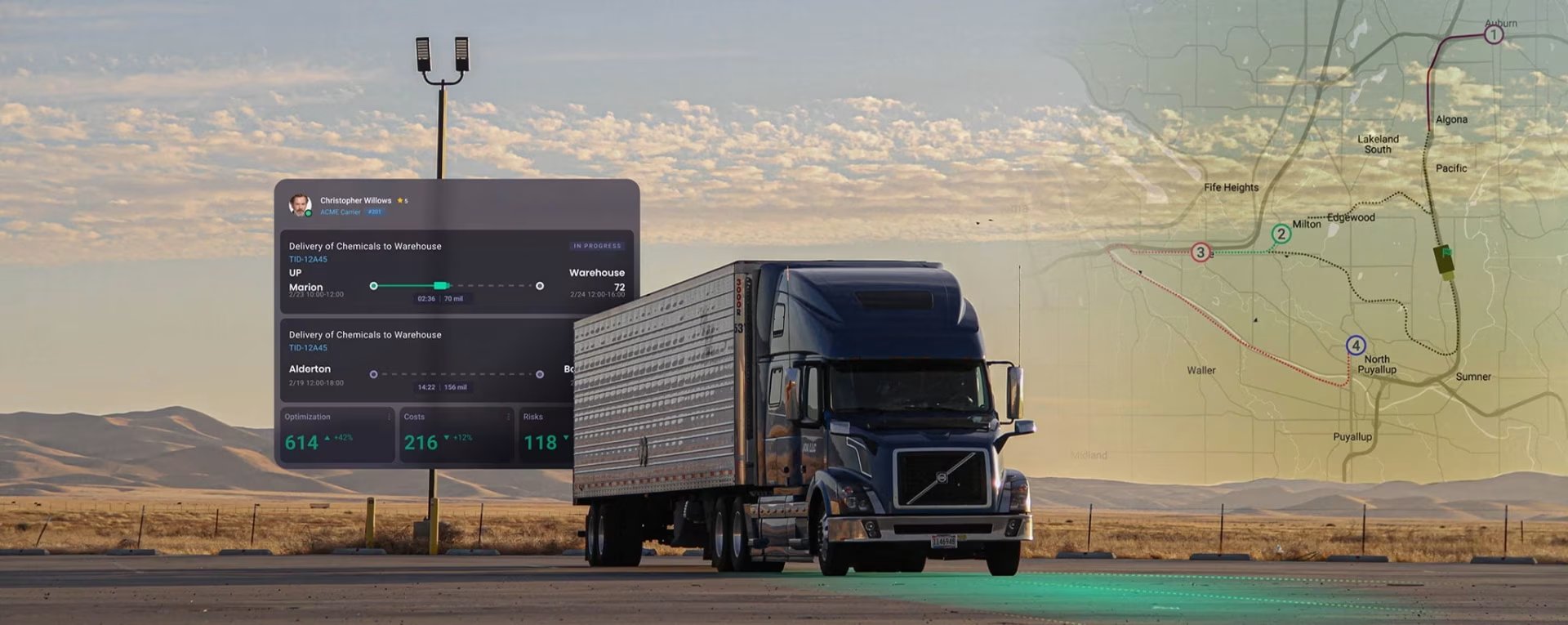
AMR 14 stops in aisle C with a blocked path. Its vendor software sends a raw error code, and the custom interface turns it into a “Needs assistance” message, along with the order the robot was carrying.

That order ships on the 4 pm truck, so AMR 14 goes to the top of the queue. AMR 22 has a low-battery warning and waits in the queue because it is already heading to charge.

The operator opens the card, sees a pallet on the camera, and sends AMR 14 around it on a suggested path. The card stays open until the robot reports that it is moving again.

The reroute saves the operator’s name, the time, and what the robot did next. Next week’s safety review and tonight’s shift report both read that same entry.

At 6 pm the day operator hands each open item to the night operator by name. Nothing passes silently at logout, and the log shows who was responsible for AMR 14 and when.
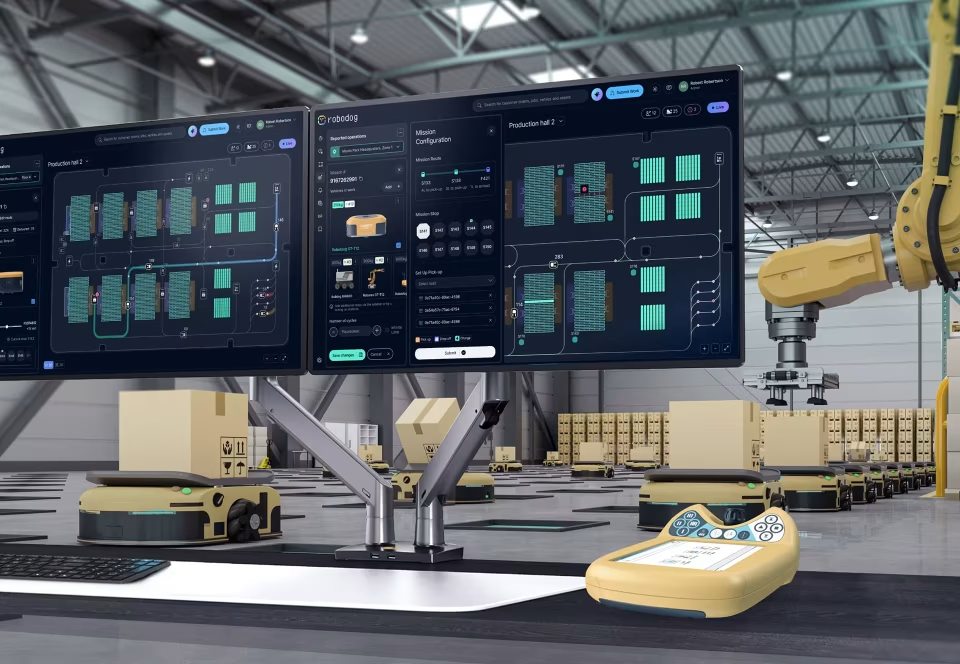
How a robot fleet interface project runs
From your floor to a console your engineers can build. Each step ends with a clear checkpoint, so you decide on the next one with evidence in hand.
Floor research
We shadow real shifts, including a night shift, and read your fault logs before any wireframe. The step ends when you sign off the role map and the exceptions that cost you most.
- Role map
- Exception list
- Fault-log review
- Vendor and telemetry audit
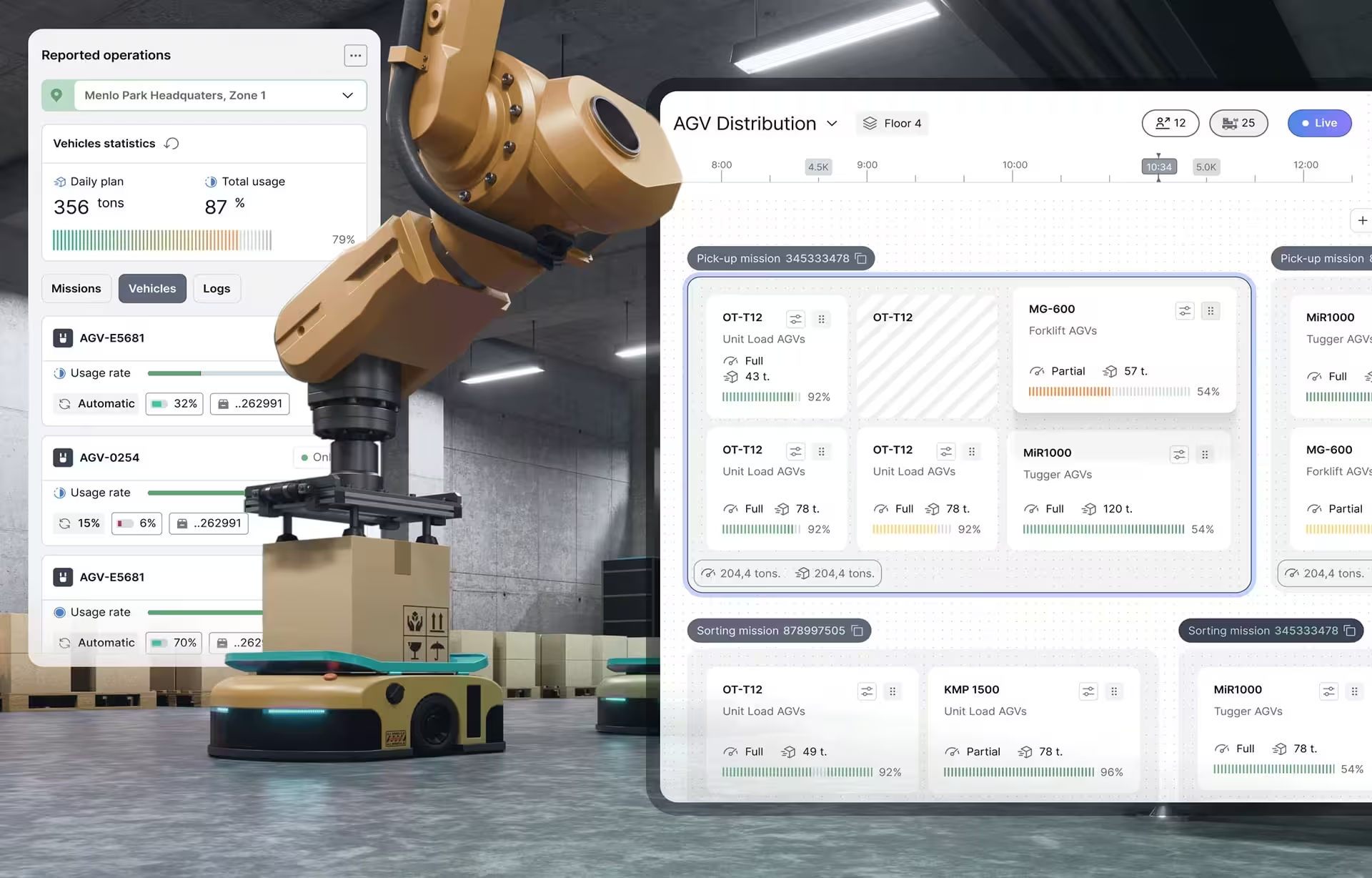
Console design
We build the fleet model, role-based screens and a prototype on your real or recorded telemetry. Operators test it at real fleet size until they clear the top exceptions unaided.
- Fleet state model
- Role-based screens
- Clickable prototype
- Operator test results
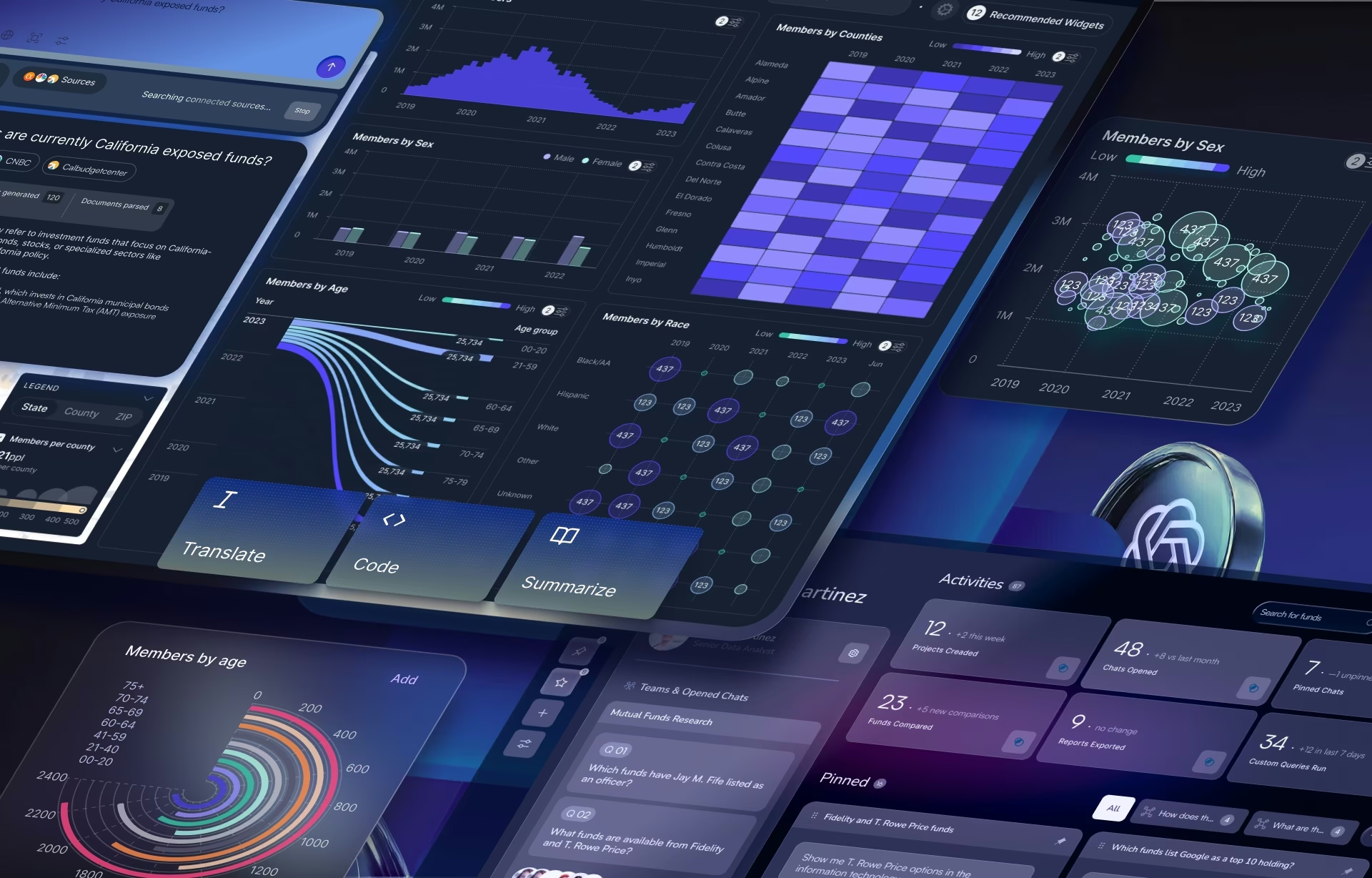
Build handoff
Your engineers get a component library and specs, and we review what they build against the design. Permissions and logging pass your safety review before launch.
- Component library
- Developer specs
- Build review
- Safety review support
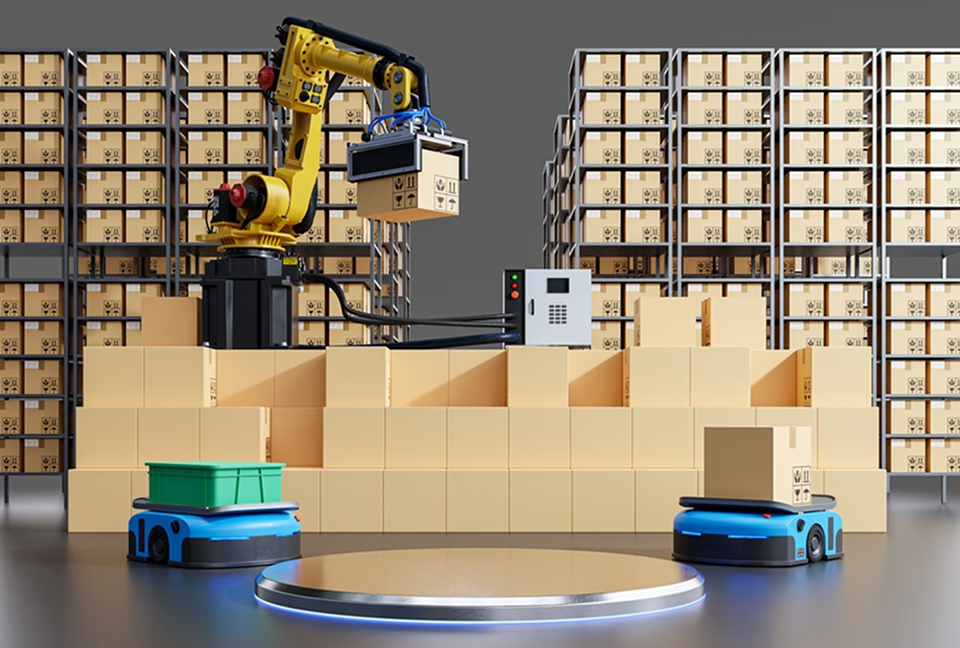
Extend
New robot models, sites and roles plug into the same system, so a new vendor or a second warehouse does not mean a redesign. Routine additions need no designer in the room.
- New robot models
- New sites
- New roles
Robotics
Interface Portfolio
Warehouse robots, drones and production lines

Industries where we design
for robot fleets
Robot fleets work in very different places. These are the industries where we design the screens people use to run them.

AMRs and AGVs move parts and pallets beside people. Each robot’s mission is tied to line demand, so a stopped tugger shows which station runs short and when.

Peak season often adds rented robots to the fleet. The new units have to appear in the same queue on day one, not in a separate console nobody was trained on.

Yard and dock robots share space with trucks and forklifts, so every position shows its age and each exception reaches the right shift.

Drones and inspection robots on public missions need command rules an auditor can read. Agencies can hire us directly through our GSA contract.

Hospital delivery robots move through corridors full of people. Their status has to be readable by staff who were never trained on them.

As robots make more decisions on their own, the screen shows what each one decided and why, and where a person can overrule it.
Robot fleet management interface design FAQ
Answers to what operations, robotics and engineering leads ask us before a first call.
What is robot fleet management interface design?
Robot fleet management interface design is the work of designing the screens people use to monitor, dispatch and help autonomous robots. It covers the fleet map, the exception queue, remote assistance and the command log, across the different robot types on site.
How is a fleet interface different from robot fleet management software?
Robot fleet management software assigns missions, plans paths and talks to each robot. The interface is what operators see and act on during a shift, and we design it on top of the software which was already supplied to you by the robot vendor.
Can one interface manage AMRs and AGVs from different vendors?
One interface can run both. AMRs plan their own routes and AGVs follow fixed paths, so the map draws them differently, but both feed one shared model of states, faults and missions through VDA 5050, ROS 2, OPC UA or vendor APIs.
Do we have to replace the consoles our robot vendors provide?
Vendor consoles usually stay for setup and deep configuration, while the shift runs from one interface across brands. During floor research we map which tasks stay in each vendor’s tool and which move to the shared screen.
How much does robot fleet management interface design cost?
Robot fleet management interface projects start at $25,000, at $100 to $149 per hour. The number of robot vendors and sites, the integration work and the on-site research will ultimately dictate the final price.
How long does a robot fleet management interface design project take?
A full project typically takes 4 to 9 months from floor research to engineering handoff, or to a built console when development is in scope. A first site is designed and tested before the work extends to more sites.
What do we receive, and who builds the integration with our robots?
You receive a fleet state model, exception rules, role-based screens, a tested prototype and a component library with specs. Your engineers or integrator build the vendor adapters, and our front-end team can build the console.
Contact Us
Tell us about your fleet
Robotics and Industrial UX Articles
What we have learned designing for robots, operators and the floors they share.