Stardog Voicebox Conversational AI Interface Design
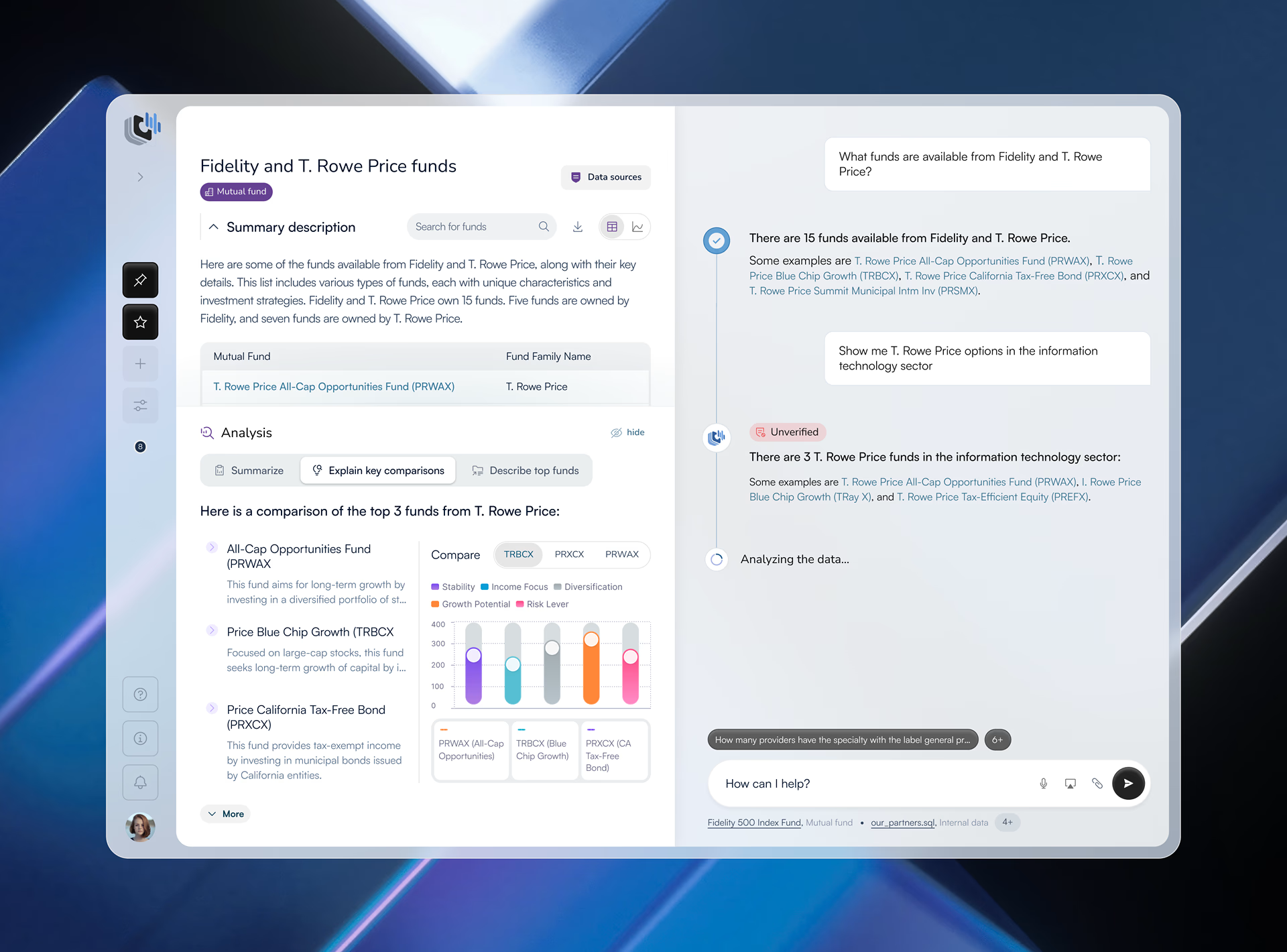
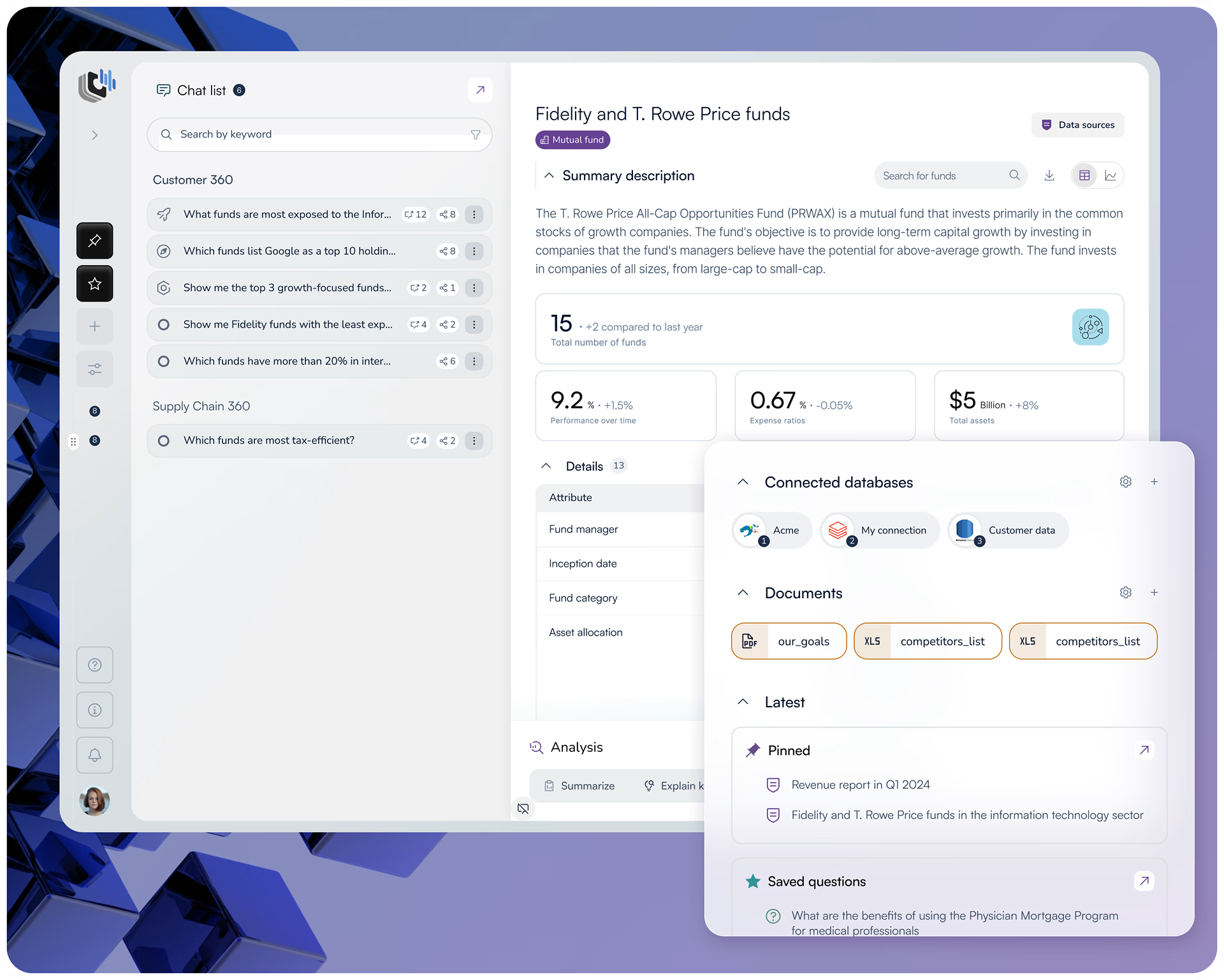
Fuselab designed the complete UI/UX for Stardog Voicebox, a conversational AI workspace that lets financial analysts query complex datasets through natural language and receive AI-generated insights alongside the underlying structured data.

Conversation Library: Research That Stays Connected to Its Evidence
Conversational AI Interface Design: Common Questions
What is conversational AI interface design?
Conversational AI interface design is the practice of designing interfaces where users interact with a system through natural language rather than menus, forms, or commands. It requires solving problems that standard UX design does not encounter, including how to communicate AI uncertainty to the user, how to handle responses the system generates with low confidence, and how to maintain trust when the system produces an unexpected answer. In professional environments like financial analytics, the interface must also connect every AI response to the underlying source data so users can verify what they are reading before acting on it.
What is the cold-start problem in AI product design?
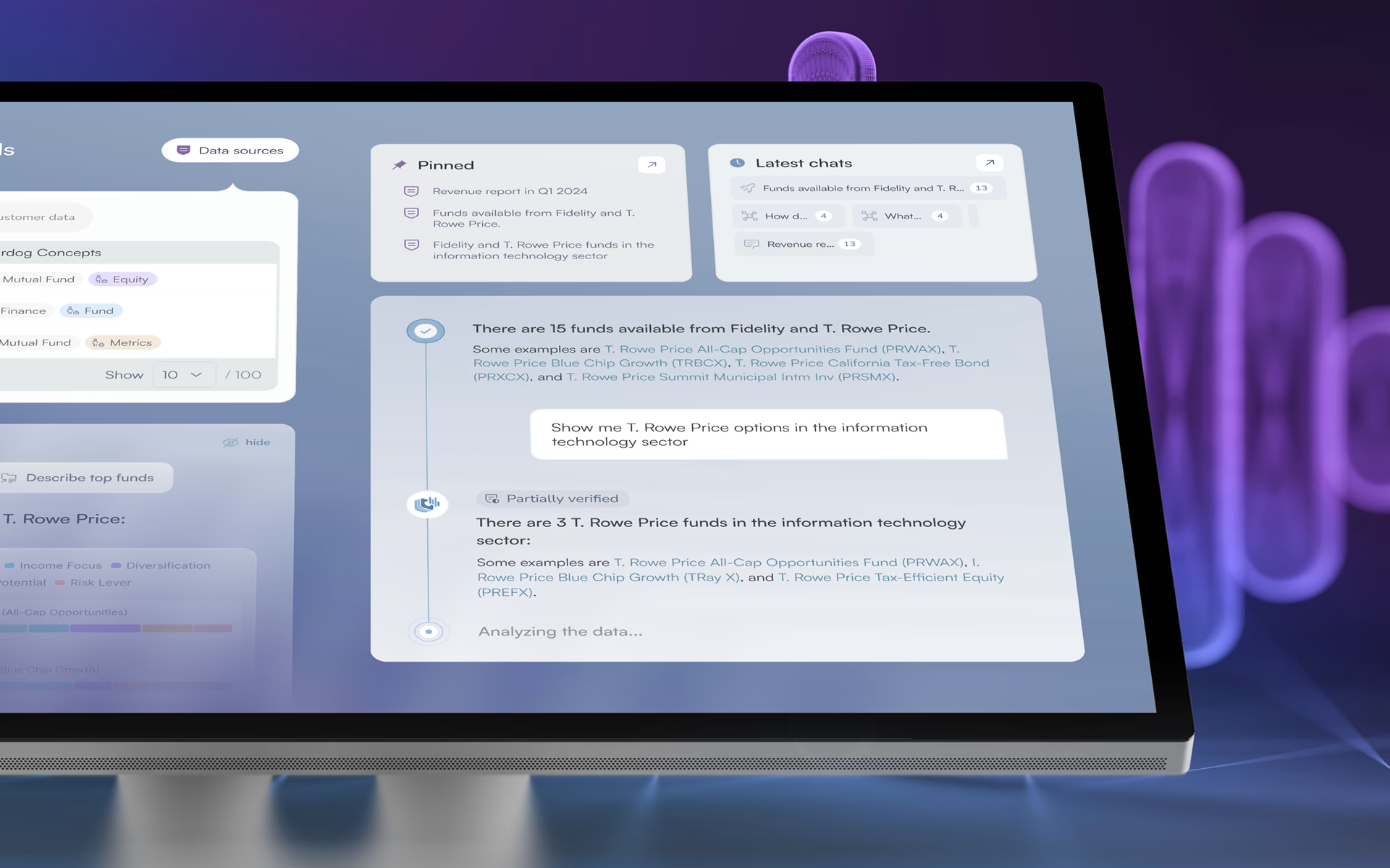
The cold-start problem occurs when a user opens an AI interface for the first time and has no clear signal about what the system knows, what it can do, or how to begin. Without that context, most users hesitate or leave before generating a single insight. Solving it requires surfacing dataset context before the user types anything, providing ready-to-use prompts that reduce the first-question barrier, and making recent conversations visible on first load so returning users can re-enter their previous context immediately.
What is a dual-panel AI workspace and why does it matter for financial analysts?
A dual-panel AI workspace displays structured data and AI-generated responses side by side in the same viewport. For financial analysts, this layout solves a specific trust problem: when a language model generates an answer, the user cannot verify its accuracy without checking the underlying data separately. Putting both in the same view removes that step entirely. The analyst sees the source numbers and the AI interpretation simultaneously without switching screens, which makes acting on AI-generated insights professionally responsible rather than a risk.
Why do enterprise AI interfaces need verification markers?
Verification markers communicate the confidence level of an AI-generated response directly in the interface. In financial and enterprise environments, acting on an incorrect AI response has real consequences, so users need a confidence signal without having to manually check the source data for every response. The design challenge is calibration: markers that are too prominent undermine confidence in every response including accurate ones, while markers that are too subtle get ignored entirely. The right approach makes uncertainty visible without making it alarming.
What is the difference between a conversational AI interface and a standard chatbot?
A standard chatbot follows scripted flows and fails when a user says something outside its expected patterns. A conversational AI interface connects to a language model and a live data source, which means it can answer questions the designer never anticipated, based on data retrieved in real time. Standard chatbot design is primarily about mapping conversation flows. Conversational AI interface design is about trust architecture, data transparency, and handling responses generated from imperfect or incomplete information. The design problems are fundamentally different.
How is success measured for a conversational AI product?
The most meaningful metrics for a conversational AI product are user engagement time and conversion rate, because both reflect whether users understood the product well enough to get value from it. For Stardog Voicebox, the previous experience was showing user stagnation and midstream drop-off, meaning users were leaving before generating a single insight. After Fuselab’s redesign, user time spent engaged with the platform increased by 20% and new user conversion rates increased by 27%. Both improvements trace back to the same fix: making the interface clear enough that users stay and return.
Does Fuselab design and develop conversational AI products or only design them?
For conversational AI projects, Fuselab delivers UI/UX design, interaction design, and 3D illustration through to a complete handoff-ready design system. For clients with their own development team, Fuselab provides component specifications and interaction documentation that engineers can build from directly. For Stardog Voicebox, the engagement covered the full design scope including a new design system and a restructured application experience. Fuselab also handles full-stack builds for clients who need design and development delivered together under one engagement.
Don't Listen to Us, Read What Our Clients Are Saying.
We know that trusting an outsider with your vision can be scary. This is why if you're not satisfied with us after the first two weeks, you can walk away owing us nothing.
"We went from prototype to usable software lightening fast, and our customer reviews have never been better."


"Their creativity and mastery of UX UI design has made our years of working together enjoyable and incredibly successful!"

"If you need to re-think your product and need some truly unique design talent , Fuselab Creative design team is your answer."

"We needed a nimble team of UI UX designers to work with our development team and they quickly became one of our most vital resources and far exceeded our expectations."


We are a SaaS design
company that sticks
to our principles

Users don't come first
Business Comes
That doesn’t mean ignoring users. Every business benefits from understanding its users and improving the product for them. Being user-centered is valuable — but it’s valuable because it drives business success.

Structure is key
But Good UI Matters
That doesn’t mean ignoring users. Every business benefits from understanding its users and improving the product for them. Being user-centered is valuable — but it’s valuable because it drives business success.
Design is a process
Not An Event
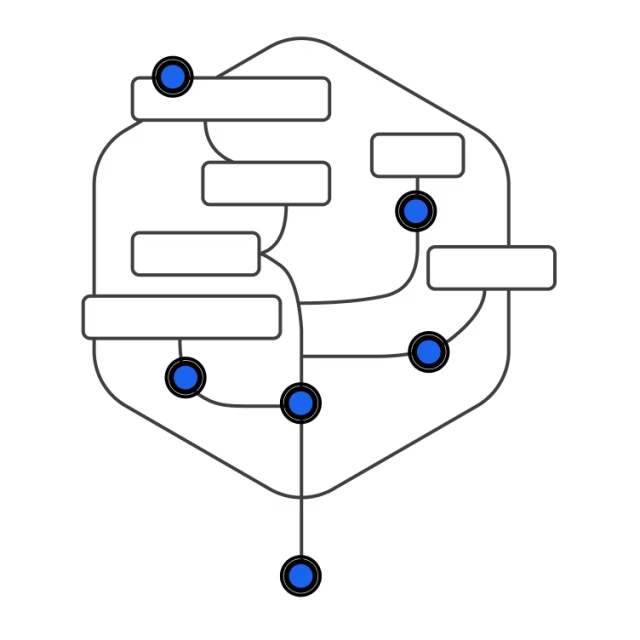
There’s no place for overnight success. We work in short iterations, moving to the result bit by bit, and expect your consistent feedback.
Design Perspectives
Fuselab Creative is a design studio that focuses on creating meaningful and impactful experiences through design.