We design the software people use with robots, for robot makers and the teams that run them: setup apps a field engineer finishes on site, controls an operator reads at a glance, and cloud consoles that show every robot's state in one place.
What robotics UX design covers
Robot arms and cells · cobots · AMRs and AGVs · drones · service and hospital robots · humanoids · agricultural robots
Each project delivers a map of every robot mode and stop, tested screens for each user, light and sound cues for people nearby, and build-ready specs your robotics engineers work from.











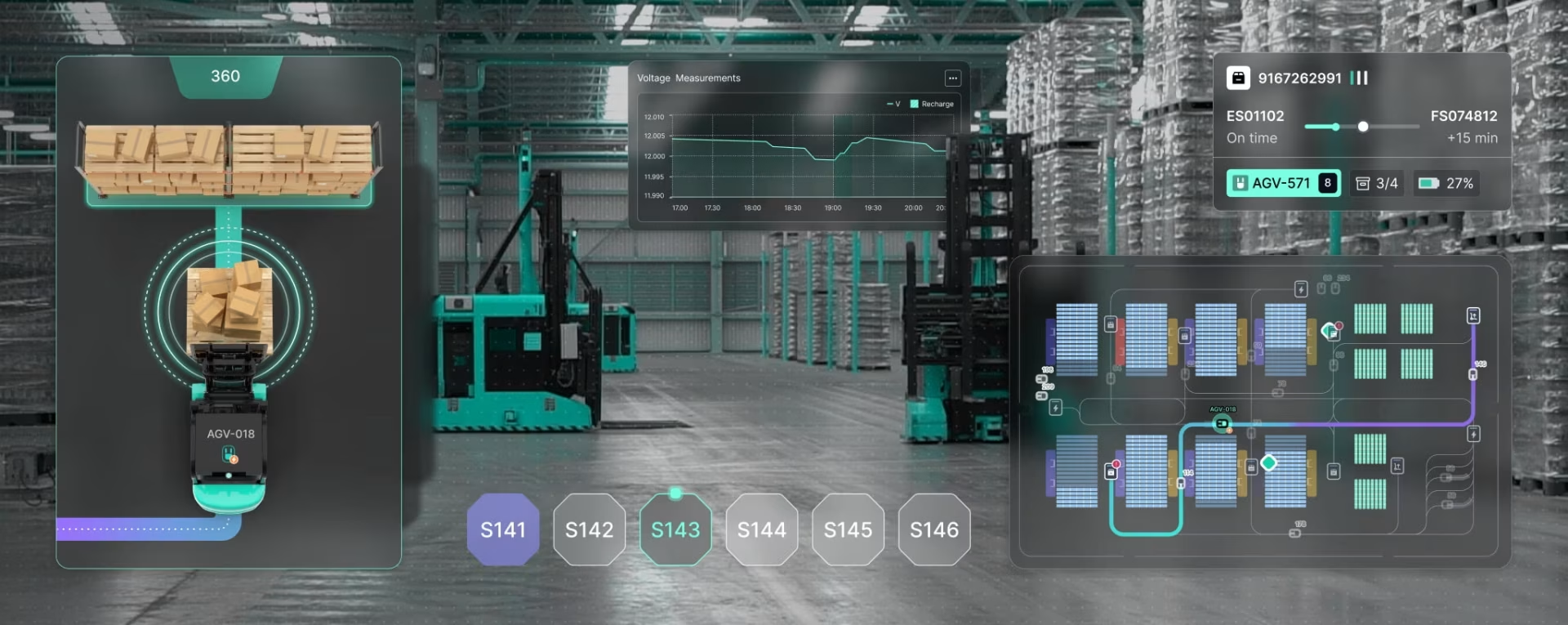
Robot interface design services
Every surface below is built on the same robot behavior model, so a fault looks and reads the same in the setup app, the control app, the cloud console and on a remote operator's screen.
Setup and commissioning apps
Commissioning is a field engineer's first hour with your robot at a customer site. The app orders calibration, safety zones and a test task, and resumes after a dropped connection.
Robot control apps
Operators ask three things: what is it doing, why did it stop, what do I press. A robot control app answers in plain words, keeps the fault code one tap away and never hides the stop.
Cloud consoles for many robots
Past ten robots, operators manage exceptions, not machines. Our robot fleet management interface design ranks what needs a person first and uses one status language across vendors.
Drone ground control apps
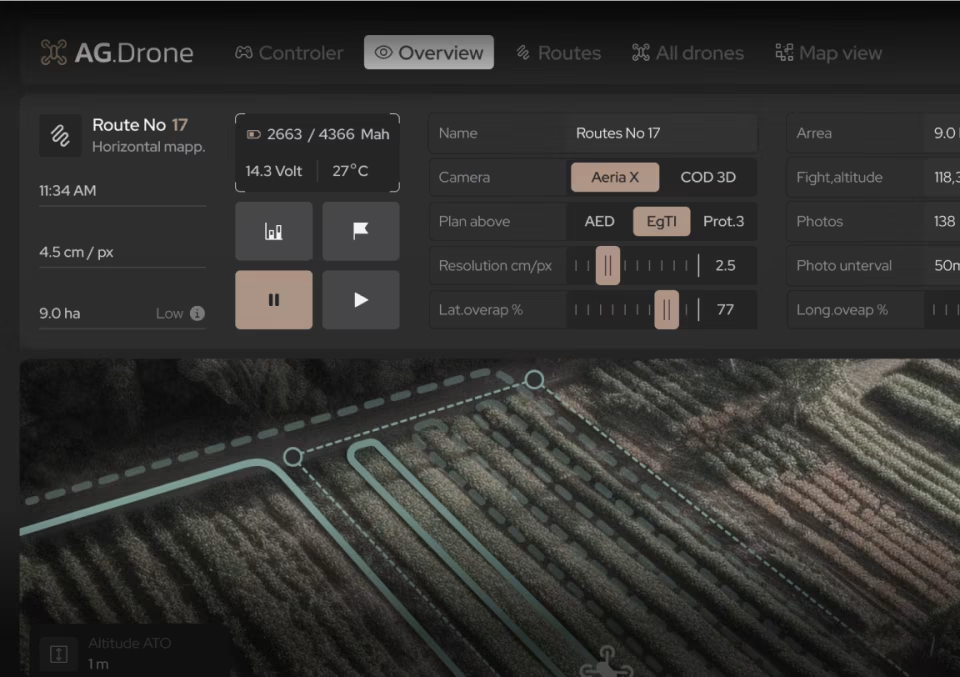
Live video, flight status and mission controls on one screen that stays readable in sunlight. Before takeoff, wind, visibility and battery combine into one go or hold call.
AR and 3D robot interfaces
AR goggles put a robot's task and status in the worker's line of sight, so nobody walks to a screen mid-task. Arm teach and cobot screens are covered by our HMI design services.
Remote operation screens
When a robot is stuck where nobody can reach it, a remote operator takes over through video and a few controls. Network delay shapes the design, so every video frame shows how old it is.
Our robotics UX design process
Six steps, from the first site visit to build-ready specs. We start with the robot at work, agree how it behaves before any screen is drawn, and hand over specs your engineers can build from.
Research the robot at work
We start with the robot at work, on site or through live video and recorded runs: a commissioning visit, an operator's shift, and the support tickets your team already has.
- Field observation report
- Support ticket themes
- Competitor robot UI teardown
- User and site map
Agree the behavior model
Every mode, stop and recovery path is written down with your engineers, with who may trigger each one. You sign this map off before any screen is drawn, because a mode added later reworks every screen that shows it.
- Mode and state map
- Stop and recovery matrix
- Role permissions table
- Safety standards checklist
Map the task flows
Flows for the jobs people do with the robot: unboxing to first task, teaching a new task, clearing a fault and working near it safely. Operators walk through each one on paper.
- Task flow diagrams
- Fault recovery paths
- Safe-proximity sequences
- Paper test findings
Design screens and signals
Screens sized for a glance at arm's length, a 3D view where motion matters, and the light, sound and voice cues the robot uses with people nearby.
- High-fidelity screens
- 3D path preview
- Light and sound cue library
- Clickable prototype
Test on the real robot
The prototype goes onto the real robot or your simulator. We stage faults on purpose, test in glare and gloves, and watch how bystanders react to the robot's signals.
- Robot test findings
- Fault drill results
- Revised screens
- Bystander reaction notes
Ship build-ready specs
Specs tie each screen to the robot state behind it, with every mode annotated and every asset export-ready.
- State-to-screen map
- Annotated specs per mode
- Design system and tokens
- Signal and sound asset pack
Robotics UI design examples
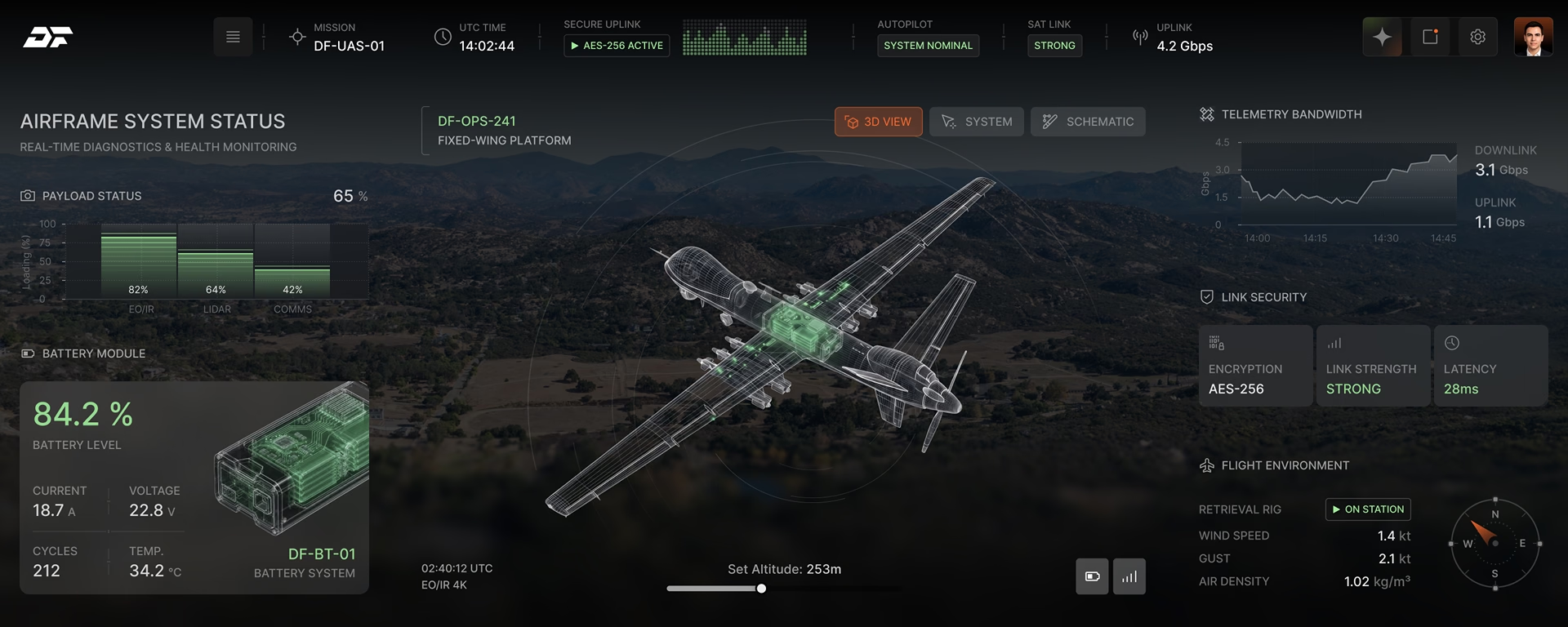
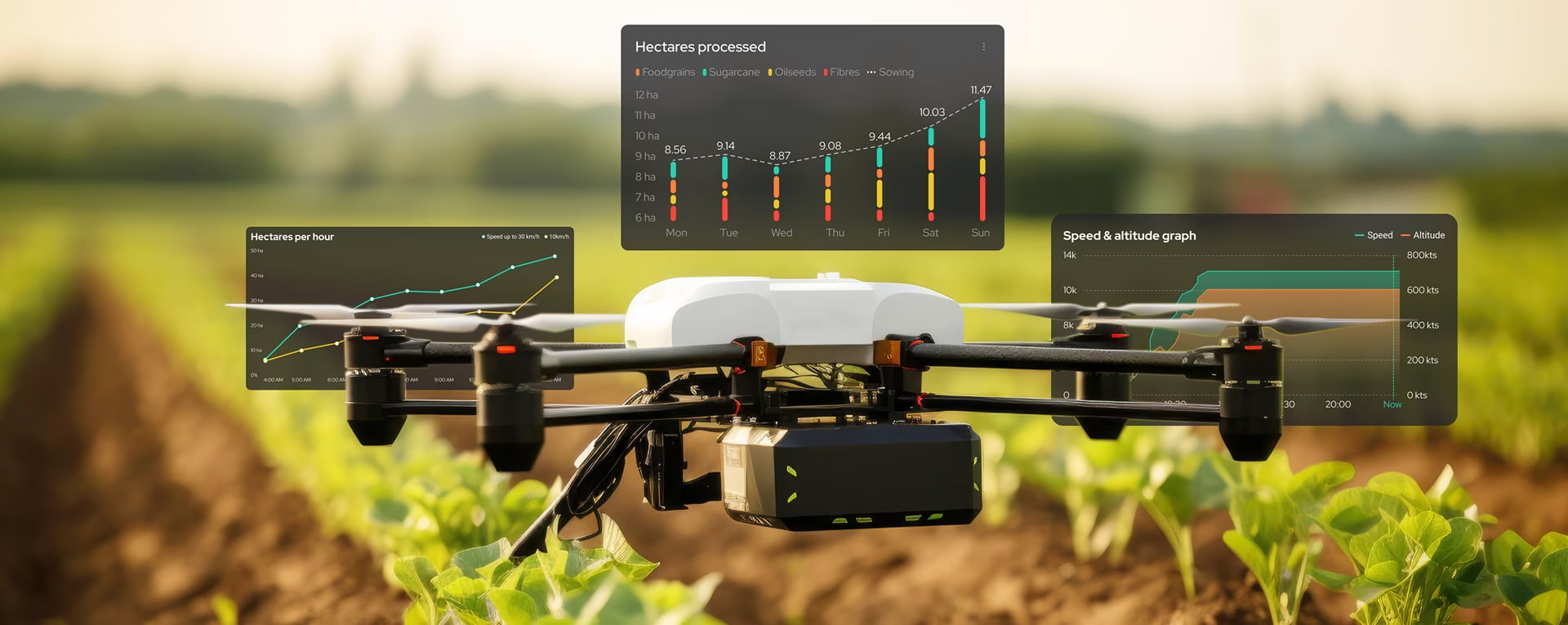
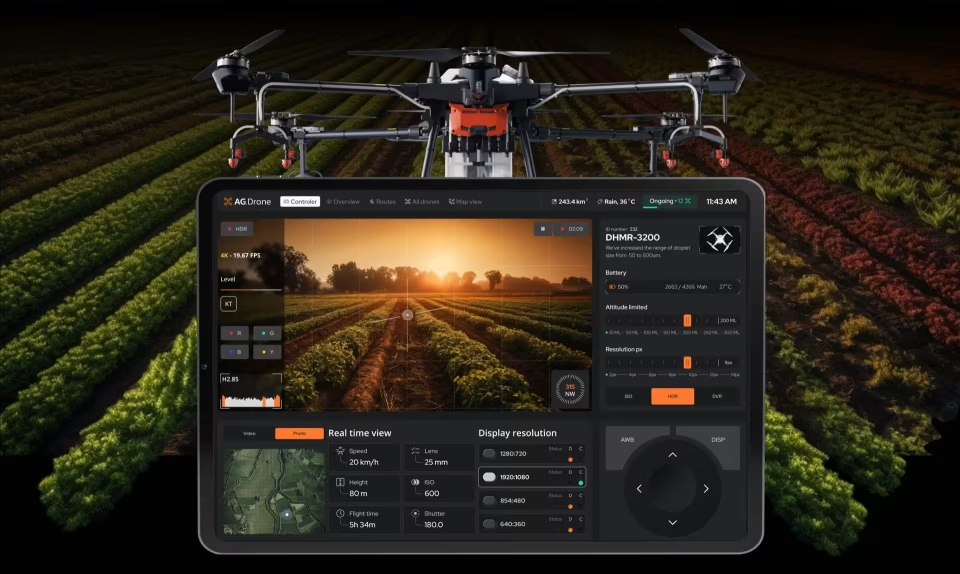
Screens people use next to a moving machine: setup tablets, drone controls, AGV consoles and AR views. Each one has to read in a second, by someone whose hands are busy.
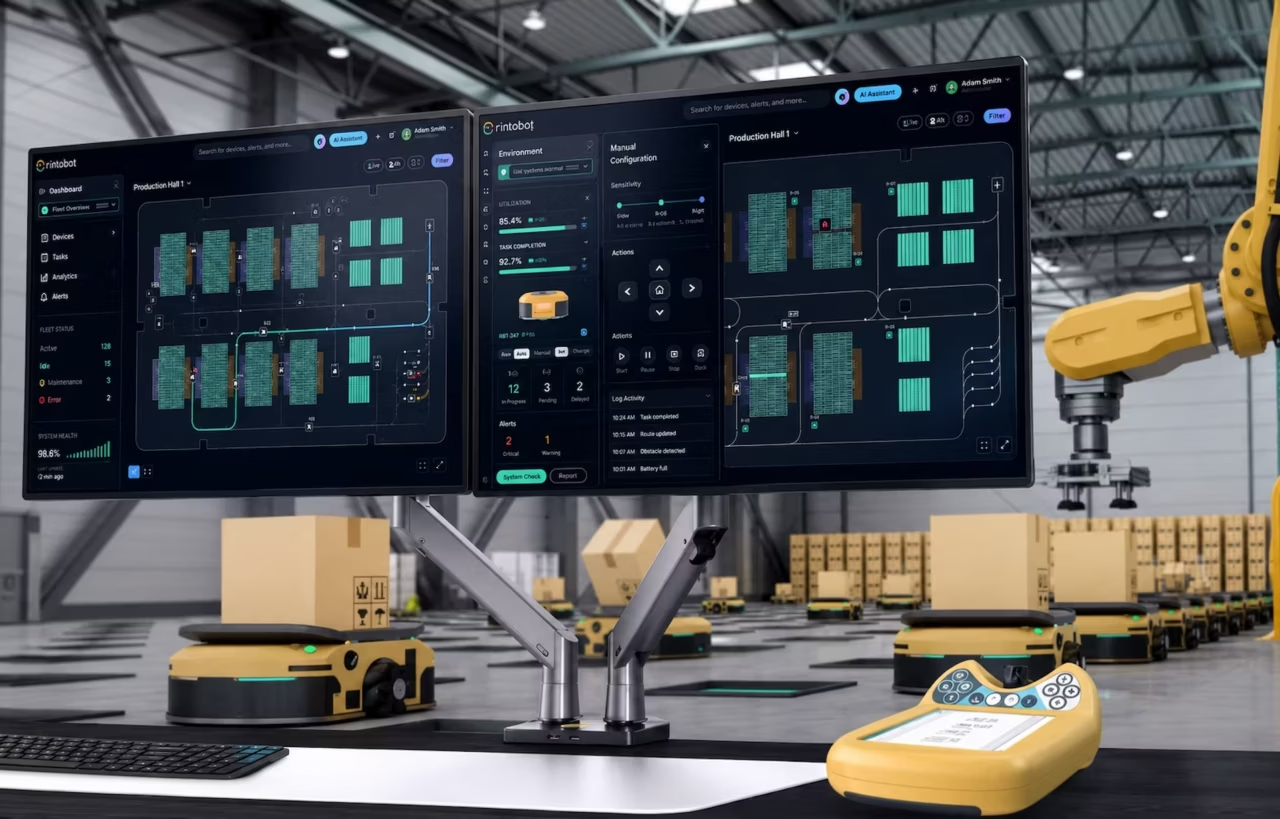
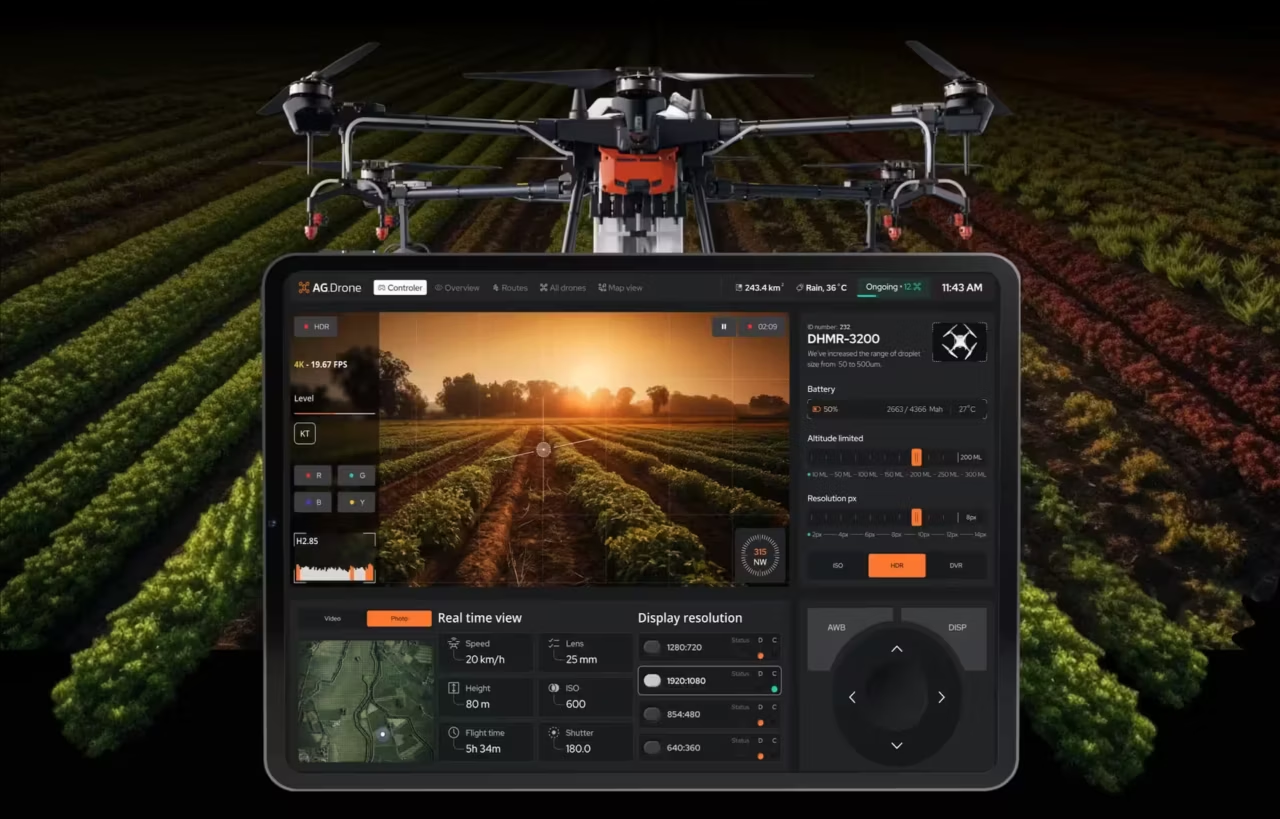
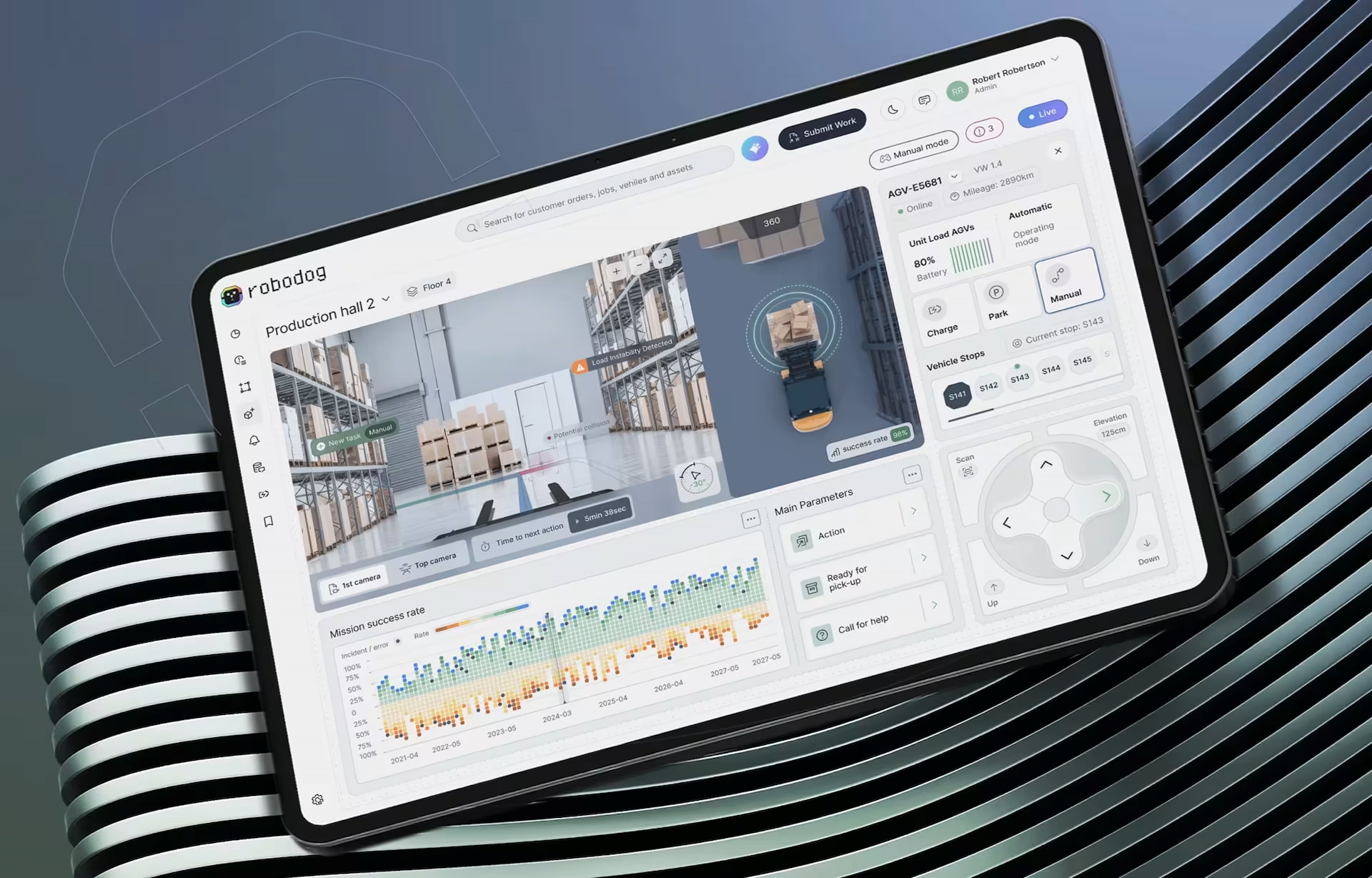
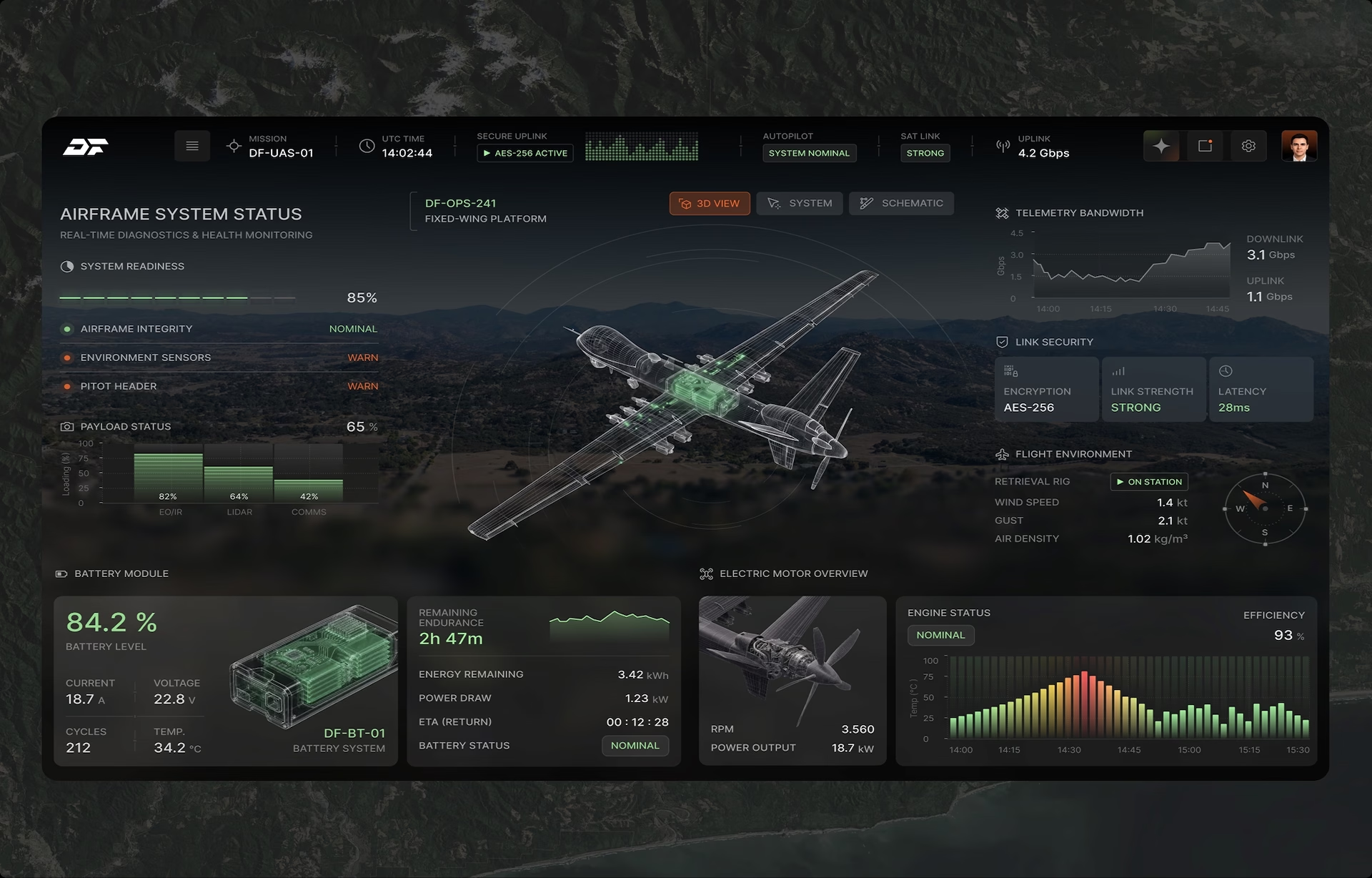
Robot and drone interface projects

Human-robot interaction design
Most people who meet a service robot never open its app. A visitor in a hospital corridor judges it by how it slows down, which way it turns and whether it waits. Human-robot interaction design treats those moments like screens, because they decide whether staff accept the robot.
We design intent signals before motion, a robot voice interface with a small fixed vocabulary, and a way for anyone nearby to pause the robot. A humanoid robot interface raises the stakes: a face suggests understanding, so it must not promise more than the robot delivers.
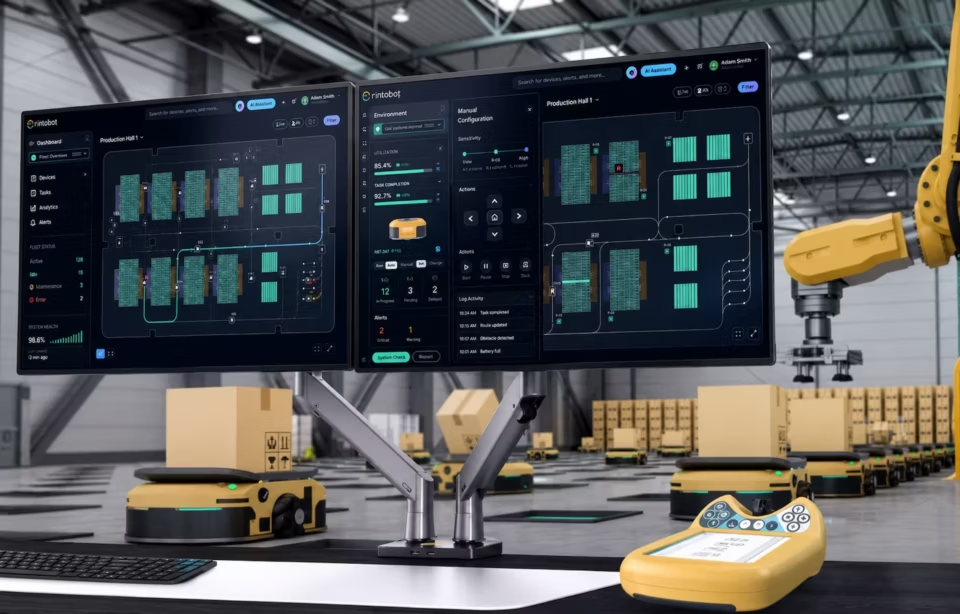
Robot fault and recovery design
Most robot downtime is the minutes between a stop and a restart. When the robot halts, the screen should say what happened in words an operator understands, what is safe to touch, and the shortest path back to work.
Each stop type gets its own recovery path: what the operator sees, what they are allowed to do, and when the robot must wait for an engineer instead. Faults that need a specialist are named as such, so nobody tries a fix that voids a warranty.
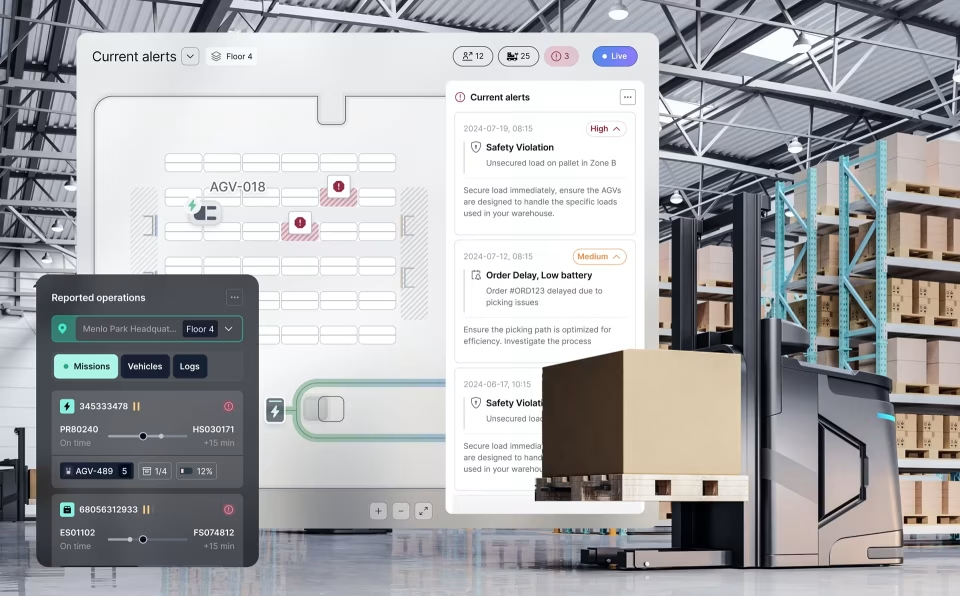
Robot UI design for every user
One robot has several users across its life. A field engineer configures it once, an operator runs it every shift, and a maintenance tech returns when a part wears out. Each needs a different starting screen, and engineering tools stay hidden from the operator by default.
Then there is everyone else on site, who has no screen and never asked for a robot. Robot UI design that ignores them hands the problem to the floor manager. We map every one of these users before drawing anything, and the bystander usually changes the design most.

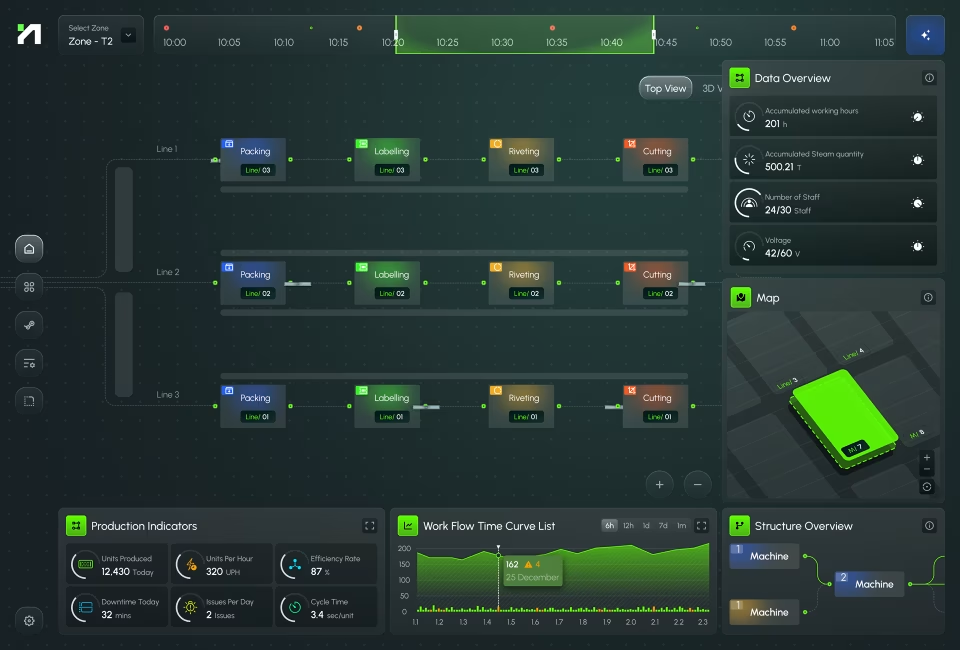
Robot telemetry an operator can read
Joint angles, force readings, battery health and error codes mean little as raw numbers. Shown against the robot’s task and its normal range, they tell an operator whether to act now or wait for the next break.
Factory light washes out red and green, and many operators have some color vision deficiency, so a fault is marked with shape, position and a word as well as color. A battery trend across a week also says more than today’s percentage. More in our data visualization design work.
Robotics startup product design
A robotics startup builds hardware, an app and a cloud console with a team sized for one of them. The interface is often written by whoever wired the robot, and it holds up until a pilot customer’s staff try it with no engineer beside them.
We design what that pilot customer touches first: setup, daily operation and fault recovery. Fleet analytics can wait until the robot’s behavior settles, which keeps version one small enough to ship before the next raise. See how we plan UI/UX design for startups.
Robot safety standards we design to
A protective stop, a mode change and a restart are safety functions as much as screens. How each one is confirmed, shown and undone goes into the spec, so your safety engineer can review behavior on paper, when safety-critical UI design is cheapest to change.
Specs reference ISO 10218-1 and -2 (2025 editions) for industrial and collaborative robots, ANSI R15.06 for US sites, ISO 3691-4 for AMRs, ISO 13482 for personal care robots and IEC 62443 for remote access. Certification stays with your safety team and test lab.
Don't Listen to Us, Read What Our Clients Are Saying.
We know that trusting an outsider with your vision can be scary. This is why if you're not satisfied with us after the first two weeks, you can walk away owing us nothing.
"We went from prototype to usable software lightening fast, and our customer reviews have never been better."


"Their creativity and mastery of UX UI design has made our years of working together enjoyable and incredibly successful!"

"If you need to re-think your product and need some truly unique design talent , Fuselab Creative design team is your answer."

"We needed a nimble team of UI UX designers to work with our development team and they quickly became one of our most vital resources and far exceeded our expectations."


Related Services and Solutions


Robotics UX design agency FAQ
What does a robotics UX design agency do?
A robotics UX design agency designs how people set up, run and share space with robots: commissioning apps, mobile controls, cloud consoles, remote operation screens and the light and sound cues a robot uses with people nearby.
Do you design robot hardware?
No. Fuselab designs what a person sees or hears from the robot, from the screen on the unit to the apps around it. Enclosure and mechanics belong to your engineers or an industrial design firm, and we coordinate on display and light placement.
How is robot UI design different from app UI design?
Robot UI design controls a machine with mass and momentum. A wrong tap moves something, the screen is read from a meter away in the middle of another task, and the interface must show what the robot will do next as well as what it is doing.
What is HRI design?
HRI design, or human-robot interaction design, shapes how people and robots read each other. It covers intent signals, handovers, how anyone nearby can pause a robot, and the expectations a humanoid’s face or voice creates.
How do you hand designs to our robotics software team?
Every screen is mapped to the states and messages your robot software publishes, ROS 2 included. Specs list each mode, stop and recovery path, so your team builds from one source instead of a chat thread.
How much does robotics UX design cost?
Fuselab’s minimum for robotics UX design work is $25,000, at hourly rates of $100 to $149 published on Clutch. Cost rises with the number of user roles, the on-robot signals in scope and how many site visits testing needs.
What is the timeline for a robotics UX project?
A single robot product usually takes 10 to 20 weeks from the first site visit to the files your engineers build from. A console for many robots across several sites takes longer, typically four to nine months.
Contact Us
Fill out the form!
Blog