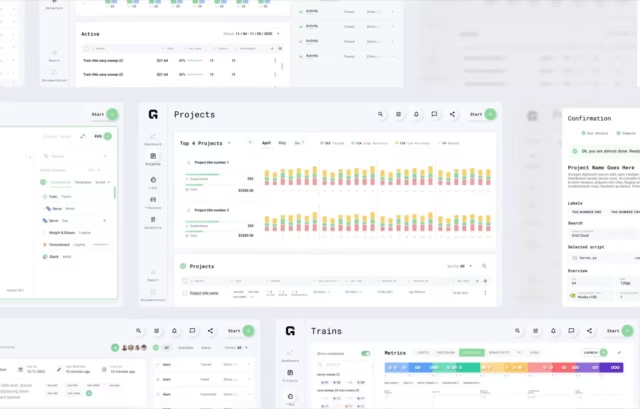
Enterprise AI products ask something unusual of the people using them: they have to act on what a model generated, not just read the data it retrieved. Those outputs cannot be verified at a glance, so Fuselab designs the interface to help a financial analyst, a clinician, or an engineer decide whether to trust a result before acting on it.
What an AI design agency specializes in
Fuselab's AI work concentrates in three places: conversational platforms for financial analysis, clinical decision tools, and machine learning products where the person reading a model's output is rarely the one who built it. What connects them is a problem standard product design does not have: making a probabilistic output clear enough that a specialist can trust it, or knowingly reject it.









AI design services Fuselab delivers
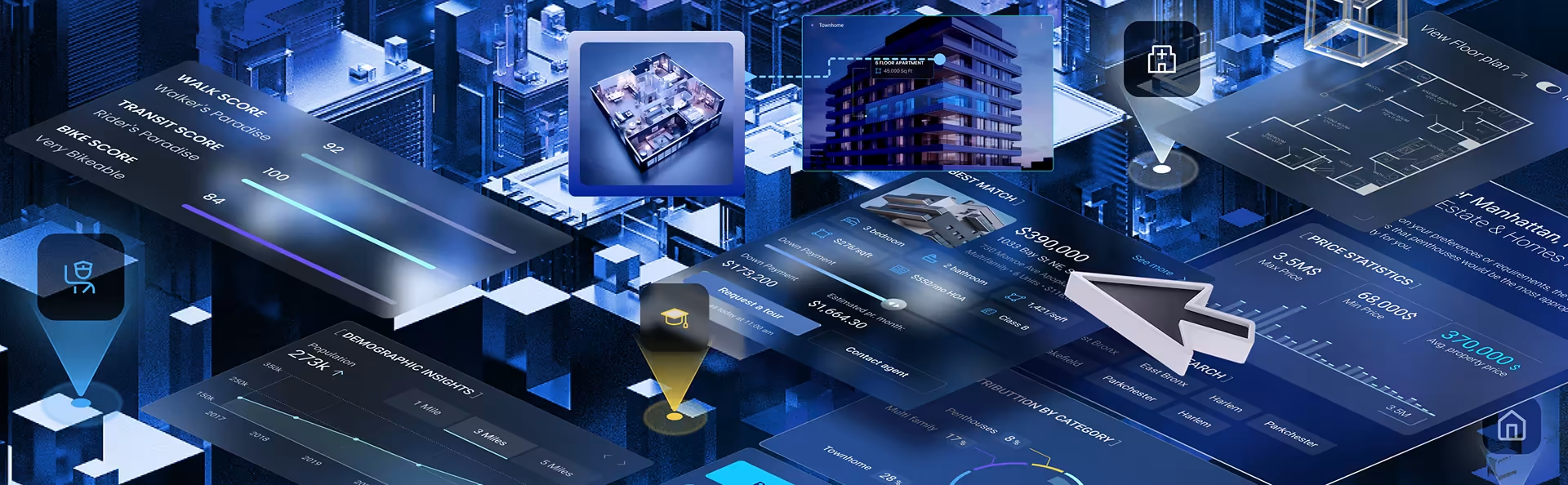
Design for an AI product rarely stops at the screens. Fuselab’s services cover interface design, AI strategy, prototyping with real model outputs, end-to-end product development, and data visualization for model results, each scoped to where the product sits in its lifecycle rather than sold as one fixed package.

AI interface design requires solving problems that do not exist in standard product work. The interface must distinguish between retrieved data and generated responses, surface model confidence without creating alarm, and handle latency that varies with query complexity rather than network speed alone. The deliverable is a design system that covers every state the interface enters during a model interaction: loading, response, low confidence, error, empty, and override.

AI strategy consulting starts with understanding what the product actually needs to do for the user, not what AI can theoretically do. Before any interface work begins, the process identifies where AI adds genuine value in the workflow, where it introduces trust problems that need to be designed around, and where the technical complexity exceeds the user benefit. The output is an implementation roadmap where every AI feature has a clear user rationale and a design plan for the cases where the model is wrong, uncertain, or silent.


Prototyping for AI products is different from prototyping standard digital products because the interface behavior depends on model outputs that are probabilistic rather than fixed. A prototype has to account for what happens when the model returns a low-confidence result, an unexpected output, or no output at all. The critical difference is testing with real model responses rather than idealized placeholder data, so that product and engineering leads see how users actually react to uncertainty, errors, and latency before committing to full development. Design problems discovered in prototyping cost a fraction of what they cost after launch.
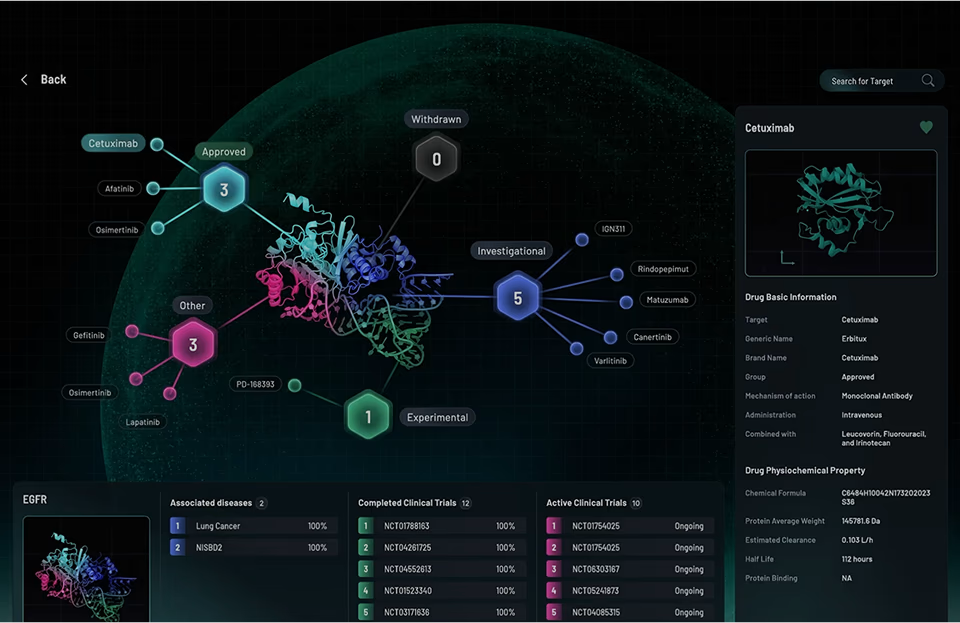

End-to-end AI product development covers the full lifecycle from research and design through to deployment. For teams with their own engineering capacity, the deliverable is a design system and interaction specifications that engineers can build from directly. For teams that need design and development under one engagement, the deliverable is a complete build. One recent engagement followed the second path: complete UI/UX design plus custom APIs for a healthcare AI product combining a digital twin, an AI health assistant, and a personalized supplement system, now live in clinical use.
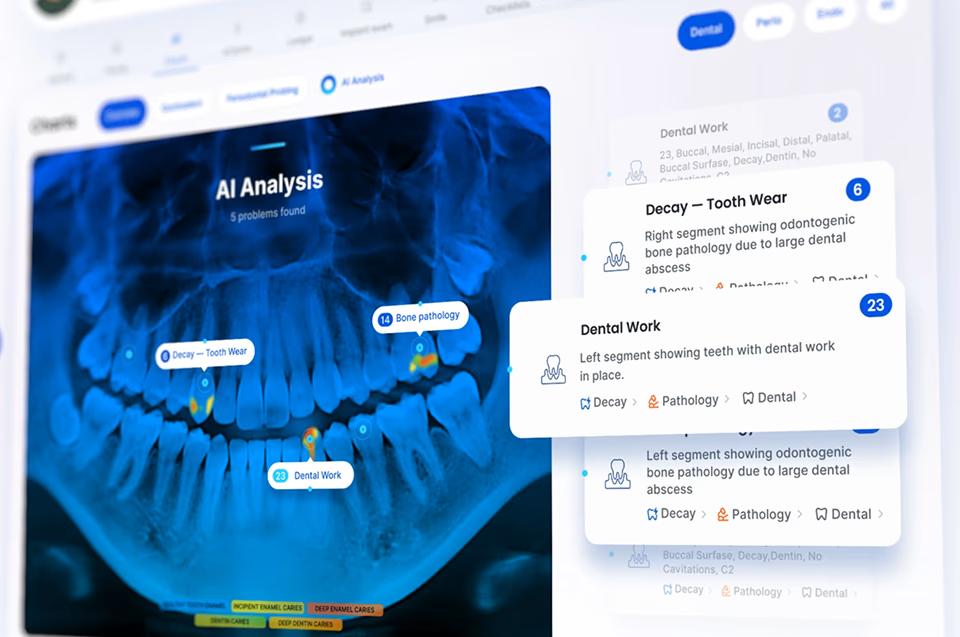

AI and ML outputs are only useful when the person reading them can act on them. A loss curve that requires a data scientist to interpret is not useful to a product manager. The design problem is making model outputs readable to the actual user, not the person who built the model.
For an ML experiment tracking platform, this meant heat maps and spider visualizations for model comparison at scale. For a conversational financial analysis platform, it meant radar charts that translated abstract fund attributes into a format a financial analyst could read at a glance. Both required a different data visualization approach than standard reporting because the underlying data was probabilistic.
The six AI interface types Fuselab designs
AI interfaces are not one pattern. Fuselab designs six that recur in enterprise AI products: conversational, AI-augmented, adaptive, ambient, multimodal, and transparent. Which one fits depends on how the user consumes the model's output and how wrong the model can afford to be in that specific workflow, not on visual preference.

Conversational Interfaces
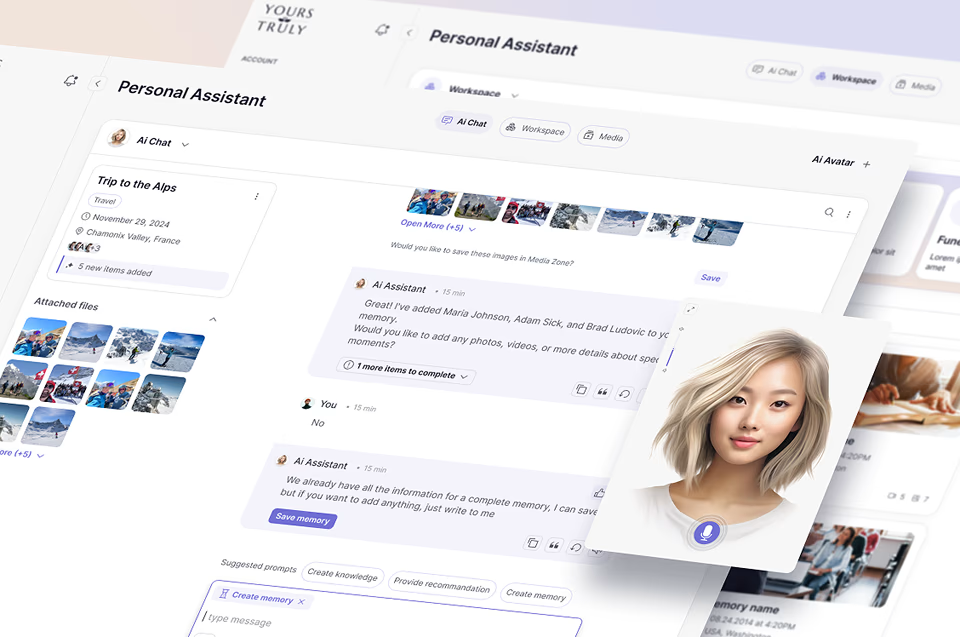
Conversational AI interfaces handle a design problem that button-based interfaces do not: the user can say anything, and the system has to respond to inputs it was not explicitly designed for. The interface must manage multi-turn context, handle ambiguity gracefully, and make it obvious when the system did not understand the request rather than guessing silently. On a conversational financial analysis platform, this meant a dual-panel workspace where the conversation runs alongside the data output, so financial analysts can see both the query history and the generated analysis without switching views.

AI User Interface Design
AI-augmented interfaces pair machine-generated suggestions with user-produced content in the same workspace. The design challenge is making AI contributions visually distinct from user content without interrupting the user's workflow. Confidence indicators, inline attribution, and dismissible suggestion states all need to be designed so the user stays in control of the final output rather than passively accepting generated content that may contain errors.

Adaptive/Personalized Interfaces
Adaptive interfaces modify what they show based on accumulated user behavior, which creates a design problem standard interfaces do not have: the product looks different to every user, and testing has to account for personalized states rather than a single fixed layout. The interface also needs to make the adaptation visible and overridable, because a user who does not understand why their view changed will assume the product is broken.

Ambient Intelligence Interfaces
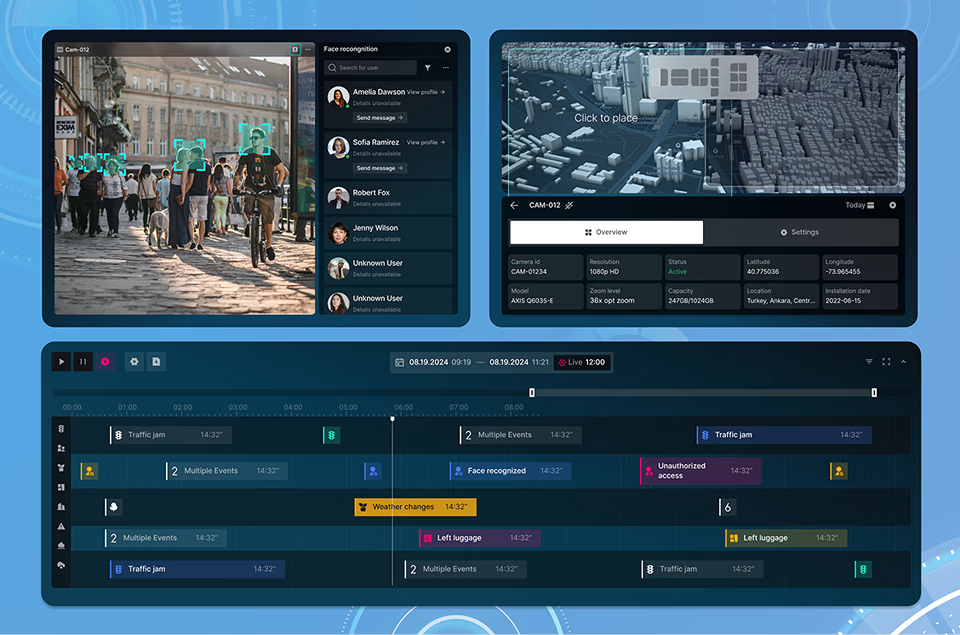
Ambient intelligence interfaces operate in the background and surface information only when a threshold is crossed or an anomaly is detected. The design challenge is deciding what threshold justifies interrupting the user versus what should be logged silently. In monitoring dashboards for fleet management or solar grid operations, getting that threshold wrong means either alert fatigue from too many notifications or missed failures from too few.

Multimodal Interfaces
Multimodal interfaces accept input through voice, text, gesture, and visual channels within the same interaction. The design problem is not adding more input methods but deciding which input type is primary for each task and how the system responds when inputs from different channels conflict. An AR heads-up display that accepts both voice and gesture needs a clear hierarchy for which input takes priority during a simultaneous command.

Transparent AI Interfaces
Transparent AI interfaces surface the reasoning path behind every generated output so the user can evaluate the conclusion rather than simply accepting or rejecting it. In healthcare, this means showing which patient data points contributed to a recommendation and what confidence level the model assigned. In financial analysis, it means linking each generated insight back to the specific data sources and calculations that produced it, so an analyst can audit the output before acting on it.
What enterprise AI design requires
The AI interface decisions that determine whether users trust a product happen where most teams treat as edge cases: the uncertain outputs, the wrong responses, and the moments when the user needs to push back on what the system produced. How those states are designed determines whether the product succeeds. Trust is a design material, not a side effect.

Making an AI system’s behavior visible to the user is a specific design problem, not a philosophy. It requires deciding what level of confidence to surface, how to present source data alongside the generated response, and how to communicate uncertainty without undermining accurate responses. On a conversational financial analysis platform, calibrating confidence markers required more testing than any other design element: too prominent and they undermined trust in correct outputs, too subtle and they were ignored.

Users who do not understand what an AI system cannot do will eventually encounter a failure they were not prepared for, and that single failure destroys the trust built by dozens of accurate responses. Setting accurate expectations requires interface design decisions, not disclaimers. The first-load experience needs to surface real examples of what the system handles well, contextual cues that signal when a query is outside the model’s reliable range, and failure states designed as part of the product.

Automation is only valuable when the user retains the ability to override it without friction. An AI product that automates a decision the user disagrees with but cannot change will be abandoned. The design question is not how much to automate but how to make the automation visible and reversible, with override flows as fast as accepting the recommendation and logic readable enough that the user knows what to change and why.

AI response time varies with query complexity rather than network speed, which means the same loading pattern cannot apply to every interaction. A two-second delay on a simple lookup and a twelve-second delay on a complex query need different loading states. Applying the same spinner to both erodes confidence in fast responses and creates impatience on slow ones. Latency is a design variable on AI products, not an engineering one.
Recent projects







Ready to have a conversation?
Contact our AI/ML development
team by filling out the form below!
How an AI design project runs
An AI product engagement runs as a sequence of risk checks, not a linear design handoff. Each of the six stages below, from problem definition through continuous evolution, closes a specific category of risk that otherwise stays hidden until after launch, when it costs far more to fix.

Research for an AI product maps the user’s workflow, identifies where AI adds genuine value, and defines what a correct versus incorrect output looks like to the specific user making decisions. Standard UX research accounts for user behavior. AI product design has to account for model behavior as well.

Concept development for AI interfaces focuses on how the product handles uncertainty before it handles success. The most important design decisions are what happens when the model is wrong, uncertain, or disagreed with, and these are designed explicitly in the concept phase, not discovered during testing.

Prototypes for AI products include actual model outputs, not static placeholder responses. Testing with real model behavior surfaces how users respond to real uncertainty, real errors, and real latency, which placeholder testing never reveals. The difference between a prototype with fake AI responses and one with real model outputs is the difference between testing the layout and testing the product.

Testing AI interfaces requires scenarios around edge cases and failure states, not just successful interactions. The test set must include tasks where the model is uncertain, where it is wrong, and where the user needs to override the recommendation. Designs that only work when the model is correct are not production-ready.

Design handoff for AI products includes interaction specifications for every model state, not only the success path. Component documentation that covers failure and edge cases allows development teams to build accurately without returning for clarification on edge cases that were not anticipated during design.

AI products change as the underlying models improve, which means the interface assumptions from the previous model may not hold after a significant retrain. Confidence indicators and uncertainty signals should be built as adjustable parameters, recalibrated when the model changes, without rebuilding the architecture.
Case studies
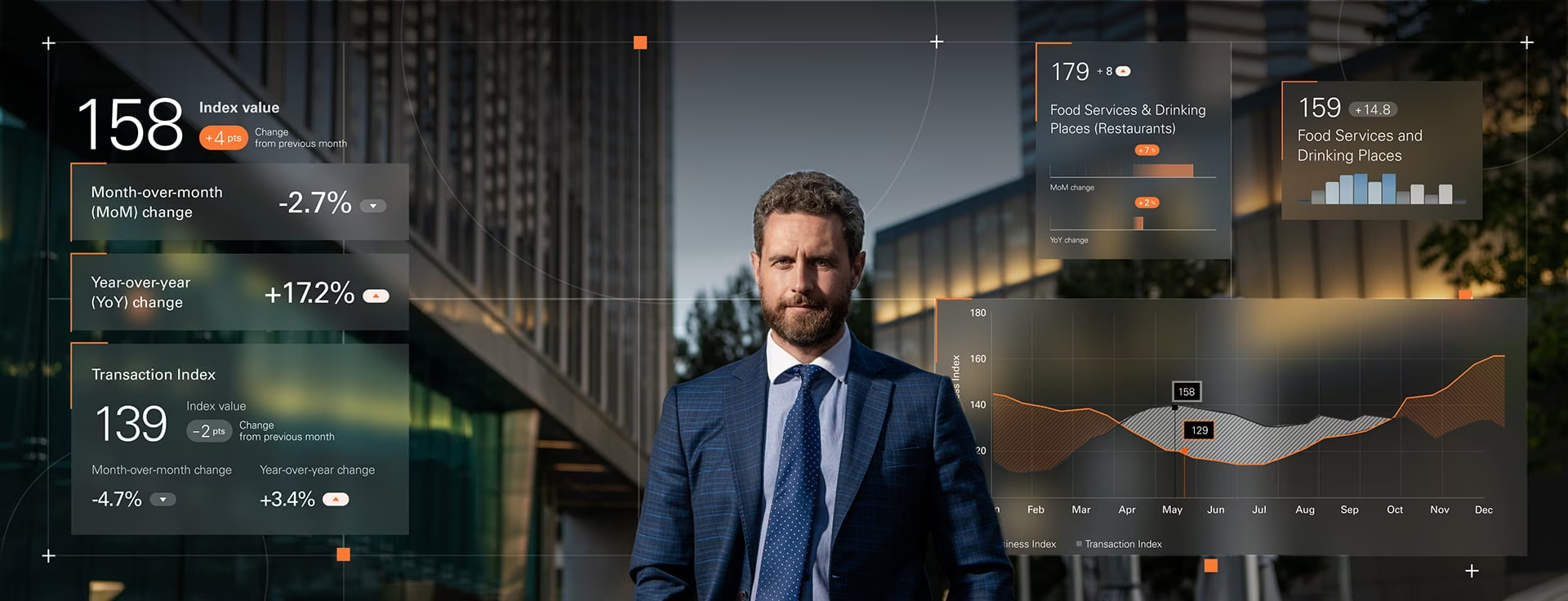
The work below covers AI interface design across financial data analysis, machine learning experiment tracking, and AI-powered healthcare.

POGO
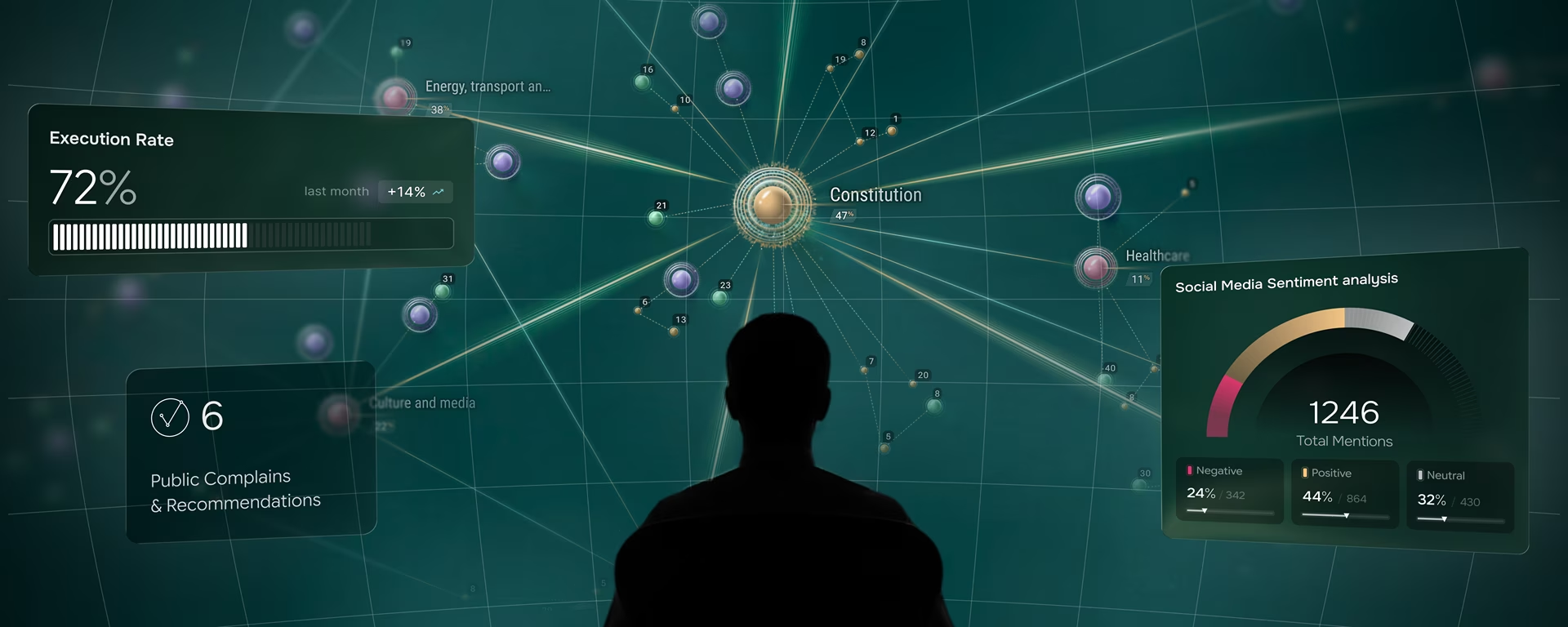
Government Covid-19 spending data visualization with automated anomaly detection across federal disbursement records.
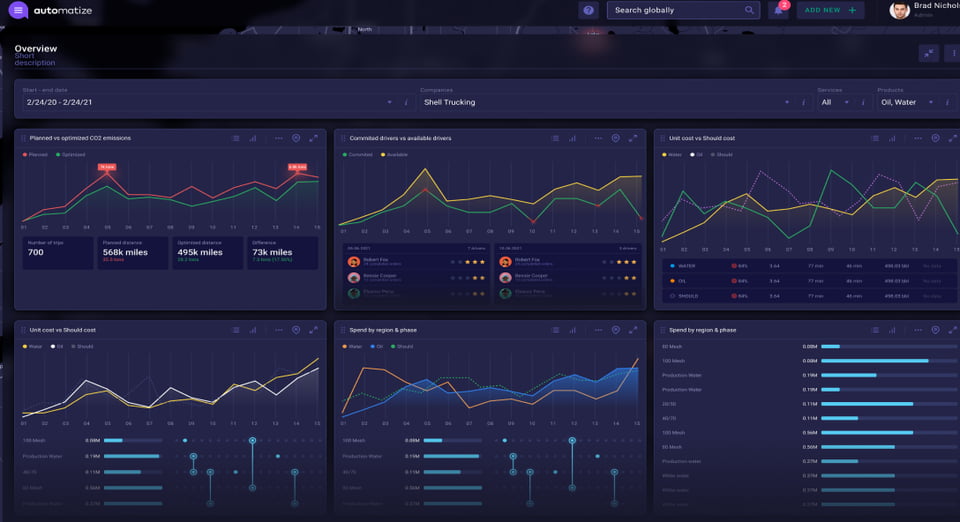
Automatize
Real-time fleet operations dashboard with predictive maintenance analytics and AI-driven route optimization for Shell oil truck logistics.
User Consent
Consent mechanisms in AI products are frequently buried in legal language that no user reads, which means consent is technically obtained but not informed. The fix is contextual: explain data usage at the moment of collection, not in a policy document accessed from a footer. Opt-in must be explicit, revocation accessible at any point, and users must be able to see which AI features use their data.

Data Protection
Data minimization means collecting only what the AI system needs to function, not everything that might be useful later. The interface should make data collection visible and explicit, showing users what is collected and why, rather than operating on background data they never consented to or forgot they consented to.
Protecting Against Bias
Algorithmic bias in AI interfaces is often invisible until a specific user group encounters it. Addressing it at the interface level means testing model outputs across demographic segments before launch, building mechanisms for users to flag biased outputs, and surfacing the data sources behind each recommendation. An AI interface that presents every recommendation as neutral gives the user no way to catch a bias the testing missed.
Accountability
Accountability in AI interfaces means the interface clearly indicates which content was generated by AI versus entered by a human, every AI-generated output shows confidence or source attribution the user can evaluate, and there is a visible path to dispute or override any automated decision. If a user encounters an output they disagree with and cannot find a way to challenge it within two clicks, the accountability design has failed.

AI interface design
frequently asked questions
What makes an AI product need specialist interface design?
An AI product needs specialist interface design when the system can produce uncertain or wrong outputs that users must evaluate before acting on them. The failure modes, confidence edge cases, and override flows that determine whether users trust the product are design problems that standard UX methods were not built to handle, and are typically discovered after launch rather than before it.
How is AI interface design different from standard UX design?
AI interface design differs from standard UX design because the system can be wrong, uncertain, or slow in ways that standard product design does not account for. Standard UX assumes the system returns correct results. AI interface design treats failure states, confidence calibration, and override flows as primary design problems, not edge cases discovered after the product ships.
How much does an AI interface design project cost?
AI interface design projects range from shorter strategy or prototyping engagements to full design system projects covering research, UI/UX design, and engineering handoff. The scope and cost depend on where the product team is in development. Contact with a brief description of the product and current stage for a project-specific quote.
How long does an AI interface design project take?
An AI interface design engagement typically runs 8 to 16 weeks from research through complete design system and engineering handoff, depending on whether the scope includes real-model prototyping. Projects that include prototyping take slightly longer upfront but require fewer design revisions during the engineering build, because the failure states are resolved before development begins.
What should I look for in an AI design agency portfolio?
An AI design agency portfolio for enterprise or regulated-industry work should show at least one shipped product where the interface handles model uncertainty, not only successful AI responses. The portfolio entries that matter are those showing confidence indicators under calibration, override flows, and designed failure states. An agency whose case studies show only clean AI outputs has designed for the ideal path, not the production reality.
How does an AI design agency differ from a traditional agency?
An AI design agency has shipped products built on AI and machine learning, so it designs from direct experience with how models behave in production, including when they are wrong, uncertain, or slow. A traditional agency produces strong interfaces, but usually for flows where the system returns correct results. The real difference is demonstrated experience with AI products, not a different visual skill set.
Does an AI design agency handle development, or only design?
AI design agencies vary: some deliver design only, others cover design through engineering. Fuselab does both, from interface specifications an in-house team can build against, to a complete build that includes custom APIs and front-end development. The right scope depends on whether your product team has its own engineering capacity.
Read Our Blog
Inspiration and knowledge to fuel your creative journey.