Why enterprise AI interface design fails at adoption in 2026
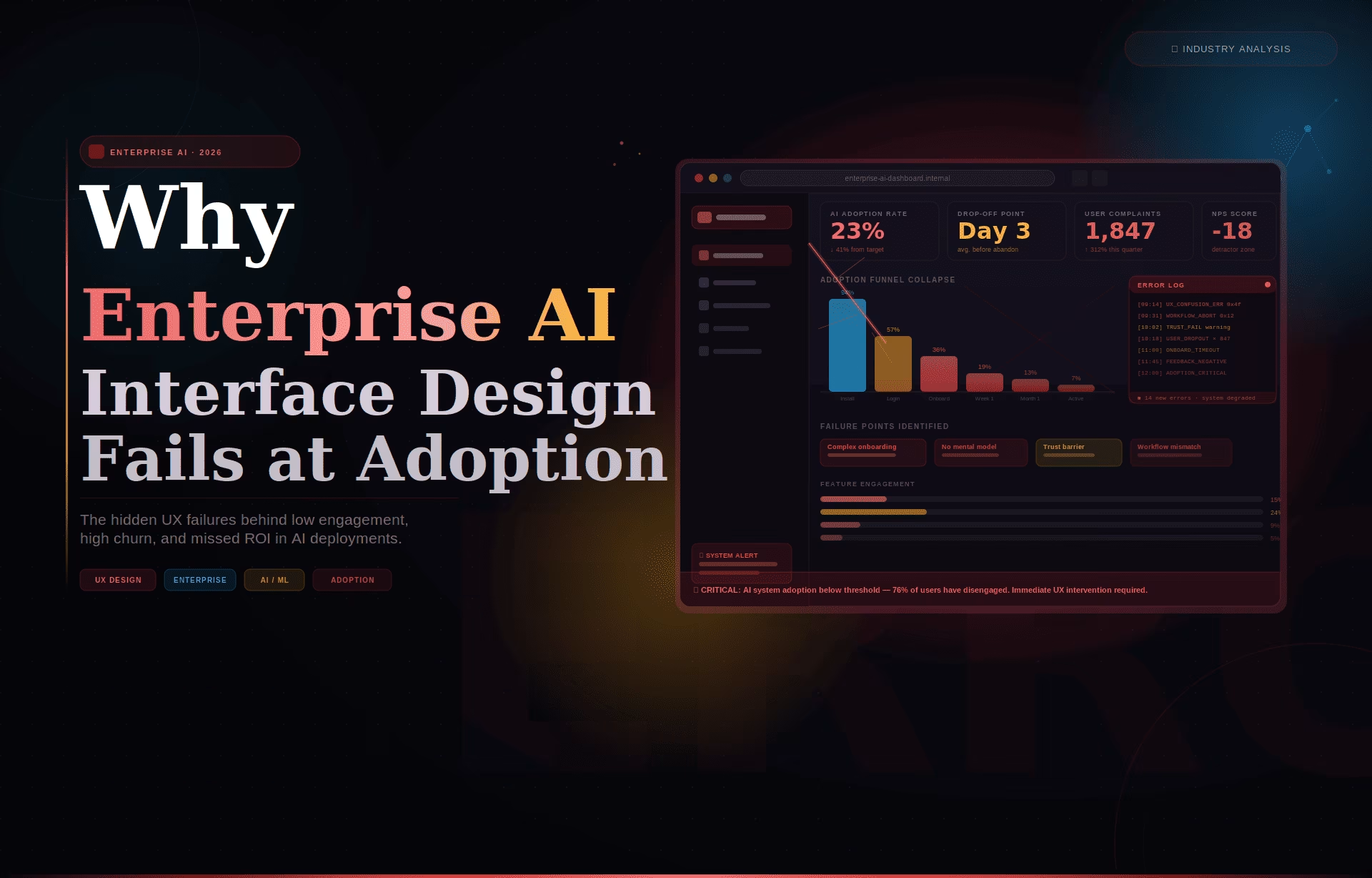
AI interface design is the discipline of structuring how users interact with AI-powered systems, including conversational agents, autonomous workflows, recommendation engines, and decision-support tools, so that system outputs are understood, trusted, and acted on correctly. Gartner predicts that by the end of 2026, 40% of enterprise applications will incorporate task-specific AI agents, up from fewer than 5% in 2025, making the interface layer between humans and AI systems the fastest-growing design problem in enterprise software.
What AI interface design actually is
AI interface design is not the visual layer applied after engineering ships a feature. It is the structural discipline that defines how a system communicates confidence, surfaces reasoning, handles prediction errors, and maintains user trust through repeated interactions. Teams that treat this as a late-stage styling decision consistently produce interfaces that users abandon in the first two weeks, regardless of model accuracy.
Most product teams are staffed to ship AI features, not to design the trust architecture around them. An engineer can integrate a language model, expose its outputs in a UI, and consider the job complete. That is not the full scope of the work. Design begins at the moment a user receives an AI output and must decide whether to act on it, question it, or ignore it entirely.
What makes this discipline structurally different from conventional interface work is the presence of probabilistic outputs. A standard interface presents information that is either correct or incorrect, and the user knows which. An AI-powered interface presents outputs that exist on a confidence spectrum. The interface must communicate that spectrum in proportion to the decision stakes of the moment. Most product teams never design for that communication.
Why enterprise AI initiatives fail, and what the numbers show
The adoption gap in enterprise AI is a workflow problem, not a technology problem. MIT’s NANDA initiative, drawing on 150 enterprise leader interviews and analysis of 300 public AI deployments, found only 5% of pilot programs achieve rapid revenue acceleration. The rest stall. In most cases, the failure shows up at the interface layer before it shows up anywhere else.
The scale of the stall is consistent across multiple research sources. BCG’s survey of 1,000 C-level executives found that only 26% of companies generate tangible value from AI. S&P Global Market Intelligence’s 2025 survey of 1,000+ North American and European enterprises found that 42% of companies abandoned most of their AI initiatives that year, up from 17% in 2024. The average organization scrapped 46% of AI proof-of-concepts before reaching production.
Nielsen Norman Group’s research on explainable AI in chat interfaces documents what happens without confidence signaling: users extend trust to outputs that have not earned it, then abandon the system entirely after a single visible error. A 2024 study cited in that research, by Ha and Kim, found that surfacing explanations for AI recommendations significantly boosted user trust and made users more resilient to occasional errors.
Gartner’s October 2025 strategic predictions sharpen the stakes further. Gartner forecasts that by the end of 2026, legal claims related to insufficient AI risk guardrails will exceed 2,000 cases. These are not failures of models performing poorly in test environments. They are failures of AI-powered systems delivering outputs that users cannot evaluate, question, or correct before acting on them. That is an interface design problem.
The design principles that separate successful AI interfaces from abandoned ones
The failure pattern in most enterprise AI interfaces is the same regardless of industry: the interface surfaces everything it knows and expects users to figure out what matters. The interfaces that sustain adoption are built around the opposite logic. They show the most reliable output first, signal how confident the system is, and make it obvious how to push back when something looks wrong.
The principle that matters most here is confidence transparency. When a user gets an AI recommendation with no signal of how certain the system is, they will test it, find one case where it fails, and disengage. Nielsen Norman Group’s research captures this pattern numerically. Any team that has watched a compliance analyst or a clinical user interact with an AI tool for the first time has seen it live.
Building a visible override path feels counterintuitive to most product teams. It looks like designing for failure. It is the most important trust signal an AI interface can send. When users know they can flag an output as wrong without friction or consequence, they engage with the system more deeply, not less.
Fuselab’s work with Grid AI on its machine learning platform showed the pattern consistently. Data science teams who had a visible mechanism to flag incorrect recommendations engaged with the system more, not less. They spent more time reviewing individual outputs and were more confident in the recommendations they chose to act on. The correction path made the AI feel safer to use, not weaker.
Progressive disclosure means one output and one recommended action before anything else appears. On NASA’s mission data monitoring environment, which Fuselab designed across multiple operational phases, alert fatigue was the core interface problem. Operators were receiving accurate data but too much of it simultaneously. In a monitoring context where misreading a priority alert has real consequences, sequencing the information correctly mattered more than adding features.
How AI interface design differs from traditional UX
Traditional UX optimizes for task completion: an action produces an expected result. AI interface design must account for a different sequence. A user receives a probabilistic output, evaluates it, decides whether to act or override, and attributes the result to either their own judgment or the system. That cognitive loop repeats on every AI-assisted decision and must be designed around from the start.
The most concrete structural difference is in error handling. A standard interface prevents errors or signals them clearly. An AI-powered interface must handle a different failure type: an output that is syntactically correct, confidently presented, and factually wrong. Stack Overflow’s 2025 developer survey found trust in AI tools dropped from 40% to 29% in a single year, despite usage rising to 84%. That gap is what weak interface design produces.
Another difference is in explanation. Conventional UX hides system logic because that logic is deterministic and uninteresting. AI-powered products must surface enough of the system’s reasoning for users to develop a working sense of when to trust it. Users do not need to understand how the model works. They need to know where it is reliable and where it tends to get things wrong.
Fuselab’s work with Fiserv and NIH on data-intensive interfaces showed the same pattern in different regulated contexts. In both cases, the teams that sustained AI-assisted feature adoption longest were those where the interface surfaced reasoning alongside recommendations, and where users had an explicit path to flag an output as wrong before acting on it. The interface decisions, not the model choices, determined whether each AI feature was used or ignored.
What Fuselab has observed across healthcare, fintech, and government deployments
The most consistent observation across Fuselab’s work in this field is that product teams underinvest in the first-session experience. Onboarding a conventional SaaS product means showing users what it does. Onboarding an AI-powered product means showing users when to trust it. Those are different problems. Most teams design only for the first one.
In Fuselab’s work with DHCS on Medi-Cal clinical workflow tools, the initial user path was designed around the scenarios where the AI’s outputs were most reliable. More ambiguous clinical scenarios were introduced only after users had developed a baseline sense of how the system behaved at its best. Users need to see the AI succeed consistently before they can evaluate where it might fail.
With ClyHealth, the interface problem was cognitive load in a clinical decision-support context. The initial product surfaced multiple AI-generated recommendations simultaneously, each with identical visual weight. Clinical users disengaged early, not because the recommendations were inaccurate, but because the interface gave no signal about which to act on first. A redesign that surfaced one high-confidence recommendation per workflow step resolved the disengagement without any change to the underlying model.
IBM’s Global AI Adoption Index, which surveyed 8,500 IT professionals across 15 countries, found that 83% say being able to explain how their AI reached a decision is important to their business. Yet well under half of those deploying AI report taking the key steps toward making that possible. The intent to build transparent AI systems is widespread. The execution is not. That is the interface design problem at scale.
How to evaluate an AI interface before launch
Any AI-powered interface should clear four checks before shipping: a cognitive load audit measuring simultaneous decisions required per workflow step; a trust calibration test measuring whether users correctly predict when the AI will be wrong; an override check confirming every output has a correction path; and a first-session error test run with new users before the release date.
The trust calibration test is the most revealing and the least commonly run. Most teams test whether users can complete a workflow. The trust calibration test asks something different: do users know when not to trust the AI? A well-designed interface produces users who override recommendations at the right moments. An under-designed one produces either over-reliance, where users accept every output without scrutiny, or disengagement after the first visible error.
Running these evaluations requires structured research protocols, not a standard usability test. Usability testing for AI interfaces must include deliberate exposure to model errors during the session, not to simulate failure, but to observe how users respond and whether the interface gives them the tools to recover. The Interaction Design Foundation’s framework for AI-assisted decision tools is a solid foundation for teams building their first evaluation protocol.
Teams that complete all four evaluations consistently find interface failures that were invisible in internal QA. Fuselab’s AI chatbot and interface design engagements always begin with a behavioral analysis of how the model fails before any design decisions are made. Understanding the failure modes before designing around them is what the UX research phase for an AI product is there to establish.
The adoption gap in enterprise AI is a design problem before it is anything else. MIT, BCG, and S&P Global all point to the same finding: most initiatives stall because users cannot form the trust needed to engage. Getting the interface right is the work. For teams building their first AI-powered dashboard or data product, this is where to begin.
FAQ: AI interface design
What is AI interface design?
AI interface design covers how users interact with AI-powered systems, including output display, confidence signaling, error handling, and override mechanics, so that system recommendations are understood and acted on correctly. It differs from standard interface design in that AI outputs are probabilistic rather than deterministic, requiring trust calibration rather than task completion alone. Without that trust layer, adoption fails regardless of how accurate the model is.
What makes an AI-powered interface different from a standard software interface?
A standard software interface presents deterministic outputs: the same input
produces the same result every time, and errors are binary events the interface
can prevent or signal clearly. An AI interface presents probabilistic outputs that can be confidently presented and factually wrong at the same time. That failure mode requires confidence signaling, reasoning transparency, and override paths that conventional interfaces never needed.
How does designing AI interfaces differ from chatbot UX design?
Chatbot UX design is a subset focused on conversational flows, turn-taking mechanics, fallback messages, and intent resolution within text-based AI dialogue. The broader discipline covers decision-support panels, anomaly detection dashboards, recommendation engines, and any interface where a model’s output is displayed and acted on by a user. Every chatbot UX challenge is an AI interface challenge, but the reverse is not true.
What is the difference between iOS and Android UX design?
The primary differences lie in navigation patterns, touch target sizes, and the use of platform-specific design languages like Apple’s Human Interface Guidelines and Google’s Material Design. Additionally, hardware-specific features like the “Dynamic Island” on iOS or system-wide back gestures on Android dictate different layout choices. Ask anyone at a dinner party what they prefer and sit back and listen to a cacophony of arguments ensue. People are passionate about their phones to say the least.
How does designing for AI differ from designing for data visualization?
Data visualization design presents static or historical datasets in formats that
support analysis, typically as a fixed deliverable or a report. This practice
presents dynamic model outputs that shift as the model encounters new data, requires real-time confidence communication, and must account for the user’s decision to trust or override each output. A team with a strong data visualization portfolio has not necessarily shipped a production AI interface.
What does an enterprise AI interface project cost?
Enterprise AI interface projects at US specialist agencies typically start
at $40,000 for a focused feature scope covering behavioral research, wireframing, and a tested prototype. Full product engagements covering AI onboarding design, trust calibration research, and multi-role permission structures typically range from $80,000 to $200,000, depending on the number of AI features and the complexity of decision workflows involved. These ranges cover design scope only, not engineering implementation.
How long does an enterprise AI interface project take?
A scoped project of this kind typically runs 12 to 20 weeks from discovery
kickoff to design-ready handoff. The discovery phase is longer than for conventional products because it must include behavioral analysis of how the model fails as well as how it succeeds, before any interface decisions are made. Projects that skip this phase consistently require significant redesign after user testing reveals trust and adoption failures.
What should I look for in an agency's AI interface portfolio?
Look for named AI projects with shipped products, not speculative concepts or
internal demos. Verify that at least one portfolio entry shows how the team handled AI error states, confidence communication, and override flows, not only the primary success path. Agencies with experience in regulated industries such as healthcare, fintech, or government are better prepared for the trust and compliance requirements that enterprise AI interface design consistently demands.