15
min read
15
min read
 Aug 22, 2026
AI-Driven Accessibility in UX: Designing Inclusive, Intelligent Interfaces
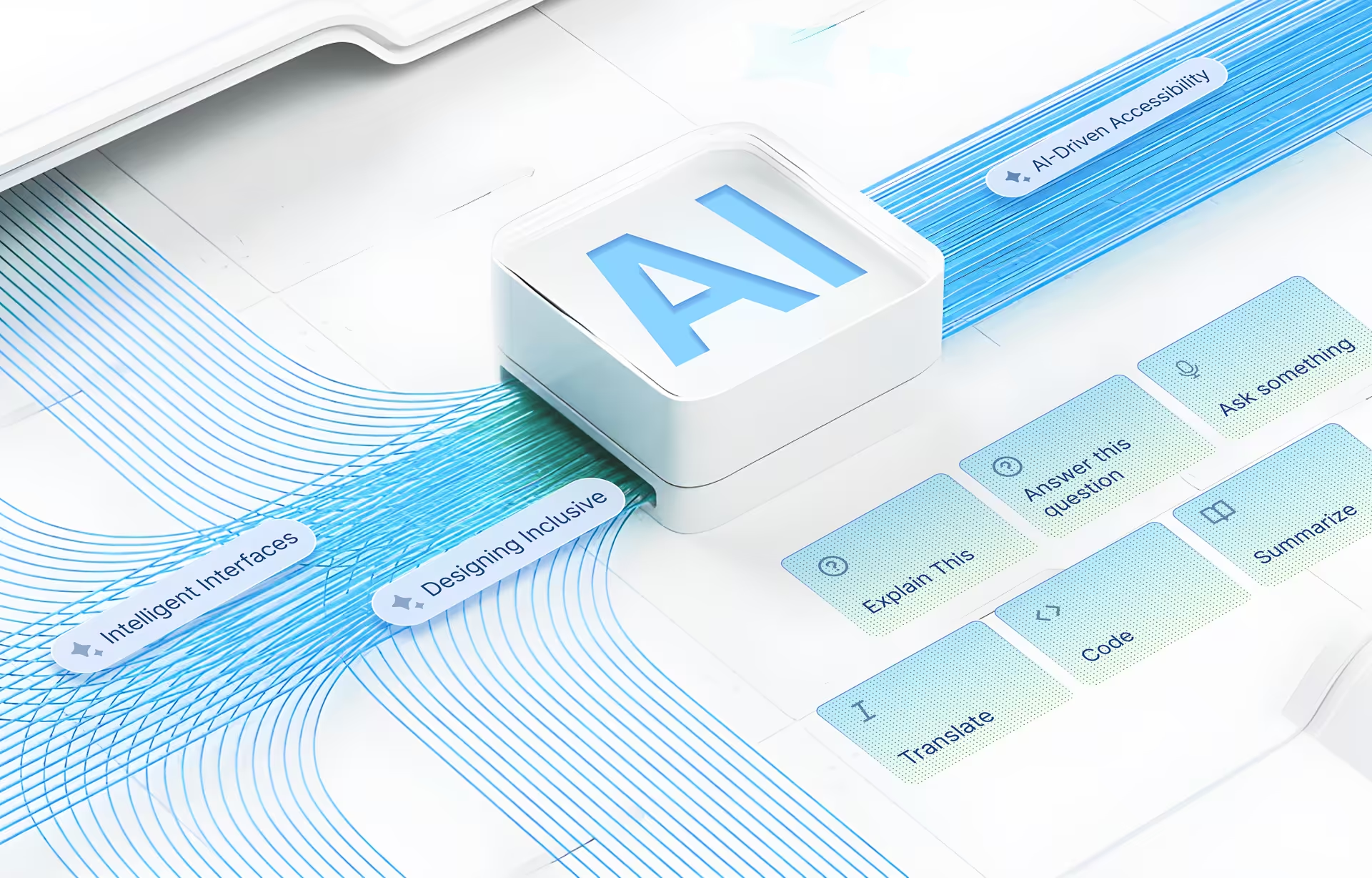
For most of us, accessibility as a concept is not even consciously present; you only notice it when you need it.
You notice the lack of captions on a noisy subway or a complex phone menu when you are typing one-handed while balancing your child with the other. The moment passes, and the minor irritation disappears into oblivion. But for 1.3 billion disabled people on the planet, the moment doesn’t pass. Exclusion is a permanent feature of their daily lives. In the physical world, their presence is acknowledged, and an attempt is made to make spaces inclusive; the digital world, on the other hand, screens disabilities are hidden behind anonymity.
Think of the online world like a beautiful, bustling, and brilliant city, a place with endless opportunities, information, and connections. Now, imagine this city was built with smooth marble floors but no ramps, with small, blurred signage, and door handles with tiny, tricky handles that you can’t grasp. It’s all there, free of charge, but you can’t use it! That’s what a disabled person often experiences on the Internet.
It’s the job of UX designers to ensure that what they build is for everyone, not just 85% of the population. And now they have AI to help them add more personalization and scale to their work. However, before I jump into the many details of building AI accessibility design into apps and platforms, let me take a quick detour to make a business case for it.
Reframing accessibility; not for a few, but for all.
Often, accessibility in UX design is relegated to a backburner issue, treated as a band-aid or an afterthought to tick compliance checkboxes. However, we need to look at it as a critical and base layer that affects everyone.For example, it usually helps to not think of it as an edge case of disability – designing for the visually impaired or someone with cognitive disabilities – rather look at how the same accessibility features can also be used by the able-bodied in various situations.
An app designed for the visually impaired can also help a user in who has cataract and needs the same feature for a short period of time, or someone who is looking at their screens in a bright light or a distracted driver, similarly designing for a deaf person can help someone in a noisy environment like bartender, a commuter at a train station or a teenager at a music festival. A new mother with a baby or a traveller weighed down by heavy suitcases can benefit equally from a feature that is made for the physically disabled.
Reframing the need for accessibility in these terms can help us look at it not as a feature for a small slice of users, but rather as something that can expand the usage of the platform for all.
We hope we gave UX designers and App builders an added motivation to prioritize accessibility features, so let’s move back to how AI can help here.
Why Accessibility Needs AI: From Compliance to Inclusive UX at Scale
For far too long, accessible UI design was focused on compliance. Teams scrambled to check WCAG (Web Content Accessibility Guidelines) boxes, add alt text as an afterthought, and pray color contrast ratios pass automated tests. It’s reactive, expensive to retrofit, and frankly, not that effective at creating genuinely inclusive experiences.
Ignoring accessibility is not an option. While most developers and business owners cite cost, time, and effort as the reasons to deprioritize digital accessibility, here’s a reality check: a total of 8,800 ADA Title III complaints were filed in 2024, a 7% increase from 2023. WebAim’s 2022 report found that 97% of the top 1,000,000 home pages have accessibility errors, but fixing accessibility is also a cost; while the number varies depending on the size and complexity of the website/app, and several other factors, retrofitting accessibility to be WCAG 2.2 compliant can cost anywhere from $15,000 to $50,000 for a single website. And we are not even factoring in the legal costs in case it ends up in court.
Enter AI, the game-changer that’s flipping this entire approach on its head.
AI brings three superpowers to accessibility that humans alone simply cannot match: scale, consistency, and real-time adaptation. While a human designer might spend hours crafting the perfect alt text for a hundred images, AI can generate contextually aware descriptions for thousands of images in minutes. Or consider a global e-commerce platform like Amazon that can serve millions of users across different languages, abilities, and contexts. Traditional accessibility approaches would require massive teams working around the clock to maintain consistent experiences. AI can do all this and more in real-time.
And what is even more interesting, AI goes beyond just automation; it understands context, relationships, and more. A good example of this is Microsoft’s Seeing AI, or voice interfaces powered by natural language processing, which can understand intent even when speech patterns are usually difficult for humans to decipher, such as with users dealing with the effects of a stroke.
AI has changed the script of accessibility in UX design from “How do we make this accessible after we build it?” to “How can AI help us build this inclusively from the start?” And there is a BIG cherry on top: a chance to tap into the $6.9 trillion in annual disposable income controlled by people with disabilities worldwide!

Core Principles of AI Accessibility Design: Assistive, Adaptive, Explainable
When we talk about integrating AI into accessibility, it’s not an ad hoc activity! Three fundamental principles guide it:
Assistive AI: A helper
AI, as the ‘happy helper,’ is the most fundamental layer at which AI can help improve accessibility. It can augment human capabilities and remove barriers with smart tools that help users accomplish tasks or consume information that might otherwise be difficult. Here are some examples of this:
Screen Readers Optimization: AI-powered screen readers that can go beyond text-to-speech to understand context, prioritize information, and even summarize complex web pages. They can also identify and verbally describe non-textual elements, like emojis.
Intelligent Voice Control: AI in voice control understands natural language, even when it is accented or has unusual speech patterns. Unlike traditional voice commands that have to be simple to be understood, AI can make sense of complex commands such as, ‘find me a pink shoes that look like ballerina slippers, but are made of leather, vegan leather, not normal animal leather, and have sequins’ (a difficult ask as most mothers will confirm!) and execute multi-step actions, making hands-free interaction really useful and seamless.
Predictive Text and Input Assistance: For users with motor impairments or cognitive challenges, AI-driven predictive text goes beyond suggesting the next word. It can predict entire phrases, offer grammatical corrections, and even auto-fill forms based on learned patterns.
AI Captioning: A captioning system with AI can detect accents, adjust for background noise, and even identify different speakers in a conversation, as well as the emotion!
AI-powered navigation: AI can provide enhanced assistance to people with mobility constraints. This could look like routing a wheelchair user away from construction zones with temporary stairs, or guiding someone with low vision along well-lit paths
(Case study: Bearn (mobile UX patterns adaptable for accessibility) – here)
Adaptive AI: learns from you
The real value add of AI is that it doesn’t remain static, stuck on rule-based programming; it learns, changes, and improves with time. User interactions, preferences, and many other factors help automatically modify the interface experience. Good adaptive AI is all about making quiet, thoughtful adjustments that feel natural.
Personalized UI Adjustments: Imagine a financial app that learns that a user prefers a simplified layout during commutes or a larger font size after sunset due to eye strain. Rather than making the user find a setting and toggle between various modes, AI senses what the user needs based on his/her history, environmental factors like light or noise, or even biometric inputs like heartbeat or body temperature to automatically adjust the settings to make the digital experience easier and more supportive.
Cognitive Load Management: For users with cognitive disabilities, information overload can be a huge barrier. AI-led Adaptive interfaces can simplify navigation, reduce visual clutter, break down complex tasks into smaller steps, or provide help when it senses that the user is struggling or, more simply, when the user requests simpler interactions.
Multi-sensory Adaptation: An interface backed by AI could adapt by balancing across all senses, for example, if a user is in a noisy environment, the AI might automatically increase volume and add haptic feedback, or if it detects that the user is visually inattentive or is looking elsewhere, it could automatically shift to giving audio prompts or notifications. Another example of this could be a video platform that detects a noisy environment and automatically enables captions.
Explainable AI: Trust Through Transparency
A critical, and often overlooked, principle is explainability. With so much of our digital lives being fed into unknown, black-box algorithms, and much of this being open to misuse, the online world is ripe for a data revolt. More and more people are now conscious of how their data is used and stored, more people are reading the ‘terms and conditions’ pages, refusing cookies or logging in through incognito mode – all of this shows the growing distrust amongst users. And this goes well beyond the stress of data theft or money-related scams; it is now about how the data will be used behind the scenes to profile the person.
The press around AI is adding more fuel to the fire, and it is critical that if an AI is making decisions that impact a user’s experience, especially in an accessibility context, users must be given clear and open information on why those decisions are being made.
Transparent Decision-Making: If an AI adjusts the contrast, it should be able to explain, “I have increased the contrast because your previous interactions showed a preference for higher readability, and the ambient light sensor detected a bright environment.”
User Control and Override: The next step is to give users control. While AI can suggest and adapt, users should always have the option to override an AI decision, fine-tune settings, or revert to default preferences. This maintains user control and prevents the AI from becoming an “overly helpful” but ultimately frustrating experience.
Feedback Loops: Explainable AI design encourages explicit feedback mechanisms where users can tell the AI if its adaptations were helpful or not. This is crucial for improving the system over time and gives users a sense of control, with AI serving as a knowledgeable partner rather than an overprotective parent.
AI for Accessibility Best Practices
With our experience of designing apps and digital platforms at the cutting-edge of technology, here are some best practices we recommend for leveraging AI to create fully inclusive digital experiences.

Hyper-Personalization as the Default
One of AI’s greatest strengths is its ability to learn and tailor experiences to individual users, going beyond simple theme changes. Another core feature is that modern AI personalization learns by watching, not by questioning or waiting for explicit commands (no need to tick a lengthy list of your preferences). It’s the quite attention to detail and subtle adjustments that you don’t notice, but which remove tiny bits of friction from the experience. Here are some key elements to bring about ‘true’ personalization:
Dynamic UI Adjustments: Interfaces that sense your needs and adjust accordingly, almost feel invisible. Tracking behavior rather than personal data, such as how long you pause before clicking. Do you zoom in on certain types of content? Are you using voice commands more in the evenings? Following these little clues, the AI makes minute changes without requiring users to explicitly declare their disabilities.
It could be something like Netflix detecting that a user rewinds dialogue-heavy scenes and suggesting that they turn on subtitles. These adjustments can be more proactive; instead of waiting for a user to request help, AI can anticipate needs and adapt. The key is making adjustments feel supportive rather than creepy surveillance.
Cognitive Load Reduction: Another example we would like to mention is how AI can personalize by reducing cognitive load, either for specific situations or as a default. It can streamline workflows, reduce choices, hide less relevant information, or provide context-sensitive help, making complex tasks feel manageable. A banking app, for example, can simplify a payment form for an elderly user who previously struggled with multiple input fields.
Intelligent Contrast and Readability Enhancements
Maintaining optimal color contrast and readability is fundamental to accessibility, but it’s not always a one-size-fits-all solution. AI can bring a dynamic, context-aware approach.
Adaptive Color Palettes: Beyond a simple “dark mode,” AI can analyze screen content, ambient light conditions, and user preferences to adjust background and foreground colors. It can even tweak hue and saturation to reduce eye strain over prolonged use.
Readability Scoring and Simplification: AI-powered natural language processing (NLP) can analyze content for readability, flagging complex sentences or jargon. For example, dense legal or technical documents can be restructured and simplified into bullet points, or AI could provide real-time paraphrasing or summaries.
Contextual Adaptation. This is an exciting feature wherein the same content piece can be presented differently for different users or situations. So, for example, if you are quickly scanning for key information versus settling in for a deep read. AI can detect reading patterns, rapid scrolling versus focused reading, and adjust formatting accordingly.
Automated Captioning, Alt Text, and Descriptive AI for Rich Media
This is perhaps one of the most impactful applications of AI in accessibility, tackling the enormous challenge of making visual and audio content accessible.
Real-Time, Accurate Auto-Captioning: While basic auto-captioning has been around, AI is taking it to the next level. Advanced speech-to-text models can now generate highly accurate captions for live video, distinguish between speakers, identify background sounds, and even translate captions in real-time. This can have a massive positive impact for deaf or hard-of-hearing users, and is also beneficial in noisy environments.
Intelligent Alt Text Generation: Writing descriptive alt text for every image on a website or in an app is a monumental task. AI-powered image recognition can now automatically generate contextually rich alt descriptions. This level of detailing, of course, makes the content more inclusive, and paves the way for the visually impaired to engage with visual content in a dramatically more immersive way.
Descriptive Audio for Video: For users who are blind or have low vision, visual cues in video can be entirely missed. AI can analyze video content, identify key visual elements and actions, and then generate concise, natural-sounding audio descriptions.
AI-Enhanced Transcripts and Summaries: Beyond captions, AI can produce comprehensive transcripts of audio/video content, making it searchable and consumable in a text format. It can also generate intelligent summaries of ridiculously lengthy videos or podcasts, helping users quickly grasp key points.
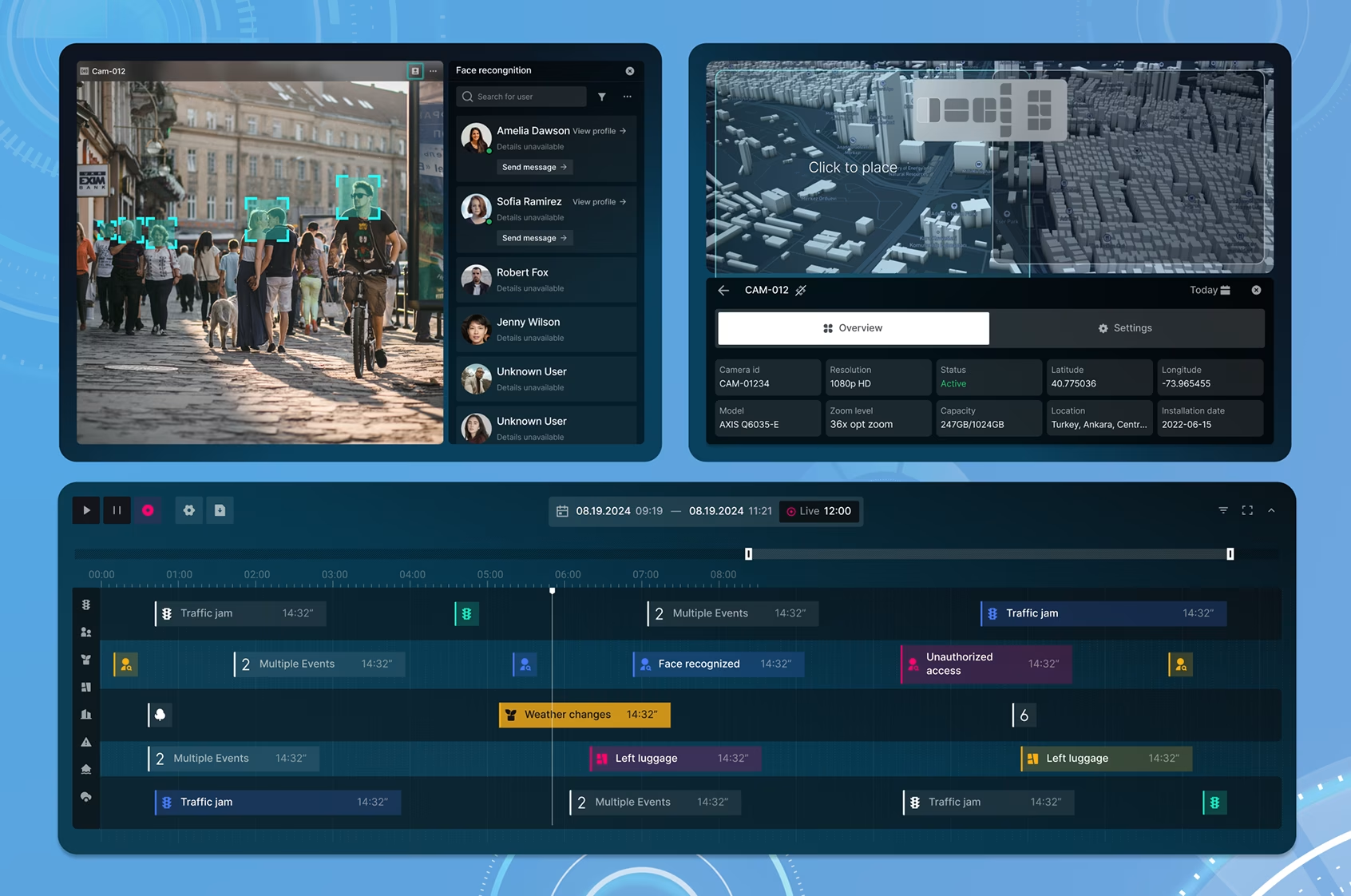
Case Studies: AI-Powered Accessibility in Healthcare, Finance, and Public Services
Financial Services
AI is ensuring financial independence by making complex transactions accessible and secure for everyone. An example of this is how Intelligent Banking Assistants, such as Erica, Bank of America’s virtual assistant, handle billions of customer interactions, allowing users to check balances, pay bills, and get personalized financial advice using natural language voice or text commands. And yes, often she can be frustrating as well, but she’s cutting down your hold time for a live agent exponentially.
Healthcare
AI is closing the information gap and making care patient-centric, especially for sensory and cognitive disabilities, with features such as AI-Powered chatbots or virtual assistants that can simplify complex medical jargon and break down multi-step instructions. They can free up clinical staff and give instant, personalized answers to patient questions. And then there are products like Microsoft’s Seeing AI and Google’s Lookout, which use computer vision to narrate what’s happening around the user, read documents, identify products, and describe scenes, effectively giving patients real-time access to printed medical instructions and hospital signage.
AI-Powered Public Services
Inclusive UX is crucial for ensuring that public service information and access to portals reach the maximum number of people. The GOV.UK platform is illustrative of how AI can be deployed to make government services genuinely accessible and user-friendly, particularly for those with cognitive or literacy challenges. The website itself has a detailed explanation of its accessibility strategy and has features such as audio versions of forms with natural speech that maintain legal precision while adding helpful context, multi-lingual accessibility with cultural context, good use of ARIA attributes to help screen reader users find the right form and fill them correctly, and the design of the website itself is super simple and neatly structured.
(Case study: How we designed one of the most important government spending oversight platforms in U.S. History – POGO)

The Future of Inclusive Design: Multimodal, Real-Time, and Privacy-Safe AI
AI has made inclusive and accessible design possible at scale and in real time, two features that would have been humanly impossible to provide. We are entering an era of digital experiences that don’t just react to our commands and inputs, but rather sense and anticipate them.
Multimodal Interfaces breaks the siloed approach to accessibility and combines different inputs and outputs for a richer experience, for example, interfaces that integrate visual, auditory, and haptic (touch) feedback. A stock market dashboard could use subtle vibrations to indicate a market trend, adding a new dimension for non-visual users or for people in noisy areas.
The second important feature is, of course, the speed at which these personalized accessibility touches can be provided to the user. An example of it is software like Grammarly, which provides grammatical and content-rich rewriting support almost instantaneously. Another example is predictive interfaces that adapt based on factors such as time of day, fatigue, current task, or location.
As AI becomes more ubiquitous and personal, ethical deployment and privacy will become paramount. UX designers will need to prioritize anonymizing data and giving users granular control over data collection and usage. They will also need to ensure users understand how and why the interface is adapting, allowing them to override or provide feedback to build trust. Lastly, assistive technologies’ UX/UI designers will be at the forefront of bias mitigation, ensuring that AI-driven systems do not create new barriers or perpetuate existing biases against any group of users.
Conclusion
We stand at a crossroad, where AI is being embedded into the DNA of many digital ecosystems. At this point, it is up to us to shape what an AI-integrated future looks like. With a thoughtful approach, we can ensure that the next generation of digital experiences is inclusive, empathetic, and intelligent.
Discover more about building accessible experiences; contact our UI UX team!
Author

Related posts