

AI in UX design: where it saves time and where it fails
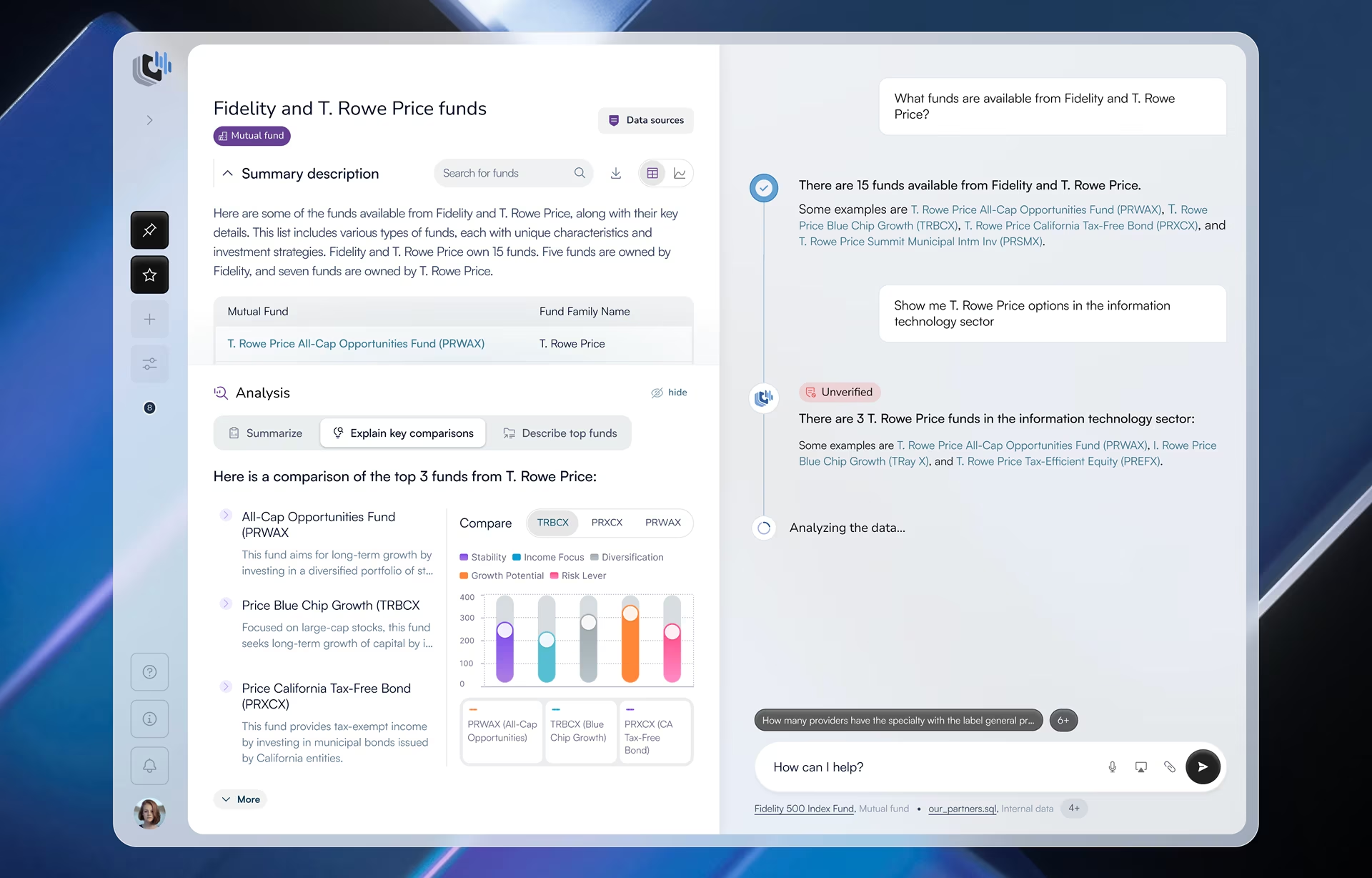
AI in UX design means using AI tools inside the research, testing, accessibility, and QA work a UX team already does, and it saves real time only at the steps where a designer still reviews the output. Skip that review, and the time saved becomes a research theme no user raised, an accessibility pass that missed a broken flow, or a metric that rose while the experience got worse. The human review is as important as the design work itself.
What AI covers in UX work, and what it doesn’t
Using AI in UX work covers reading, sorting, and comparing research, testing, and QA: transcribing and tagging interviews, clustering feedback into candidate themes, scanning screens against accessibility rules, comparing builds with design files, and flagging patterns in analytics. AI-driven UX design speeds those tasks up, but the researcher or designer who signs off still owns the result.
Designing products that have AI inside them is a separate subject. An AI assistant raises its own questions about how the system shows uncertainty, how users correct it, and how it explains an answer. Our guide to AI UX vs. traditional UX design covers that side, and this article stays with AI as a tool in the UX team’s hands.
Why AI in UX design needs a sign-off
AI is now a normal part of research work, and so is doubt about its output. We are all human after all. In the User Interviews State of User Research 2025 report, a self-selected survey of 485 researchers found that 80% use AI (up 24 points in a year), and 91% worry about its accuracy and hallucinations.
The split between speed and judgment shows up at every stage. AI is fast at reading hours of recordings, counting mentions, scanning every screen, and spotting when a metric moves. It struggles to see what users did without saying it, decide whether a frequent comment matters, and explain why a number changed. The time savings hold only as long as a person owns those judgments.
Most published guides on AI for UX stop at the first half. They list tools and what each one automates, and almost none say what a person checks before trusting the result. That check decides whether the hours saved are real, and the rest of this article is built around it.
AI in UX design, stage by stage
UX teams lean on AI most in five stages: research synthesis, usability test analysis, accessibility audits, design QA and product analytics. The table shows what AI handles well in each, what the designer checks before the output is used and what goes wrong when nobody does. Research synthesis comes first below and gets the most space.
Research synthesis: the biggest time saver and the biggest risk
Research synthesis is where AI for UX research saves the most time. One round of interviews produces hours of recordings, and turning that into findings used to mean days of transcribing, tagging and sorting before real analysis could start. AI tools now draft transcripts, tags, candidate themes, and cross-session summaries, and can search past studies.
Where it fails
The hard part of synthesis has never been the sorting. It is deciding what the evidence means and how much it matters, and a 2025 proof-of-concept study from the Interventional Psychiatry Program at St. Michael’s Hospital in Toronto is one of the few to measure that gap directly. Human researchers and GPT-4o each developed codes from 99 debrief interviews with healthcare workers, then coded the same random 20 transcripts for comparison.
The AI-supported analysis took one postdoctoral researcher about 40 hours, compared with about 110 hours for the human-led analysis. The speed had a price. Of the 428 excerpts the human coders identified, neither AI approach captured 190 (44%), and both AI outputs missed a third of the human themes. The models leaned toward systemic and procedural themes, while people caught emotional distress and personal context.
The authors recommend a hybrid: the model supports early codes and preliminary themes, and people handle excerpt identification, coding and theme refinement. That matches how the work divides in practice. A transcript misses what users did without saying it, and a theme that comes up often has earned a closer look, not a place in the report.
A note on synthetic users
Some tools offer synthetic users, AI personas standing in for real participants. In a 2026 preprint from UXtweak Research and the Slovak University of Technology, GPT repeated 12 real first-click tests taken by 3,431 people. Its click distribution differed significantly from real users’ in 53% of tasks, and its written feedback was more positive, more generic and sometimes unsupported by real data. Treat anything synthetic users produce as a hypothesis to test with real people.
How to run AI-assisted synthesis
The rule that holds up is that AI does the first pass and a researcher owns every finding. On Fuselab engagements, a principal researcher leads from kickoff, and each recommendation traces back to the user behavior that produced it. With AI tools in the loop, that splits into six steps, and teams skip the third most often under deadline pressure.
- Goals come first. The researcher writes the study goals and questions before any tool touches the data.
- AI transcribes and tags. Nothing it produces goes into a report at this stage.
- The researcher goes back to the sessions. The researcher watches key moments so behavior that never reached the transcript isn’t lost.
- Every theme needs evidence. Each one must link to quotes or observations from several participants, or it is dropped.
- The researcher ranks the findings. Order follows impact on the study goals, whatever the frequency count says.
- A person writes the report. AI can help with wording, while the findings, their weight and the recommendations come from the researcher.
What goes wrong without the check
A typical failure looks like this. A tool reports that users want more customization, because the word comes up across many interviews. Watching the sessions tells a different story: most of those comments came from participants who couldn’t find an existing setting. The underlying problem is findability, and new customization options would leave it exactly where it was.
A team that acts on the AI summary spends a quarter building a feature the research never supported, while the setting users could not find stays buried. Of all the failures in this article, this one costs the most, because it becomes a quarter of roadmap work before anyone checks the evidence.
Test analysis: AI reads the transcript; designers watch the clip
AI speeds up usability test analysis by transcribing sessions and flagging the moments that usually signal trouble, such as errors, long pauses, backtracking, and abandoned tasks. A researcher can jump straight to those moments and compare them across participants without watching every recording at normal speed. Imagine the time savings here!
Behavior is what the designer checks. A participant who says “this is easy” while clicking the wrong menu three times has not had an easy experience, and a tool reading the transcript takes the comment at face value. So the designer watches every flagged clip plus a sample of unflagged sessions, where the quietest failures hide.
Severity is also a human call. AI can count how often something happened, but it cannot judge whether it stopped the user from finishing the task. In an assistant product like Stardog Voicebox, where financial analysts query data in natural language, a participant’s hesitation before trusting an answer is exactly the signal a transcript misses.
Accessibility audits: WCAG and Section 508
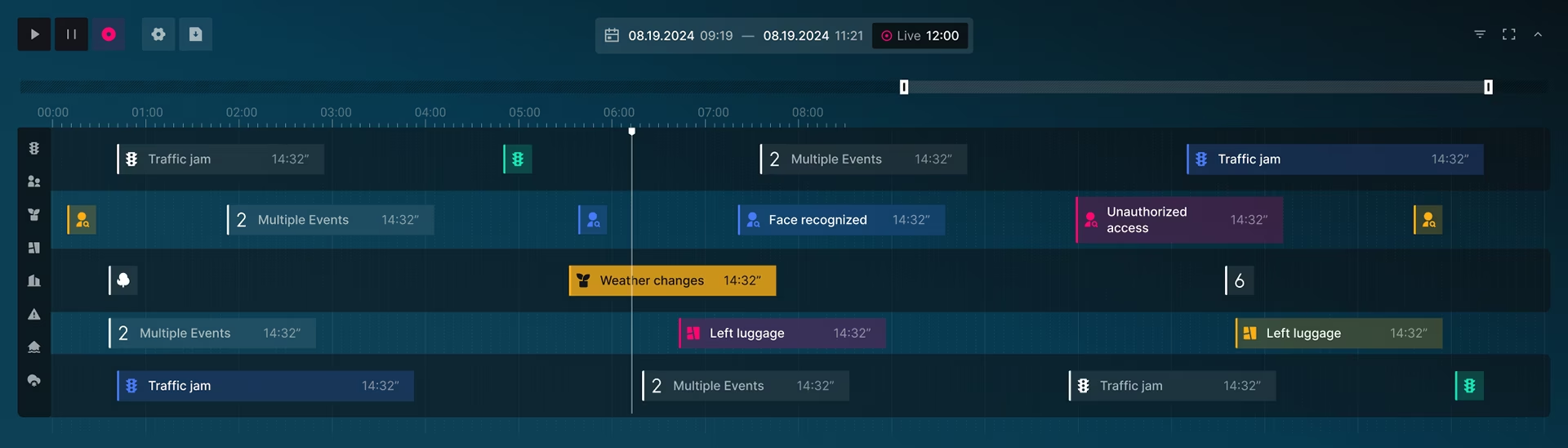
Automated and AI-assisted checkers are dependable for the WCAG rules a machine can test, including color contrast, missing alt text and form labels, heading order, and some keyboard issues. They are far weaker at determining whether a page actually works for a person. This is the kind of nuance that often comes up when reviewing AI outputs. Alt text can exist and describe nothing useful, and a fully labeled form can still be impossible to complete with a screen reader, leading to justified frustration.
The gap is measurable. When the UK Government Digital Service tested 10 automated tools in 2017 on a page built with 143 known barriers, the tools combined found 71% of them, no single tool found more than 41%, and 29% were missed by every tool. Tools have improved since, but the W3C’s guidance on evaluation tools still states that tools cannot check every accessibility requirement and that human judgment is required.
The legal bar depends on who the product serves. Federal agencies must make the technology they develop, buy, or use conform to the Revised Section 508 Standards, which incorporate WCAG 2.0 Level AA. State and local governments must bring their web content and mobile apps to WCAG 2.1 Level AA under the DOJ’s 2024 ADA Title II rule.
Organizations that receive HHS federal financial assistance face the same WCAG 2.1 AA standard under HHS’s 2024 Section 504 rule. Both agencies pushed their first compliance dates back a year to 2026, so check the rule’s current date before a launch plan depends on it.
A reliable AI-assisted audit runs in six passes against whichever version applies, and the automated scan is only the first. On the regulated products we have audited, the barriers that drew the most user complaints were ones no scanner flags: keyboard focus that gets stuck, custom controls with no accessible label, and forms that fail without telling the user.
- Automated scan. Every template and key state is scanned against the WCAG version the regulation or contract names.
- Triage, remove false positives, and group real issues by component so the design system fixes each one once.
- Keyboard pass. A person completes the core tasks using only the keyboard, checking focus order, visible focus, and traps.
- Screen reader pass. The same tasks are completed with a screen reader on desktop and on mobile.
- Meaning review. A person checks whether alt text, labels, error messages, and reading order make sense, including any alt text the AI tool suggested.
- Retest. After fixes, run the scan and manual passes again.
Design QA: separating real defects from visual noise
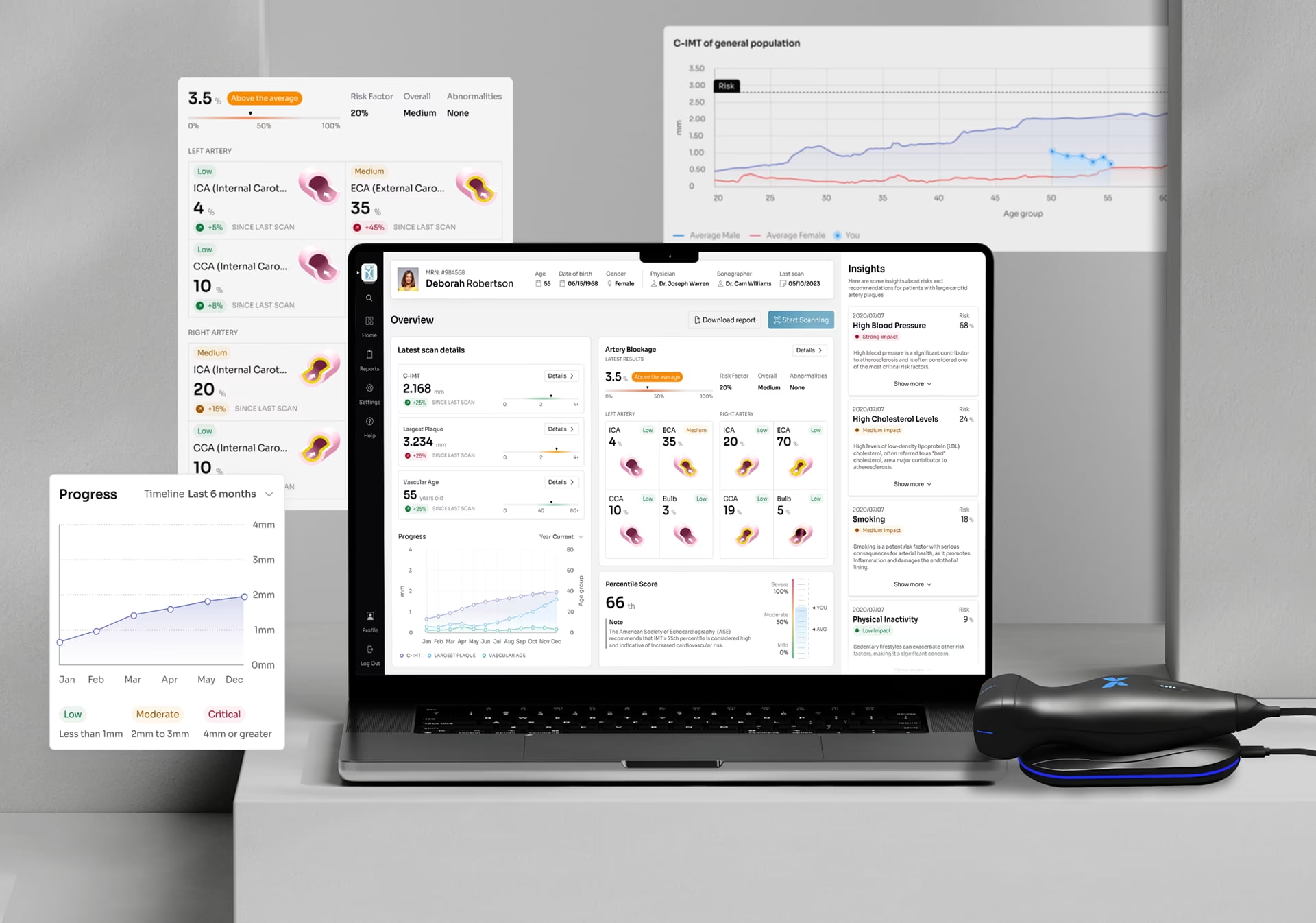
In design QA, AI tools compare built screens with the design files and the design system, flagging differences in spacing, color, type, component variants and responsive behavior across every screen. That coverage reaches far more screens than a designer checking by hand ever could, and the price of it is usually a very long list.
The designer’s job is triage. A button style that hides the primary action, a truncated label or a component from an older version of the design system breaks the experience. A spacing value off by one pixel does not. Engineers handed the unsorted list either burn time on differences no user would notice or stop reading it, and real defects ship with the noise.
The designer also checks what the comparison cannot see. Loading, empty and error states, very long or translated text, and the way interactions behave rarely exist in the design file in full, so they get tested directly in the build before sign-off.
Analytics: AI spots the change, people find the cause
AI tools in product analytics detect anomalies, segment users, map common paths and answer questions in plain language, and they often notice that something changed before anyone on the team would have looked. What they cannot tell you is why it changed. Acting on the pattern without that answer is how teams end up improving a metric while the experience behind it gets worse.
Segmenting users to understand them is a research task, while adapting the interface for each segment is a product decision covered in our guide to hyper-personalized interface design with AI. Before acting on an AI-flagged pattern, a designer answers three questions in order:
- Is the data right? A tracking change can look exactly like a change in behavior.
- What caused it? Finding out usually takes a few sessions or interviews.
- Does the metric reflect user success? Shorter time on a page can mean users are confused and leaving, or that they found what they needed faster.
Who signs off at each stage
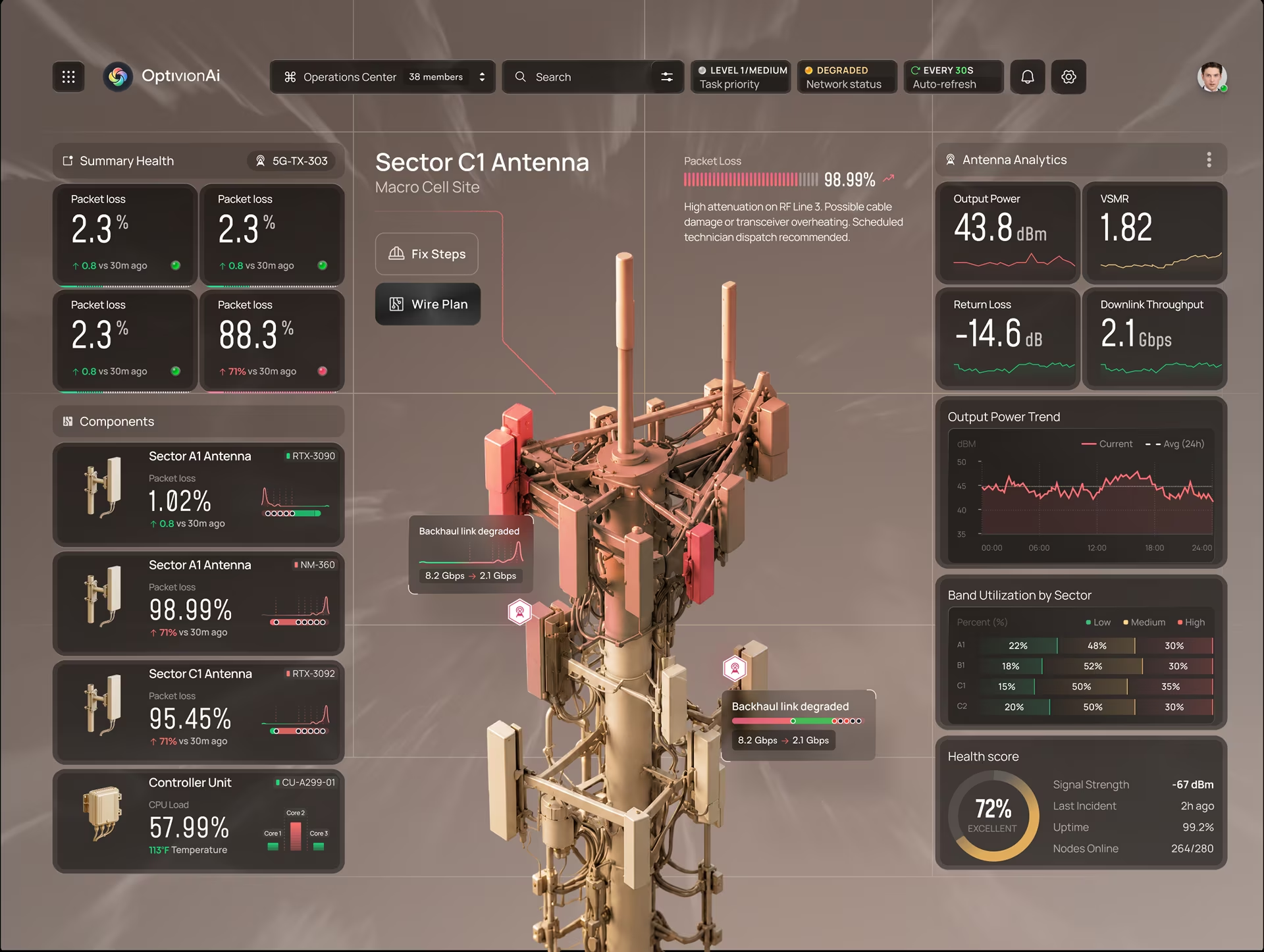
A sign-off works only when it has a named owner and a clear bar for evidence, set before any AI output reaches a decision. In the setup we recommend, the evidence column matters more than the role column: an output that cannot meet its bar is sent back, whoever owns the sign-off.
Small teams often give several stages to one person, which works as long as each AI output still has a named reviewer. The small-team risk is subtler: the person who ran the tool approves its output in the same sitting, and the review shrinks to a skim.
Benefits of AI in UX design, and where they stop
The real benefits are speed and coverage. A team can review more sessions in the same time, scan every screen instead of a sample, catch accessibility and consistency issues earlier and win back the hours once spent on transcription, tagging and comparison.
Those benefits stop where the work needs context, priority or accountability. AI cannot tell you which finding should change the roadmap, or answer for the decision if that finding turns out to be wrong. That part of the job has not moved, and the teams getting the most from AI never pretended it had.
Putting it into practice
AI in UX design pays off at every stage once each AI step has a named reviewer, a defined check and an evidence bar. Set those before the next study starts, and treat any output nobody has signed off as a draft. Our UX research team applies the same rule: every recommendation traces back to the user behavior behind it.
Author

Related posts

FAQ
How is AI used in UX design?
UX teams use AI to transcribe and tag interviews, group notes into themes, flag problem moments in test recordings, scan for accessibility issues, compare builds with design files and detect analytics patterns. AI handles the volume work, and a designer or researcher reviews the output before it informs a decision.
What are the benefits of AI in UX design?
The main benefits of AI in UX design are speed and coverage: less time on transcription, tagging and comparison, more sessions and screens reviewed, and issues found earlier. Those benefits hold only when a person checks the output, because AI cannot judge context or priority.
How is using AI in UX work different from designing AI products?
Using AI in UX work means applying AI tools to a team’s own research, testing, accessibility and QA tasks. Designing AI products means creating the interface of a product that has AI inside it, which raises separate questions about showing uncertainty, letting users correct the system and explaining its answers.
What is the difference between an automated accessibility scan and a manual audit?
An automated accessibility scan checks the rules a machine can test, such as color contrast, missing alt text, form labels and heading order. A manual audit adds keyboard and screen reader testing of real tasks and a human review of whether labels and error messages make sense. Section 508, ADA Title II and HHS Section 504 compliance all need both, because each points to WCAG criteria that require human judgment.
How much time does AI save in UX research?
AI saves the most time in research synthesis. In one 2025 proof-of-concept study from St. Michael’s Hospital, GPT-4o-supported analysis took about 40 hours of staff time against about 110 for the human-led analysis, but the AI approaches missed 44% of the excerpts human coders identified. The realistic saving comes from AI handling the first pass while a researcher owns the findings.
How do you check whether AI research synthesis is accurate?
Accurate AI research synthesis holds up when every theme traces back to quotes or observations from several participants. Check it by watching the key session moments behind each theme, dropping any theme that lacks evidence and ranking findings by impact on the study goals instead of how often a word appeared.
What should you ask a UX agency about its use of AI?
A UX agency that uses AI should be able to name who reviews each AI output and what evidence a finding needs before it reaches a report. Ask to see one finding traced back to its sessions, and ask how the accessibility audit splits automated scanning from manual testing. An agency that cannot answer either question is passing AI output straight to the client.