AI-generated UI design: what practitioners actually need to know in 2026

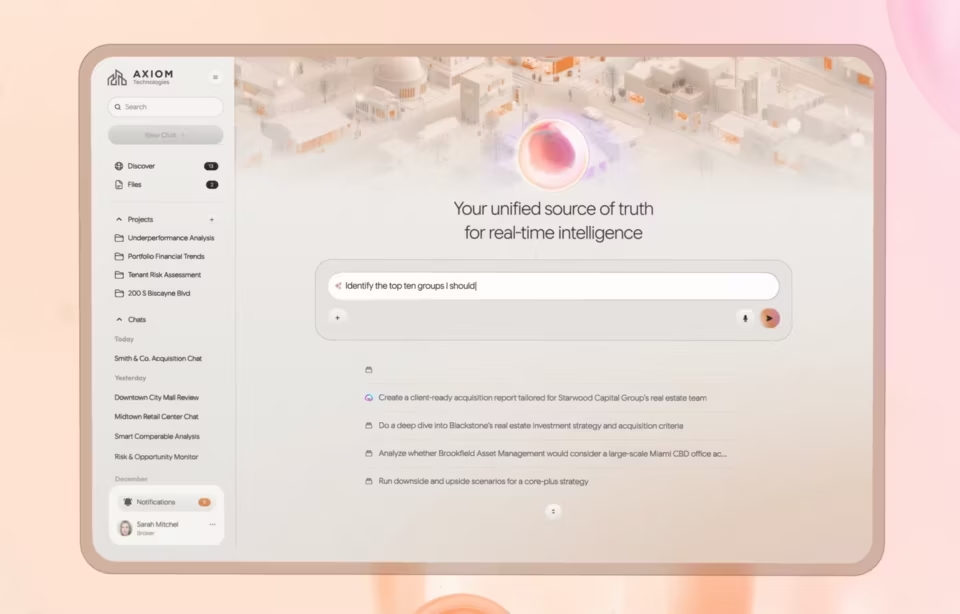
AI-generated UI design is the use of machine learning models to produce, modify, or optimize user interface elements across the design process, from research synthesis and layout generation through prototyping and automated testing. NNGroup’s March 2026 research draws a critical distinction between AI-assisted design, where tools help designers build interfaces faster, and generative UI, where AI creates elements in real time for end users. Most articles conflate the two. The difference determines how your team uses the technology.
What AI-generated UI design means for enterprise teams
Using AI to generate and optimize UI elements for enterprise teams means accelerating specific phases of the design process, not replacing the process with AI. The tools that matter in 2026 generate layout options, synthesize research data, automate accessibility audits, and produce design variations. They do not replace the judgment that determines which layout serves the user, which finding changes the product direction, or which variation ships.
We have integrated AI tools across our design process at Fuselab over the past two years. The observation that matters most: AI accelerates the middle of the process but cannot replace the beginning or the end. Problem definition and design strategy still require human judgment informed by domain knowledge. Final design decisions and compliance verification still require practitioners who understand the product’s constraints. The middle is where AI saves weeks.
The tools are real. Figma Make generates wireframes from prompts. UX Pilot and Uizard produce full-screen mockups from text descriptions. Adobe Sensei automates image processing and layout suggestions. The output quality has improved significantly in the past year. The judgment required to evaluate that output has not changed at all. That gap between output quality and evaluation quality is where most enterprise teams stumble.
How AI works across the design process
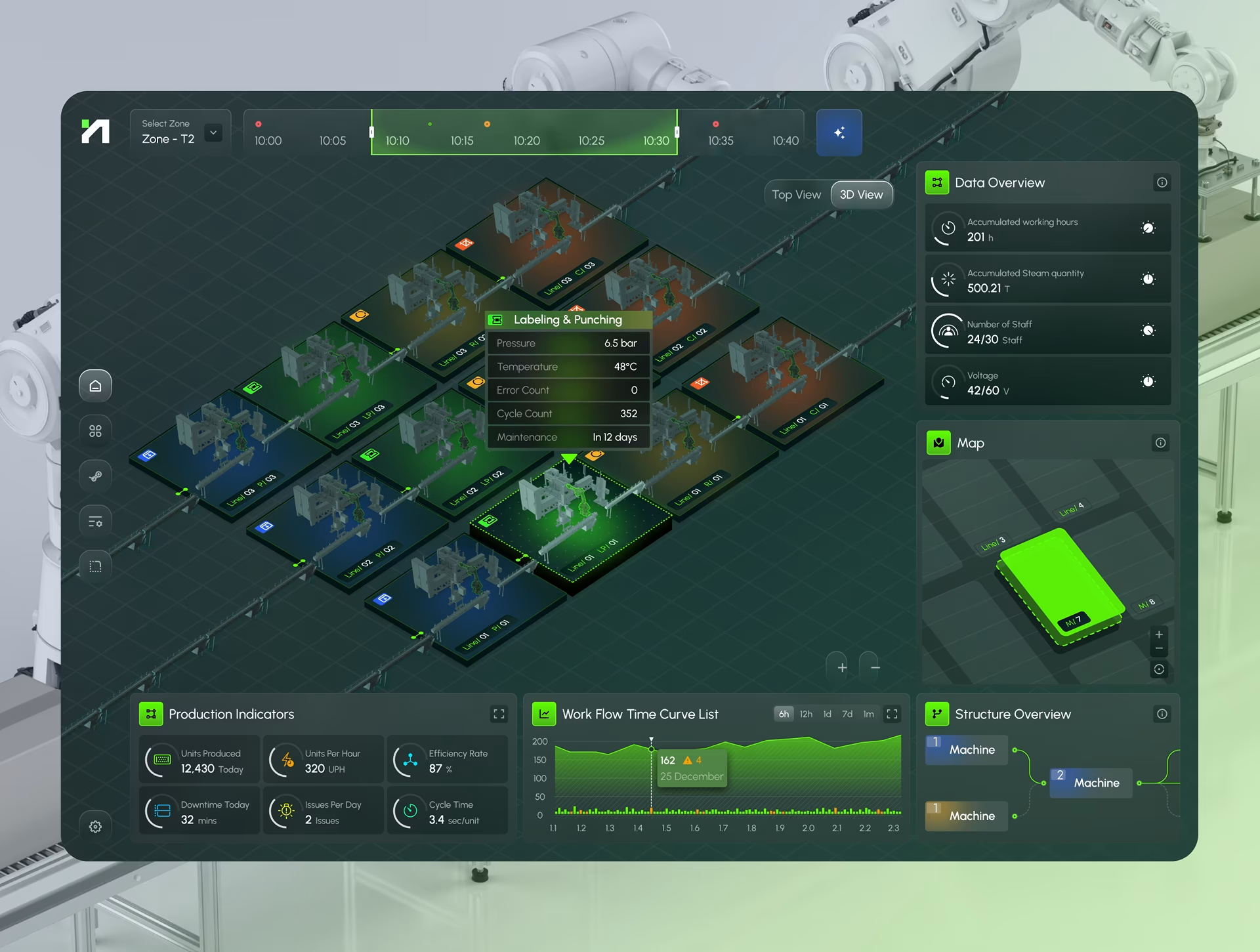
AI adds value at every design phase, but the type of value and the risk of misuse differ significantly between phases. Research and testing benefit from analytical speed. Ideation and prototyping benefit from generation speed. Design system management benefits from consistency enforcement at scale. In every phase, the integration fails when teams treat AI output as final rather than as a starting point requiring practitioner evaluation.
Data-driven insights and user research
On our Grid AI dashboard project, we ran AI analysis against six months of session recordings that the team had been reviewing manually. The AI identified three workflow bottlenecks that manual review had missed, all in places where users paused without clicking, a pattern human analysts had categorized as reading time rather than confusion. That distinction changed the redesign priorities for the next sprint.
AI processes behavioral data at a scale no analyst can match: click patterns, navigation paths, heatmaps, and task completion rates across thousands of sessions. It identifies patterns but cannot explain why they exist. That interpretation requires a practitioner who understands the domain. AI gives you the map. You need someone who knows the ground.
On the DHCS Medi-Cal project, AI analysis of caseworker session recordings identified a repeated screen-toggling pattern in 70% of enrollment workflows. The tool flagged it as a navigation inefficiency and recommended combining the two screens. Our researchers, who had observed caseworkers in person, identified it as verification behavior required by state policy. The fix was making the toggle faster, not eliminating it.
We now use AI synthesis for initial pattern identification on every research project. Sentiment analysis processes thousands of support tickets in hours. Behavioral clustering groups users by actual usage rather than assumed personas. But the synthesis that changes the product direction always comes from a practitioner who understands why the patterns exist, not just that they exist. AI finds the signal. People determine what the signal means.
Predictive feature integration
Predictive modeling during UX research on the Fiserv platform let us identify which data views analysts would need before they requested them. The model analyzed navigation sequences from 18 months of usage data and predicted that three specific metric combinations would be requested in 80% of sessions. We surfaced those combinations on the dashboard’s login view. Post-launch analytics confirmed the prediction held.
The practical value is reducing iterations between launch and product-market fit. Traditional design tests hypotheses through post-launch analytics. AI-assisted design tests hypotheses before launch by modeling expected behavior against historical patterns. On enterprise products where each iteration cycle takes weeks, that compression changes project timelines. It does not eliminate post-launch iteration. It reduces the gap between expectation and reality.
Ideation and prototyping
On our Grid AI project, we generated 12 dashboard layout variations from a single text prompt in under three minutes during a stakeholder alignment session. Eight were structurally sound. None accounted for the fact that operations teams filter by date range before anything else, a domain behavior the AI had no way to learn from generic training data. We used the strongest skeleton and rebuilt the filter hierarchy manually.
That combination of AI for structure and practitioner for domain logic is the pattern that works in enterprise design. We use AI prototyping primarily to generate multiple structural directions quickly so the team can discuss approaches before investing in detailed design. No AI-generated prototype has shipped unmodified from our studio. The prototypes that reach development are always practitioner-refined versions where domain constraints, accessibility requirements, and brand specifications have been applied.
Design systems and component management
On the Fiserv platform, maintaining visual consistency across 40 dashboard views required constant manual auditing before we integrated AI component management. The AI tools now flag deviations from the design system automatically, identify reusable components across interfaces, and generate responsive variants that maintain coherence at different breakpoints. What took a designer two days of manual review now takes 20 minutes of automated scanning plus one hour of practitioner evaluation.
The practitioner’s role in AI-assisted design systems is defining which constraints preserve brand distinctiveness while AI handles the repetitive generation and auditing. Without those constraints, AI-generated components converge toward generic patterns that dilute product identity over time. The tools are good at consistency. They are not good at distinctiveness. That boundary is where the designer’s judgment still determines whether the product looks like itself or like everything else.
Progressive disclosure of AI capabilities
In our NASA mission dashboard work, operators needed immediate status indicators during routine monitoring but full telemetry access during anomaly investigation. We designed three disclosure layers: a summary showing system health at a glance, an expanded view with component-level data and confidence indicators, and a detail view exposing raw telemetry. Operators used the summary 90% of the time. The detail view saved two critical decisions in the first quarter.
The design challenge specific to AI-generated content is that the system must signal what it shows and what it hides at each level. A summary that omits low-confidence findings without indicating their existence creates a false sense of completeness. Effective progressive disclosure for AI output includes a visible indicator of how much additional data exists below each summary. That indicator is the difference between informed trust and blind trust.
Testing and optimization
We learned the metrics lesson on a Fiserv dashboard redesign. An AI-powered test optimized three layout variations for click-through rate on the primary action button. The winning variation increased clicks by 22% but reduced task completion by 8%, because the button placement that attracted more clicks obscured a confirmation step users needed to see. The AI optimized exactly what we asked it to optimize. We asked the wrong thing.
AI testing platforms run hundreds of variations simultaneously and catch accessibility violations faster than any manual review. The ROI in testing is the clearest of any phase because it replaces work that was previously bottlenecked by human effort. The practitioner’s role is not running the tests. It is defining what to measure and interpreting whether the winning variation actually serves the user’s goal or just the metric the team defined.

AI-generated UI design trends that matter in 2026
The AI design trends worth paying attention to in 2026 are the ones that have moved from concept to production, not the ones that generate conference talks but have not shipped. Most trend lists present everything as equally important. In practice, two trends are production-ready, one is maturing, and two are still experimental. Enterprise teams that invest in the wrong tier waste budget on capabilities that are not ready.
Automated accessibility auditing
Automated accessibility is the most production-ready trend in AI-assisted design right now. AI tools scan entire interfaces for contrast violations, missing alt text, heading structure problems, and keyboard navigation gaps in minutes rather than the days manual auditing requires. On our DHCS and ClyHealth projects, automated audits caught issues that manual review had missed across three consecutive sprints. This trend is ready for immediate adoption on every enterprise project.
Predictive UX optimization
Predictive modeling that forecasts user behavior before launch is maturing rapidly. The Fiserv navigation prediction we ran, where the model identified three metric combinations requested in 80% of sessions, was experimental two years ago and is now standard in our research process. The tools require clean historical data and practitioner interpretation, but the output genuinely narrows the gap between launch assumptions and actual behavior.
Generative UI for end users
NNGroup’s March 2026 research documents that generative UI is appearing in AI chat interfaces, with buttons, form fields, and interactive elements generated contextually per user. This is real but limited to conversational contexts. Enterprise applications with compliance requirements are not candidates for fully generative interfaces in 2026. Teams watching this trend should be building constraint-based design systems that can eventually feed generative models, not deploying generative UI in production today.
Multimodal and voice-integrated interfaces
Voice, gesture, and biometric integration into AI interfaces is still experimental for most enterprise use cases. The technology works in controlled environments but breaks in the noisy, multi-tasking conditions where enterprise users actually work. Our recommendation is to monitor this trend without investing heavily until the reliability gap between demo conditions and production conditions closes significantly.
Best practices for AI-generated UI design
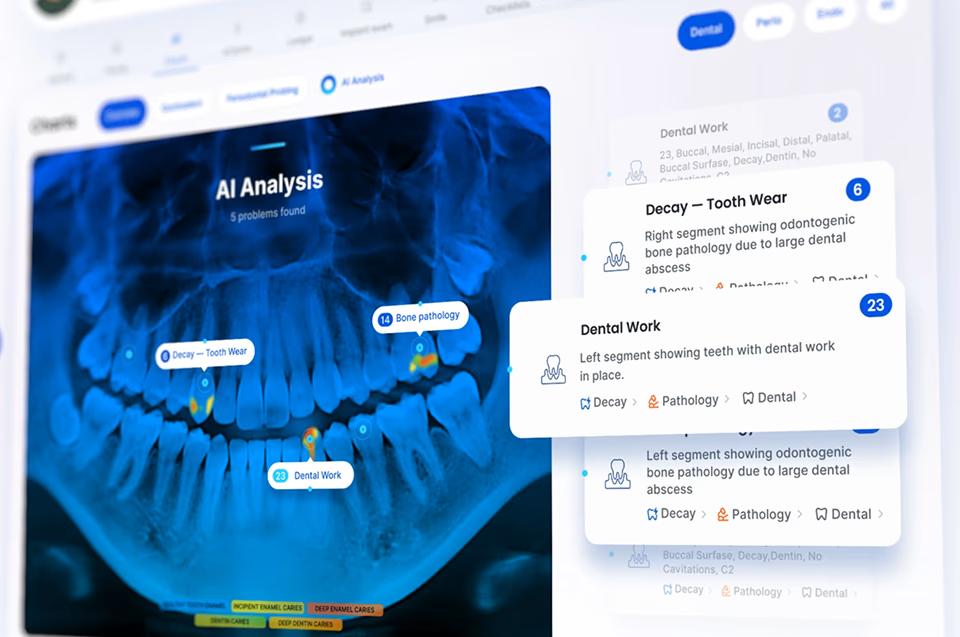
Effective use of AI in UI design requires treating it as a production tool with known capabilities and known failure modes. The teams extracting the most value from AI tools have defined exactly where AI output is trusted, where it requires review, and where it is not used at all. That clarity, not the tools themselves, is what separates teams that benefit from teams that produce polished failures.
We maintain human oversight at every decision point because we have seen what happens without it. On our ClyHealth clinical interface, AI-generated layout suggestions for the recommendation panel were structurally sound but placed the override button below the fold. A clinician caught it in the first walkthrough. The AI had no way to know override accessibility was a safety requirement. That single catch justified every hour of review.
Feedback loops on every AI-assisted project are not optional because output quality improves only when user corrections feed back into the generation model. On the Grid AI platform, operations teams flagged incorrect pipeline suggestions through a thumbs-down mechanism that fed corrections into fine-tuning. After three months, suggestion accuracy improved measurably. Without that loop, the same incorrect patterns would have repeated indefinitely. The mechanism required explicit design, not just a button.
Training datasets and evaluation criteria must be explicitly inclusive because AI tools fail edge cases by default. On our DHCS project, AI-generated layouts failed accessibility review on two screen readers because training data contained no Section 508-compliant examples. Government and healthcare users who depend on assistive technology are not edge cases. They are primary users. AI output for regulated industries needs evaluation criteria accounting for these requirements from the start.


The shift ahead
NNGroup’s outcome-oriented design framework describes a future where designers define what the interface must achieve and the guardrails AI must respect, then generative systems produce the interface dynamically per user. That future is approaching. It has not arrived for enterprise applications, where compliance requirements and domain workflows resist fully generative approaches. The teams preparing now are building constraint-based design systems, treating constraints as durable and generated output as disposable.
Conclusion
AI-generated UI design in 2026 is a practitioner tool, not a practitioner replacement. The teams getting the most value from it know exactly where AI accelerates their process and where human judgment remains irreplaceable. That boundary runs through the middle of every design phase: AI generates, practitioners evaluate. The evaluation is the skill that matters. Skipping it is how polished AI output becomes a production failure.