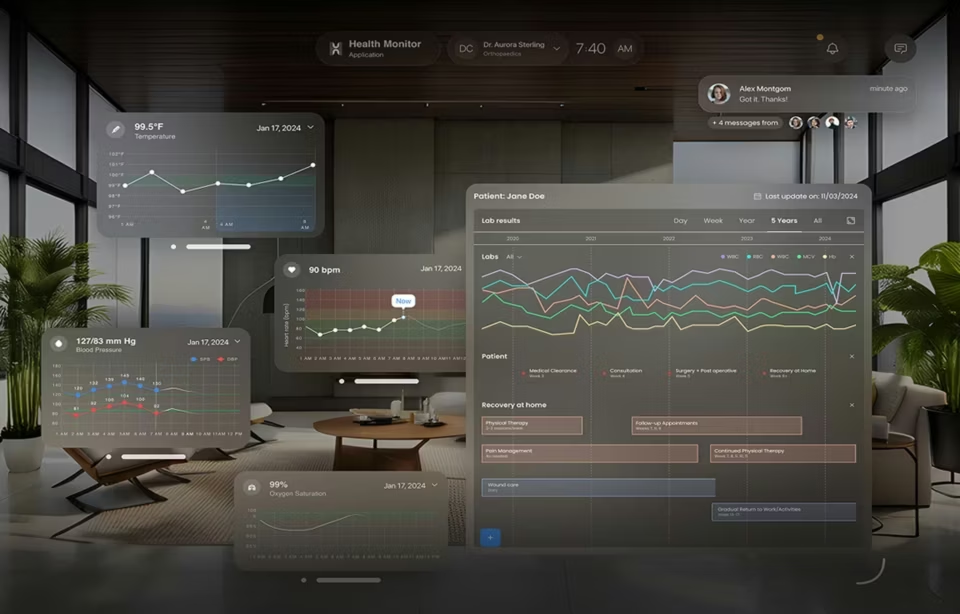
Healthcare data visualization design: a UX guide for 2026
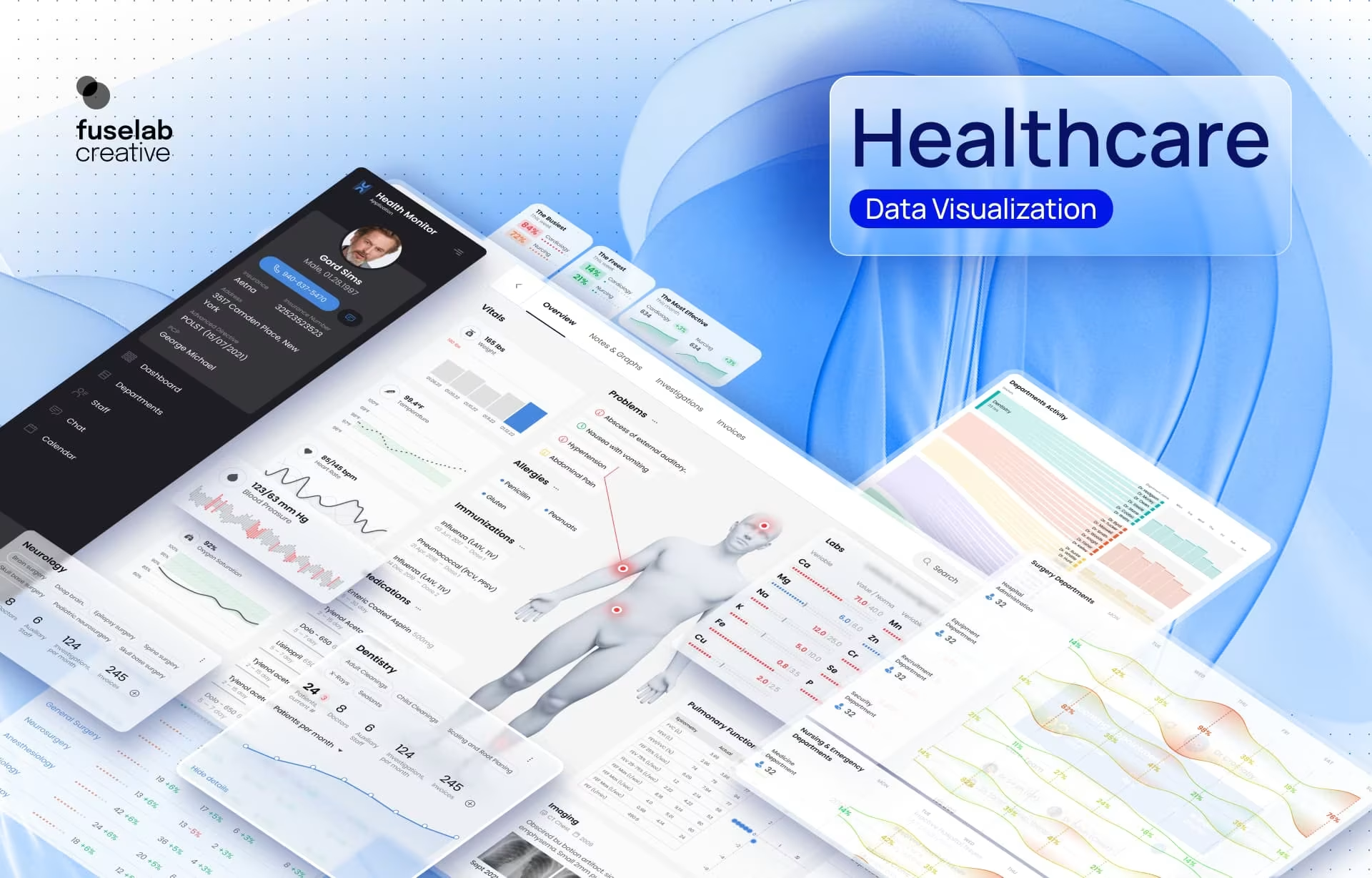
Healthcare data visualization design is the practice of turning clinical, operational, and claims data into interfaces a clinician or a citizen can read and act on, and in clinical settings it succeeds when it lowers the time it takes to retrieve one specific answer at the moment a decision gets made. Public-facing health dashboards invert that test, which is the split most guidance on this subject misses entirely.
Chart variety, screen density and visual polish are secondary to that test, and the tools that fail in clinical settings fail it first. The problem is never a shortage of information. A patient chart already holds years of laboratory results, medications, imaging reports and clinical notes, and almost none of it is reachable in the minute or two a provider has between patients.
Where healthcare data visualization design pays off
The measurable gains from data visualization in healthcare cluster in three places: the time spent gathering information, the errors caused by data that was present but unread, and the share of alerts a clinician acts on rather than dismisses. Each one comes from removing work, not from adding visuals.
An integrative review in JMIR Human Factors found clinical dashboards shortened data-gathering time, cut task completion times, reduced errors per provider and improved nurses’ situation awareness on an integrated display. Those gains came from consolidation, not from richer charts, and that is the distinction most vendor material blurs.
Errors are the least visible of the three, and the least likely to be attributed correctly. Information that was present but unread produces wrong doses, missed contraindications and delayed escalation. None of it surfaces in a review as an interface problem. It gets recorded as clinical judgment, filed under the individual rather than the system, and the design cause survives into the next release. This is obviously a big issue that needs some serious attention.
Time is the leg most often measured and most often overstated. It returns in minutes per encounter, not hours per week, and the alternative is never neutral: an interface that costs a provider effort keeps costing it on every encounter. Research published in the Journal of Medical Internet Research links worse EHR usability to higher measured physician task load, and higher task load in turn to burnout.
Watch what happens when a system ignores clinician workflow. Staff builds workarounds, including paper lists, personal spreadsheets and group texts, and those workarounds fragment the record while adding a second documentation burden nobody is measuring. Measure provider efficiency against the workflow you are replacing, not against a feature list.
The mechanism underneath all three is cognitive load, and only half of it is negotiable. Interpreting an ambiguous clinical picture is intrinsically hard, and no interface fixes that. Hunting one potassium value across four tabs is overhead the software created, drawing on exactly the same working memory the diagnosis needs. Design against that second kind. The first is the job.
Clinical decision support shows what happens when nobody makes that distinction. A meta-analysis in Health Informatics Journal put drug-interaction override rates near 90%, and a single-hospital audit in BMC Medical Informatics and Decision Making found 88% of alerts flagged very severe were dismissed at the point of prescribing. Prescribers still rated the systems useful. That is the detail that matters: the logic was sound, and the delivery trained the eye to clear the box before reading it.
Treat 90% as a direction rather than a constant, since those studies disagree substantially with each other. The pattern behind it is not in dispute.
How healthcare data visualization design turns a report into a tool
Dashboard design decides whether a clinical interface becomes a tool or a report. A static record shows one accurate snapshot. An interactive view lets a provider compare periods, isolate a variable and see a trend that never surfaces in a flat export, which changes what gets noticed rather than only how fast.
The gap widens at the point of care, where the question is narrow, and the window is short. Reports answer the question their author anticipated. The clinician arrives with a different one, rarely phrased the same way and often about a single value rather than a trend.
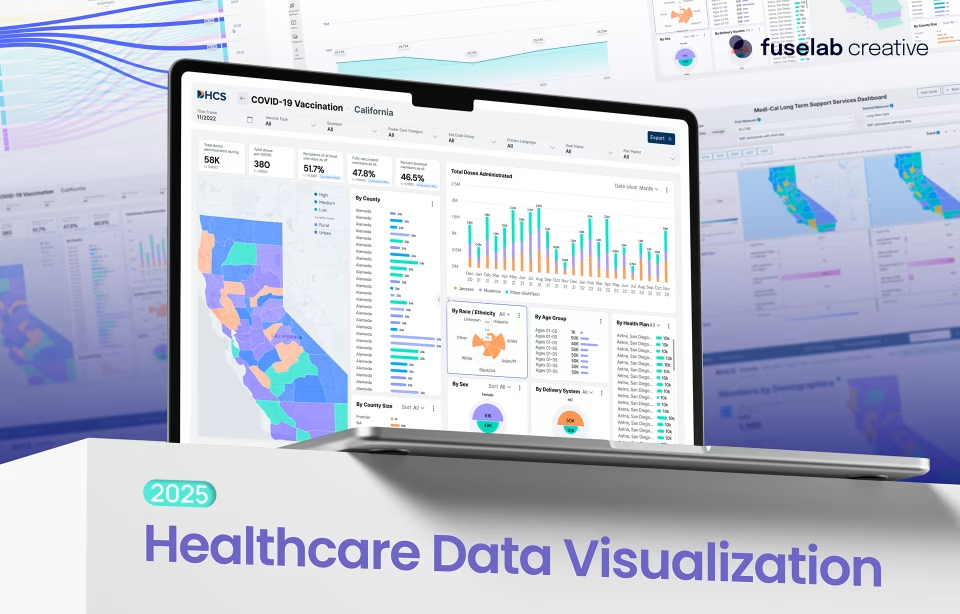
Judge dashboard usability by one question: can the intended user answer theirs without training? On the DHCS long-term services and supports platform, that was a functional requirement, not a preference, because a system serving policy analysts, program managers and public health administrators cannot depend on onboarding most of them will never attend.
The mechanics that carried it were unremarkable, and that is the point. Hover tooltips carry context without cluttering the default view. Autofill search, calendar pickers and pre-selected dropdowns let each role start from something rather than an empty field. Fewer routes to the answer, and none of them hidden.
What clinicians trust, and why chart freshness decides it
Chart freshness decides trust because clinicians already discount a reading by its source and its age. A lab value arriving on a real-time internal feed is treated as actionable. A medication history derived from claims and weeks behind adjudication is treated as a hint worth verifying against the patient.
Every chart sits on a pipeline, and the cadence of that pipeline caps how much weight a clinician can put on the reading. Interoperability in practice means running two generations of standards at once. HL7 v2 moves admissions, transfers and lab results through interface engines built for sequential throughput, and its tolerance for local variation is the part that catches teams out: two hospitals can send structurally different messages and both are standard.
FHIR exposes the same information as addressable resources over REST, with subscriptions where vendors support them. Both are effectively live. Batch claims data is not, arriving weeks or months behind the event it describes.
An interface that renders both in the same typeface, in the same panel, with no timestamp and no source label is not neutral. It invites the error.
Show the age of the data and where it came from, or accept that every reading on the screen gets discounted to the reliability of the weakest one on it. What each source owes the reader differs.
A degraded state matters as much as a timestamp. When a feed drops, say so on the screen: a faded value, a warning icon, a line reading last updated four hours ago.
None of that is free. Labels consume space on a view that is already contested, and the argument for adding them has to be made against a real estate cost every clinician will feel. How that space gets allocated across a full clinical layout is its own question, worked through in healthcare dashboard design best practices. The trade is still worth making, because an unlabelled screen becomes uniformly distrusted rather than neutral.
How much of the screen comes from somewhere else has changed fast. ASTP reported in June 2026 that records exchanged across the TEFCA network grew from 10 million to more than a billion in under a year. More of what a clinician reads now originates outside the building than when these dashboards were specified.
AI-generated summaries are the newest source class and the least settled of any of them. The American Medical Association’s 2026 physician survey found 81% of physicians using AI in a professional context, with 30% using it to draft discharge instructions, care plans or progress notes. Those drafts sit in the record beside lab values and dictated notes, and nothing on the screen separates them.
The standards are behind the practice. USCDI has carried a Provenance class since its first version, but the elements cover author, role, organization and timestamp: who and when, never how the content was produced. HL7’s AI Transparency on FHIR guide, which would tag AI involvement and carry the model details with it, reached STU1 ballot in April 2026 and is not yet a published standard.
Which leaves the labeling decision with whoever designs the screen. Treat a generated summary as its own source: say what produced it, when, and what it drew on. The confidence and fallback behavior that go with it are a separate discipline, and a harder one.
Color in clinical interfaces
Color is the default severity language in clinical dashboards and the least reliable one. About 1 in 12 men have color vision deficiency according to the National Eye Institute, so a red-amber-green scale is unreadable for part of every care team of any size.
It stays the reflex choice because it is fast to build and reads as intuitive to anyone specifying it from a desk. The cost lands on the clinician who cannot separate critical from routine at a glance and reads the labels instead, which is the work the color was there to remove.
The fix is not to remove color but to stop making it load-bearing. Keep the hue and add a second channel: position, shape, or a direct label. Then read the design in greyscale before it ships. A severity indicator that disappears in monochrome was never carrying the meaning it appeared to carry.
The DHCS age-group dashboard shows the trade in practice. A conventional bar chart failed because too many color categories cannot be decoded at once, so the data moved into a Sankey encoded by band width, with colors mapped to defined numeric ranges and an average point added as a baseline. Bandwidth, not hue, carried the meaning. That matches how preattentive attributes work: NNGroup’s research on dashboard encoding notes that people do not perceive different colors as ordered, so color should not communicate quantitative magnitude.
Treating this as an accessibility box to tick understates it. A dashboard part of the team cannot read sits closer to unsafe than to non-inclusive.
Clinical and public-facing visualizations are different problems
Clinical and public-facing dashboards succeed under different constraints because they support different decisions. A clinical interface serves a provider arriving with one question and a narrow window. A public-facing dashboard serves a citizen, journalist or analyst who explores in order to learn. Healthcare data visualization design that confuses the two fails both and shows a lack of understanding on behalf of the design agency.
The two sets of constraints run in opposite directions.
An emergency provider needs vitals, allergies and active problems before anything else, and most routes that invite browsing cost the encounter time it does not have. Public-facing work inverts that. We built the COVID-19 spending platform for the Project on Government Oversight around more than 50 million rows, serving technical analysts alongside senior citizens on inconsistent broadband. Discovery was the product, and prescribing one path through that data would have defeated the reason it was funded.
The failure mode runs in both directions. Clinical instincts applied to a public dashboard suppress the browsing it exists for, because the interface answers a question the visitor never asked while burying the ones they did. Public instincts applied to a clinical tool cost minutes instead, and minutes are the resource the whole exercise was meant to protect.
So ask, at the start, whether the user’s goal is to decide or to discover, and let every interaction after that answer to it. The split is easier to see in finished work than in the abstract, and several healthcare data visualization examples show it playing out.
Why simplicity wins in medical data visualization
Simplicity in medical data visualization means deciding what the eye reaches first and accepting that everything else moves down a level. It is not minimalism, and visual hierarchy performs that triage before the reader consciously begins reading, which is why it survives conditions where careful reading does not.
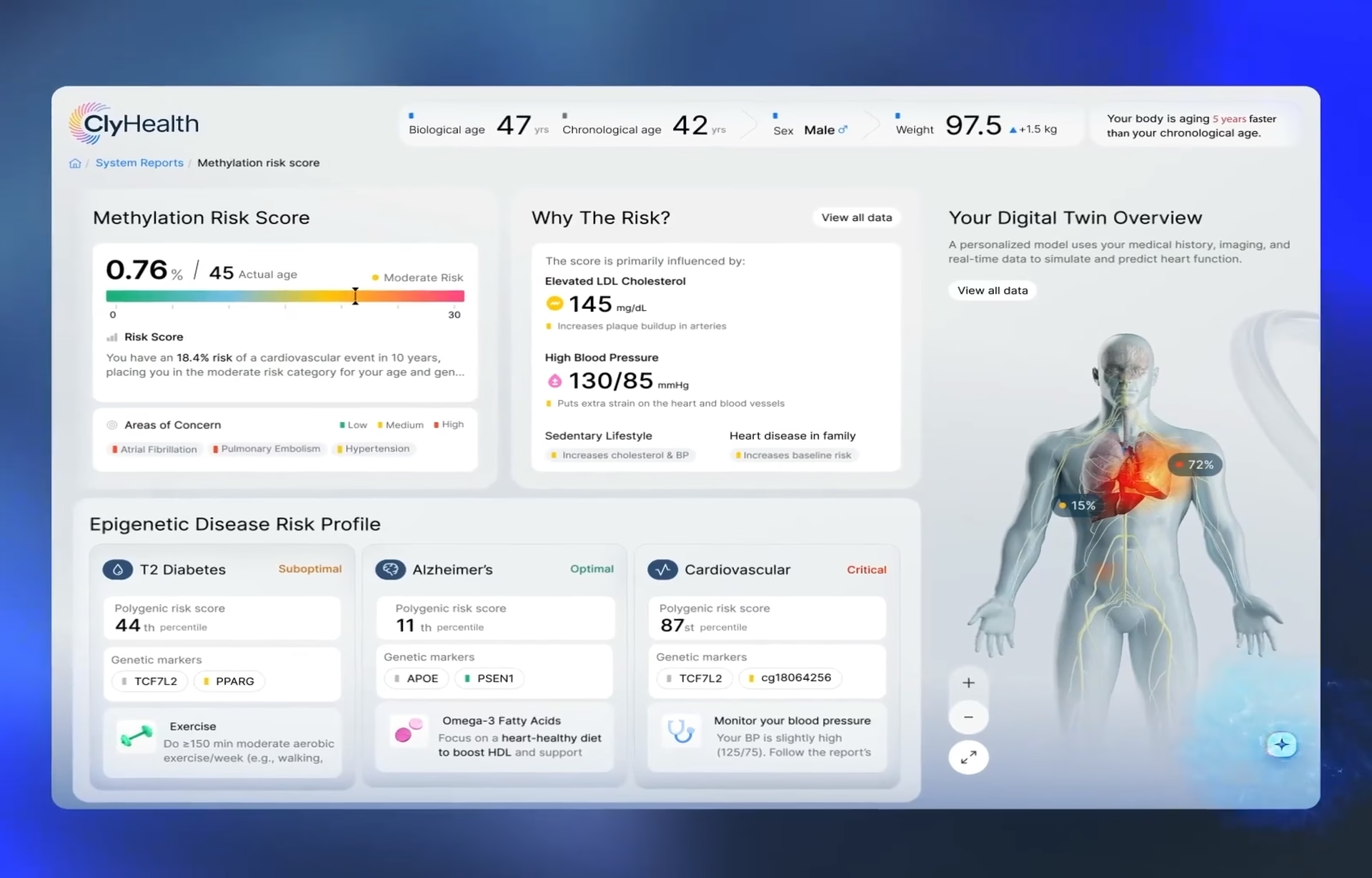
The ClyHealth platform shows what happens when hierarchy is skipped and then repaired. We shipped an early version that opened on a full patient overview, and clinicians ignored it, because what they needed at that step was a single recommended action rather than a panorama. What replaced it leads with critical indicators and keeps everything else one action deeper.
Hierarchy has a price that rarely gets stated. Anything placed one level down is seen less often, and on a clinical screen that is a clinical decision rather than a layout preference. Deciding what to demote is the hardest conversation in the project, and the one most teams postpone until the interface is already built.
Chart selection follows the same discipline. Match the chart to the data structure and the question being asked, not to whatever the template library offers first. Most of what gets dismissed as healthcare data viz polish is this decision, made carefully or made by default.
How to evaluate a clinical interface before it ships
Evaluating a clinical interface means putting it in front of the people who will use it early, and in conditions close to the ones they work in. NISTIR 7741, the federal guide certified EHR developers are pointed to, names “engage users early and often” among six user-centered design principles and holds that design “begins in the field by learning about users, their goals, and their environments long before any screens are built.”
That is not what usually happens. A JAMA analysis of 41 certified EHR vendors’ usability reports found seven used no physician participants and one used no clinical participants at all. A scoping review in JMIR Human Factors found that 57% of the studies it examined involved users at a single point in development, which its authors call sham participation: requirements collected, nothing iterated.
Moving a test closer to the real encounter does not reliably surface more problems. It surfaces a different kind. When one team tested two clinical decision support tools with written scenarios and then with a mock patient, both methods raised the same themes on visibility, content and navigation, while the simulated encounter produced different findings on practical and medical usefulness. That second category is where adoption is decided.
NIST treats context testing as an additional step rather than a substitute, and asks that summative testing run in facilities similar to the real setting. For a buyer, that reduces to one question worth putting to any agency: who was in the room for the last round of testing, and what else were they doing while the interface was in front of them?
What this comes down to
Good healthcare data visualization design comes down to a shorter path to one answer and an honest signal about how far that answer can be trusted, not to richer charts. Any proposal a buyer is asked to fund is worth measuring that way, ours included.
Frequently asked questions
What is healthcare data visualization design?
Healthcare data visualization design is the practice of turning clinical, operational and claims data into interfaces that clinicians, administrators and patients can read and act on during care. It differs from general data visualization because it operates under HIPAA, Section 508 and point-of-care reading conditions where a misread axis is a safety event rather than a design flaw.
What makes a healthcare dashboard trustworthy to clinicians?
Trust in a healthcare dashboard comes from provenance rather than polish. Clinicians discount a reading by its source and its age, so every data point needs a visible timestamp, a label separating real-time feeds from batch data, and a clear degraded state when a feed drops. Without those signals, accurate data gets discounted alongside unreliable data.
How is healthcare data visualization different from general data visualization?
Healthcare data visualization operates under constraints that general data visualization does not: HIPAA rules on protected health information, Section 508 accessibility obligations, and reading conditions measured in seconds on a clinical floor. The consequence of a misread chart is a patient safety event, which changes how much ambiguity a design can tolerate.
What is the difference between a clinical dashboard and a public-facing health dashboard?
Clinical dashboards serve a provider arriving with one question and a narrow window, so the interface earns its place by closing options rather than opening them. Public-facing health dashboards serve citizens, journalists and analysts who explore in order to learn, so the same restrictions that make a clinical tool fast make a public one useless.
How do you choose the right chart for clinical data?
Match the chart to the structure of the data and the question being asked rather than to the template library. When categories multiply past the point color can encode them, band width or position carries meaning more reliably, which is why a Sankey diagram can outperform a conventional bar chart on an age-banded dataset.
What should you look for in a healthcare data visualization portfolio?
Look for a shipped clinical or public health interface with a named client rather than a gallery of chart styles. The portfolio should show how the agency handled role-based access, data latency across more than one pipeline, and accessibility decisions, because those constraints are where healthcare projects actually fail.
How do you test a healthcare dashboard with clinicians?
Testing a healthcare dashboard means recruiting representative clinical users early and running sessions in conditions close to the real encounter, which NIST’s guidance for EHR developers treats as an additional step alongside laboratory testing rather than a replacement for it. Simulated encounters tend to surface a different class of problem than written scenarios do, particularly around practical usefulness and workflow fit, which is where adoption is decided.