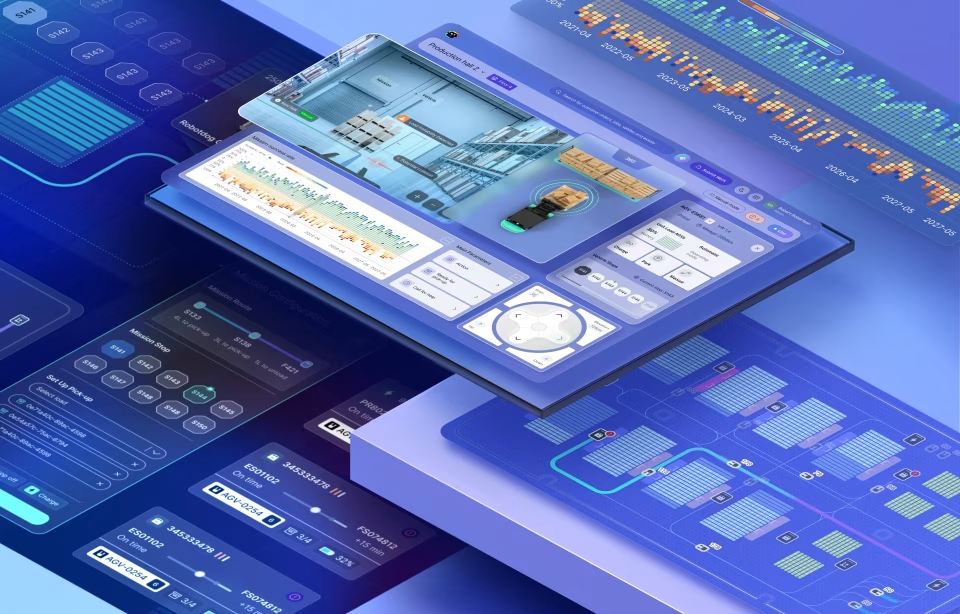
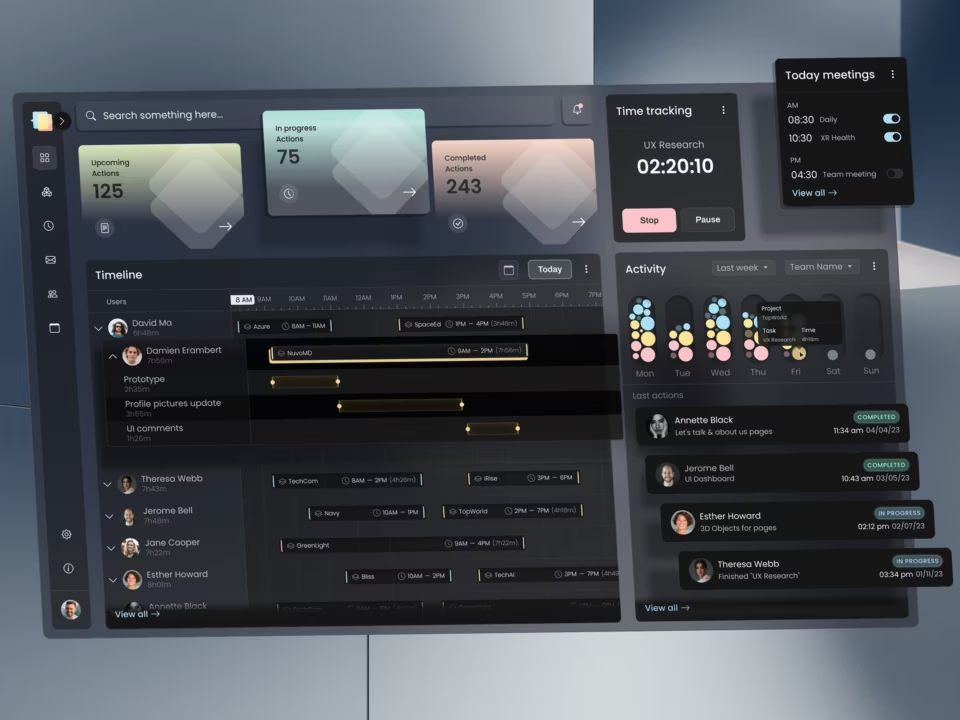
AI design sprint in 2026: how two weeks end in a coded prototype
An AI design sprint is a time-boxed sprint with two meanings: deciding whether to build an AI feature – such as an assistant, agent, or recommendation, and using AI tools to build the prototype. The original Google Ventures sprint builds a realistic prototype on day 4 and tests it on day 5, while a two-week version can extend that work into coded behavior.
What is an AI design sprint?
The format is a fixed-length sprint in which a team answers one product question and tests the answer with five target users. The AI label covers two different sprints: a short, structured process for testing an AI product idea, or a process that uses AI tools to design and build a prototype. One decides what to make; the other changes how quickly a team can build something testable.
The first type of sprint asks whether an AI feature belongs in a product at all. Should a support assistant draft replies for a service team? Should an operations platform recommend a fix when a system reports a fault? The team identifies the user, the decision the feature supports, and puts a working version in front of five people before anyone commits engineers.
The second type uses AI tools during design and prototyping. A designer can use Claude Design to develop screen concepts, review the generated layouts, then use Claude Code to build a coded, clickable prototype. The tools change the production process. They do not answer the product question or decide whether the interface fits its users.
These two meanings belong together. A team might test an AI-assisted recommendation feature while using AI tools to build the prototype that demonstrates it. The result is something users can interact with, rather than a presentation of screens that only describes the idea.
The original Google design sprint was developed by Jake Knapp, who began running sprints at Google in 2010 and brought the method to GV in 2012. Its five-day format gives a team a structured route from a problem to a prototype tested with customers. Fuselab keeps its logic, one question, one decision, and five real users, and stretches the build to fit a coded prototype.
How long is a design sprint?
A classic design sprint takes five days, Monday to Friday. A sprint that ends in a coded prototype takes ten working days, because the team must first agree on what to test, then build enough of the interaction to test it with users.
The five-day format works when a realistic facade can answer the main question. The team maps the problem, sketches alternatives, chooses a direction, builds a prototype, and tests it with customers. The prototype doesn’t need to connect to live data or reproduce an AI feature’s behavior.
A two-week design sprint is useful when the test depends on that behavior. If the question is whether users understand a dashboard layout, a clickable mock may be enough. If they need to assess an AI recommendation, the prototype must show the recommendation, its supporting information, and what happens when they challenge it.
The first week defines the question, selects the interaction, and agrees on what to build. The second week builds the coded version and tests it with target users. Five days are still enough when a clickable mock answers the question and there is no data or AI behavior to test. Extend the schedule only when real-life users need to inspect generated output.
How a product design sprint runs with AI, day by day
A two-week AI product design sprint turns an unresolved product question into a coded prototype that real users can test. The first week defines what to build and helps the team articulate the problem and outline alternatives for how it should work; the second translates that decision into a working coded prototype and tests whether it holds up with real users.
Day 1: Map the problem and choose a target
Start with the decision the team needs to make. The team should have one question, a user, and one moment to test. Map the current experience and identify where the proposed feature would appear. Then choose one moment to prototype.
The question must be narrow enough to build within the remaining days. It should not be a broad idea such as, how can we use AI in customer support?. Rather, something like: can a support agent review an AI-drafted reply and correct it before sending?’
Days 2 and 3: Sketch alternatives and decide
The team sketches different ways to handle the same interaction. On day three, the decider chooses one direction. The group turns it into a storyboard showing the screen sequence and the actions available to the user. The team also agrees on what the prototype will leave out.
Days 4 to 7: Design and build the coded prototype
Claude Design drafts screens from the storyboard, and a designer reviews each one before coding begins. The reviewer checks what sits beside an answer and what appears when the system cannot answer. Claude Code then builds a clickable prototype on sample or real data. The goal isn’t to reproduce the full product; it’s to make the interaction work well enough for a target user to try.
The prototype should include failure states as well as the successful path. If an answer cannot be supported, the screen needs a defined response. If a recommendation is wrong, the user needs a way to challenge it or return to a known state.
Days 8 and 9: Test with five target users
Test the prototype with five people who match the intended user profile. Give each participant a task and observe what happens before explaining the interface. In an AI feature, the team watches whether a person trusts an answer too quickly and what they do with a wrong answer, so the test includes a wrong answer on purpose. Check whether the screen lets someone catch it and recover.
Watch whether users can distinguish measured information from generated output, find the source behind a recommendation, and respond when an answer is unsupported. Record where they hesitate, what they misunderstand, and which actions they cannot complete.
Day 10: Review the findings and decide what comes next
The team reads the test notes against the sprint question and makes a final call: build, fix, or stop. A build verdict moves the tested screens toward a proof of concept or an MVP. A fix sends the team back to the screens that failed, with a narrower question. A stop saves time and effort on a larger engineering build.
Design sprint tools: what AI changes and what it does not
The tools in an AI design sprint serve different purposes: mapping the problem, exploring screen designs, building interactions, and testing them. AI can shorten the distance between a design decision and a working screen, but it does not remove the need for design review. The team still has to decide what the interface communicates and what happens when it fails.
The first stage usually happens in Miro or FigJam. The team maps the user journey, identifies the point of friction, and agrees on the question the sprint must answer. Figma then provides a space to sketch various screen directions and settle the interaction before development begins.
Claude Design can help draft interface screens from those decisions. A designer reviews the generated output, checking hierarchy, labels, information density, and missing states. Claude Code can then turn the selected direction into a coded, clickable prototype. The prototype can use sample data or a controlled set of real data, depending on what the team needs to test.
What AI changes is the cost of a second version. A rejected screen or a broken build step can be redone without costing the team too much time, effort, or money. The workshop part of the sprint barely moves, because deciding what to test is still a conversation among people.
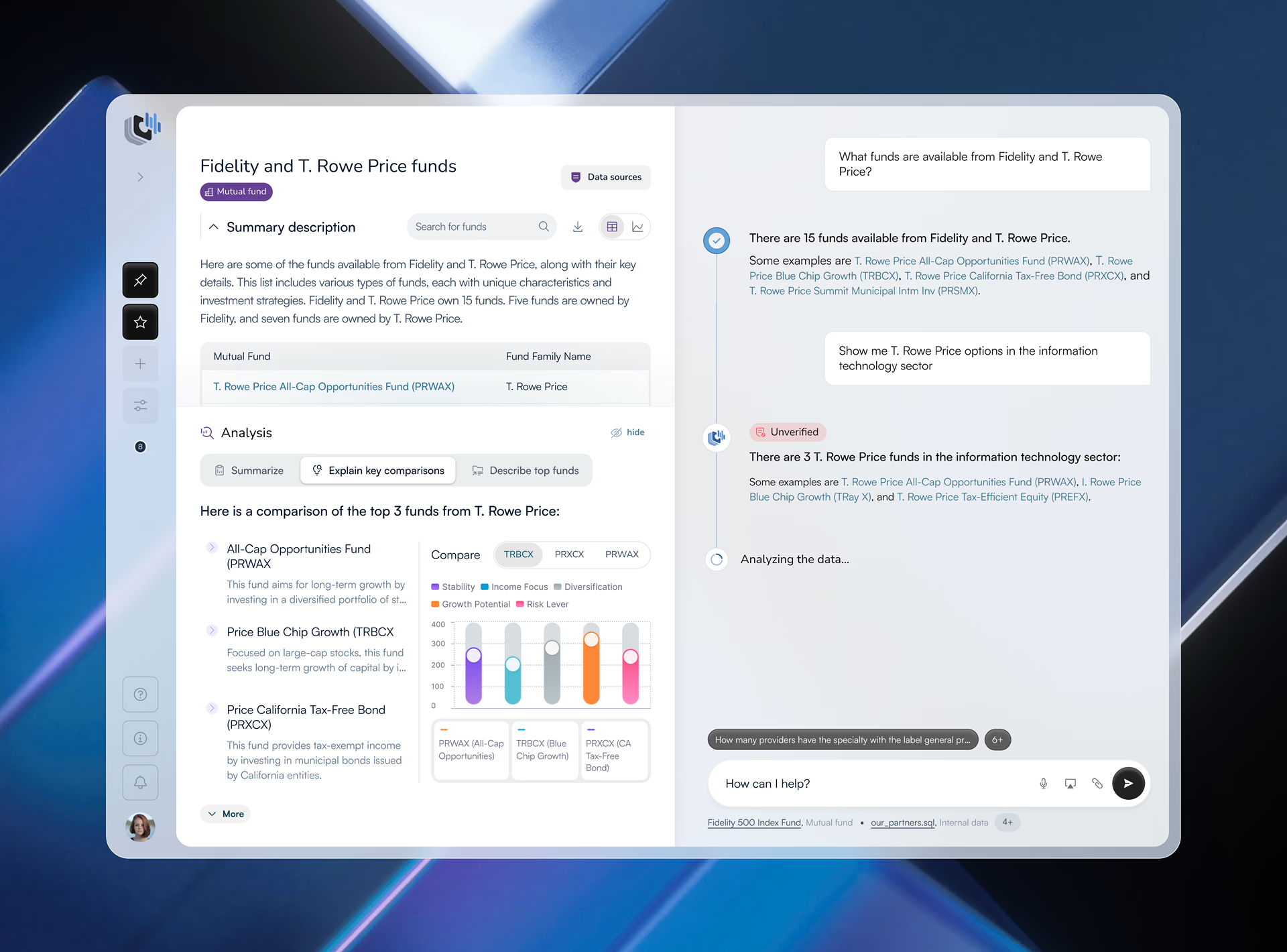
What it also does not change is the review. Fuselab’s example is an AI answer screen for a data analyst. Our review added four things before Claude Code built anything: source rows beside each answer, verification markers, dataset context before the first question, and documented failure states. The article on how a generated screen gets reviewed and shipped walks through it.
Design sprint vs design thinking: what is the difference?
Design thinking is a mindset and a broad process for understanding people and shaping solutions, with no fixed length. A design sprint is a time-boxed format that forces one decision about one question. The distinction is mainly one of scope, duration, and the kind of output the team needs.
Design thinking suits a team that does not yet know which question to ask. A sprint suits a team that has one and needs an answer by a fixed day, tested on real users. The table sets the three side by side.
Teams that want to learn the format before running it can start with the Interaction Design Foundation, which offers a master class on the AI version of the sprint. The table above shows where that version departs from the Google original.
Three AI design sprint examples: what can a team test?
An AI design sprint is useful when a team has a specific uncertainty about an AI feature but cannot resolve it through discussion or static screens alone. The prototype should reproduce the interaction that matters, using controlled data where necessary. Here we show three scenarios: an AI feature that operators need to test and trust, a broken onboarding flow, and a new product idea that nobody has funded yet.
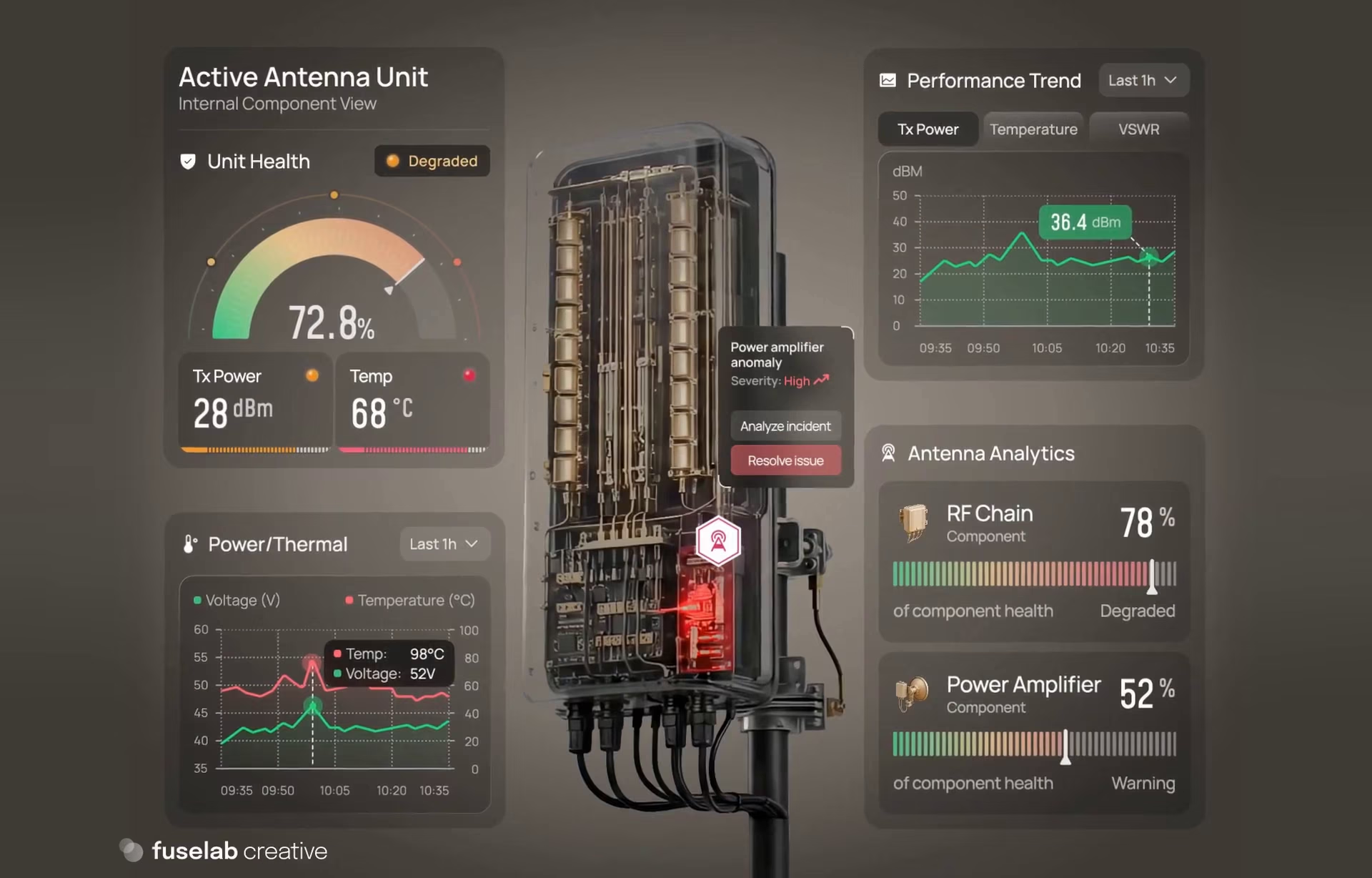
For the first scenario, where an AI feature must be tested, we have OptivionAI, an AI-assisted telecom operations platform where a prototype would show the recommendation end-to-end, from alert to dispatch. The prototype could show the affected site, relevant component, supporting information, and recommended next step. The test shows whether operators checked the evidence before sending a technician, or sent one based on the recommendation alone.
The second scenario tests an onboarding flow that breaks down. For example, a company wants to add an AI assistant to an existing product. The sprint question is whether new users can get a good first response. The prototype could test the prompt sequence, the information requested, and the recovery path of an incomplete input. Sessions would show where people hesitate, drop off, or misunderstand what the assistant needs.
Finally, a founder may want to turn an idea built around AI-generated reports into a more concrete product concept. The sprint question is whether the proposed experience solves a real task for its users. The prototype could demonstrate the main input, output, and review process without building the full product. User sessions would help the team decide whether the concept merits further development, needs a different direction, or should stop.
In each case, the sprint centers on a decision. The prototype only needs enough functionality to make that decision testable.
What a design sprint facilitator does when AI builds the prototype
A design sprint facilitator keeps the team focused on one question for the full ten days and stops the AI-built prototype from adding features beyond the original question. With AI building quickly, scope creep is the main risk, so the facilitator guards the target set on day 1 and refuses additions the test cannot cover.
A sprint needs four roles. The facilitator runs the schedule. The decider picks the direction on day 3, the designer-reviewer checks every generated screen before code, and an engineer is on call to flag what cannot be built as drawn.
The facilitator owns the process, not the product direction. They keep discussions tied to the sprint question and keep the team focused on the pre-decided goal. The decider should have enough authority to choose one direction when the team has competing ideas. That decision needs to happen before the build stage.
The designer is responsible for reviewing AI-generated screens and checking interactions, content hierarchy, and missing states. An engineer should be available when the prototype raises questions about data, integrations, or technical feasibility.
Common mistakes in an AI design sprint
An AI design sprint can produce screens and code quickly, but speed does not guarantee success. Teams often lose the value of the exercise when they treat generated output as finished design, skip designer review, test with the wrong people, or allow the scope to expand. The process needs clear decisions and deliberate review at each stage.
One of the most common mistakes is skipping design review because the screen looks finished. AI-generated screens can look convincing and yet leave important interface questions unanswered. For example, a response may have no visible source, a recommendation may lack context, or an error state may offer no path to recovery. If the team moves directly from generation to coding, these gaps become part of the prototype. The designer must review the screen before it is built.
The second common mistake is testing with colleagues instead of target users. Colleagues know the product. They know the jargon and the roadmap; they forgive what a target user would not because they want the sprint to succeed. Test with five people from the intended user group and observe where they hesitate, question an answer, or struggle to recover.
Thirdly, starting with a question too broad to answer in ten days, such as whether the product should use AI at all. This produces a vague readout, so narrow it to one moment and one user. Here you certainly need a decider (not having a designated decider is another mistake we see often). If nobody has authority to choose, the build stage becomes a negotiation between competing preferences.
Finally, scope creep! A sprint prototype often turns into a miniature production product. Adding integrations, settings, and secondary workflows can consume the time needed to test the main interaction. Build only what the team needs to answer its defined question.
When to run an AI design sprint, and what comes after
An AI design sprint is most useful when a product team has a specific uncertainty about an AI-powered experience and needs to test the interaction before committing to a build. It is less suitable when the problem is unclear, users are unavailable for testing, or the feature depends on technical work that cannot be done. A design sprint is also a bad fit if a decision has already been made.
The approach works particularly well when a static mock-up cannot answer a question. For example, users may need to see how an AI-generated response behaves, what information supports it, and what happens when the system cannot provide a useful answer. A coded prototype makes those interactions testable.
After the readout, a build verdict moves the prototype into a proof of concept or an MVP, and the tested screens become the brief for the build. Fuselab offers the format as a two-week prototype sprint for teams that want it run with them.
Conclusion
AI has made building cheap, and many teams now jump straight to the build because the cost looks so low. But lower development cost doesn’t make a weak product idea stronger or an unfamiliar user journey easier to follow. The fundamentals of good UX design still matter. AI can accelerate the process, but human oversight is needed to question its output and keep a generated prototype tied to what the user wants.
Frequently asked questions
What does AI change in a design sprint?
For product development, AI changes how fast teams can build screens and a working prototype; as a product feature, it adds the need to test how users handle AI-induced uncertainty in the workflow. It does not change who decides, who reviews, or who the users are. It still requires a designer to check every generated screen and a few target users to test the results.
What do you get at the end of an AI design sprint?
The 10-day sprint ends with three things: a tested, coded prototype; test notes from five target users; and a build, fix, or stop decision. The prototype is clickable and runs on sample or real data, so the decision rests on observed behavior instead of a mock.
Is an AI design sprint the same as vibe coding?
An AI design sprint is a structured product process with a defined question, a selected design direction, and user testing. Vibe coding describes a way of building software with AI assistance; it does not, by itself, provide the same decision-making and testing process.
How is an AI design sprint different from a Google design sprint?
A Google design sprint follows a five-day format and ends with a realistic visual prototype tested with users. An AI UX design sprint, as described here, takes two weeks and extends the process to a coded prototype.
How much does a design sprint cost?
Published prices vary by provider and scope. DataNorth lists a one-week sprint at $9,900, Merge reports an average price of around $10,000, and Fuselab’s separate two-week Figma Prototype tier is listed at $14,999. These are different services, so the prices aren’t directly comparable.
Who needs to take part from our team?
An AI design sprint needs a facilitator, a decider, a designer who can review the generated interface, and an engineer available for technical questions. The team also needs access to five people who represent the intended users for testing.
When is a design sprint the wrong choice?
A design sprint is a poor fit when the team cannot define the product question, cannot reach its intended users for testing, or needs substantial technical development before it can test the experience. It is also the wrong tool when the question is too broad for a 10-day sprint or if the decision has already been made.